
【aDesk】【HCI-Windows】VMtools related issues: VMtools Install stuck
Problem Description
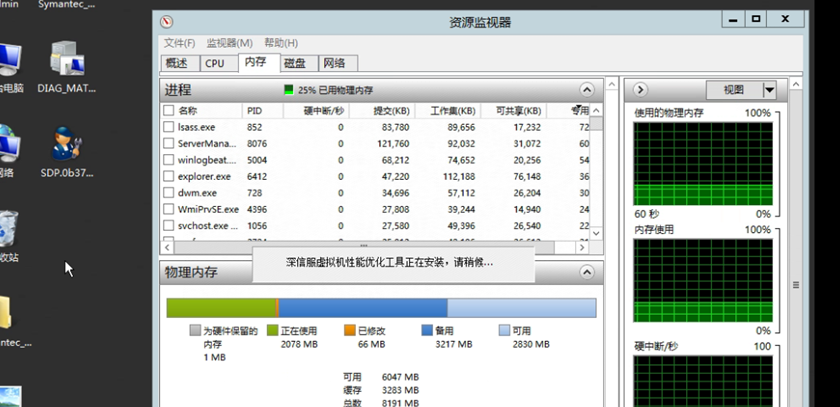
VMtools related issues: VMtools Install stuck
Warning Information
solution
- View VMtools Install log C:\Windows\Temp\Sfp2v\Log\ FastIOx64.exe If there is no new log output for 1-2 min

- Open Task Manager, find the FastIOx64 Process, and right-click to Finish manually.
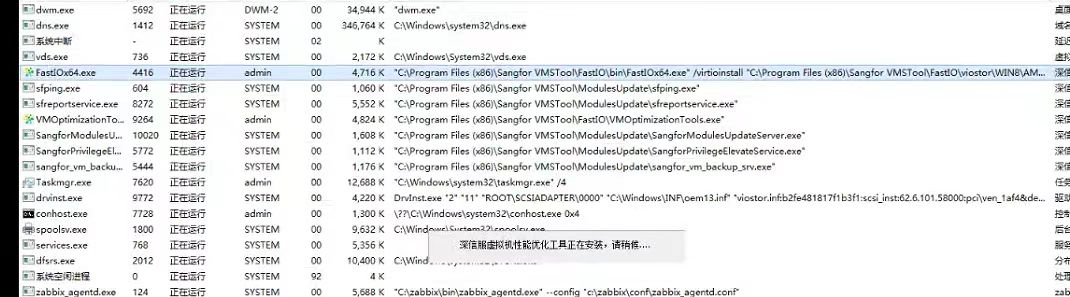
- At this time, if there are drivers that have not been completely Install, Mon FastIOx64 process will be Process Install Mon driver. Follow this method (OK there is no new log output in the Install log min 1-2 minutes, then kill the FastIOx64 Process to Install Mon driver).
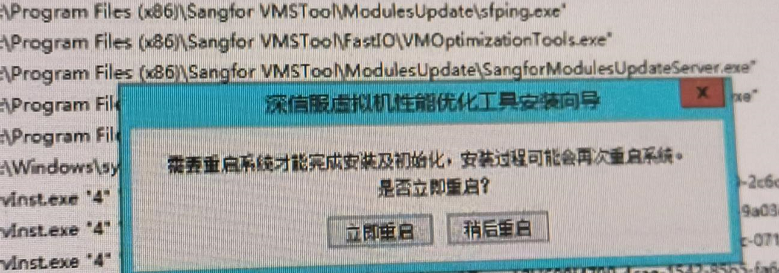
Until Tips Reset.
Original Link
https://support.sangfor.com.cn/cases/list?product_id=26&type=1&category_id=27288&isOpen=true