
【aDesk】, unplugging and plugging the network cable, the VM resources cannot be obtained through the Resource
Problem Description
After unplugging and plugging the network cable on the STD500 box, User cannot obtain VM Resource Passed box, the vdi Status shows disconnected, and the connection to the central manager Address Connection failed.
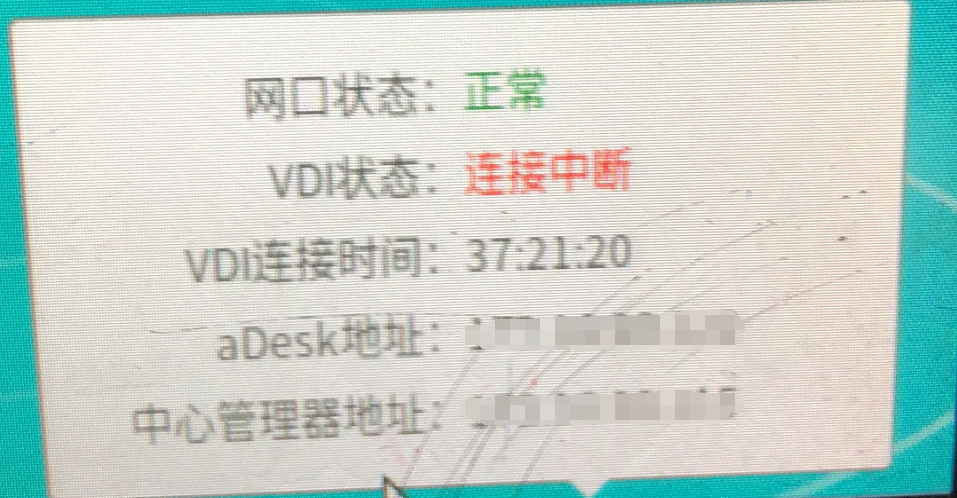
114725fcd10867f166.png (1.1 MB)
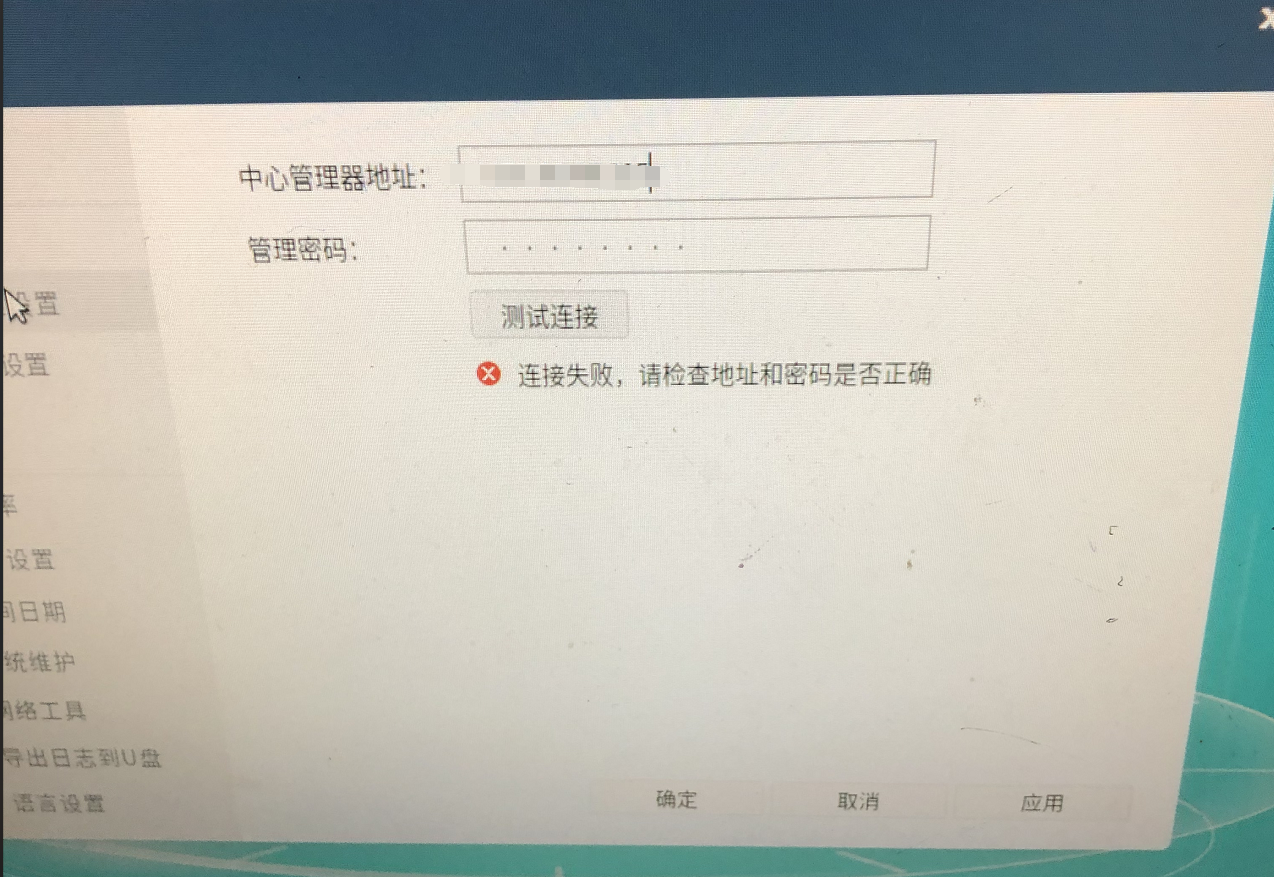
805425fcd11081fe81.png (1.72 MB)
Process——
- Connect the network cable to the laptop, Settings the same IP address address, Netmask Details, Address and the box, test the connection to VDC and Test Connectivity that the VDC platform AND VMP platform can be accessed Connected.
- Plug the box back into the box and use the network tool to detect. The result is: the Address of the VDC can be pinged, but Telnet to the 443, 4430and 22 Port the VDC Failed. Check whether all VMP Port are connected.
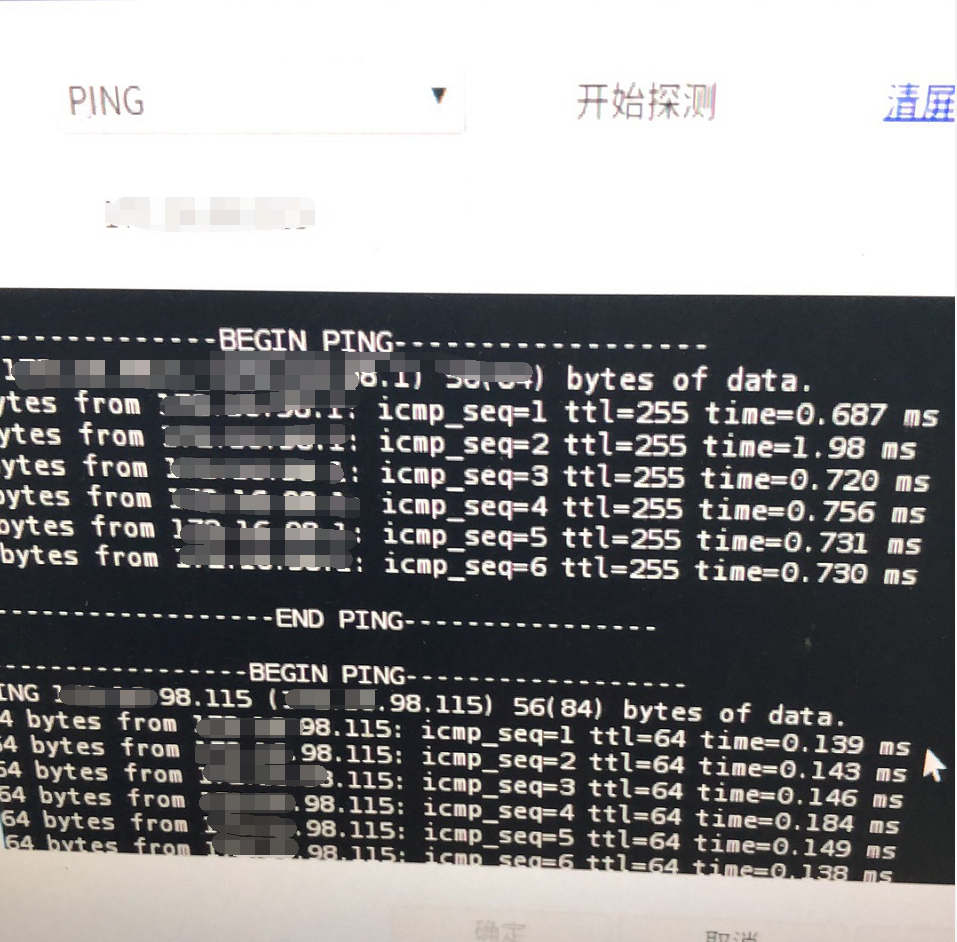
484315fcd11cdbc923.png (1.26 MB) - Use Passed laptop View VDC backend, use the box to ping Address, and capture packets in the background. No data packets Yes Source IP address is the box Address and Destination IP address Yes VDC IP address. There are no Other security devices intercepting or performing address conversion in Address.
- Auto unlock after the arping command on the VMP platform to detect the IP of the box and find that two different MAC Address respond with the same IP address.
Root cause
The IP address of the VDC conflicts AND the IP address Medium Other devices in the LAN.
solution
Change the IP address Address of the VDC, the box can access VM Resource Connected
Suggestions and Conclusion
When the IP address is accessible but Port is blocked, we need to first determine whether the device corresponding to the IP address Yes one we are looking for. After Test Connectivity, we need to OK whether Yes IP address conflict problem.
Original Link
https://support.sangfor.com.cn/cases/list?product_id=26&type=1&category_id=10990&isOpen=true