
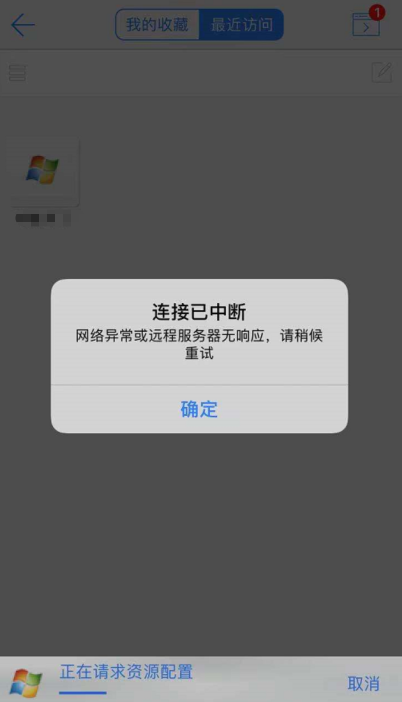
【aDesk】, Update general patch, Move terminal can Log In in to the account, but cannot access the VM, and it prompts Tips connection has been interrupted
Problem Description
, VDC Update general patch, Move terminal can Log In in to the account, but cannot access the VM. It prompts Tips connection is interrupted and it cannot be used even after changing the network.
Effective troubleshooting steps
- Test Connectivity Other accounts can Log In Resource access normally using PC
- Test Connectivity Other accounts can log in Connected Log In resources normally using Resource access
- Test Connectivity the account with the same mobile phone Log In problem. You can Log In Connected but cannot Resource access. The phenomenon is Mon same.
- Log In VDC View Status of VM and find that the agent of the problematic VM Agent error
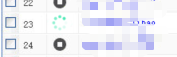
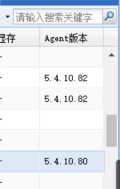
5. View Connected Agent Version and find that the minor version number is different and that of the Connected VM.
Root cause
The general patch package causes Agent Version to change. Mobile vdi Log In does not trigger the agent to automatically Update, causing the Agent error to be abnormal and unable to obtain Resource.
solution
The VDC Reset the VM VM trigger an Update. After the agent Update, the business Connected
Suggestions and Conclusion
When upgrading or applying general patches, you also need to pay attention to whether the agent version will be changed. If so, it is recommended to restart the VM on Reset VDC after packaging to trigger Update to avoid business abnormalities caused by Agent error Error.
Original Link
https://support.sangfor.com.cn/cases/list?product_id=26&type=1&category_id=11440&isOpen=true