
【aDesk】 When the box is Connected VM, the USB flash drive will be interrupted when copying File. When File is copied to Mon certain Size, the network delay will become 999ms, and then it will be interrupted.
Problem Description
When the box Connected VM, the USB disk copying File will be interrupted. When File is copied to Mon certain Size, the network delay will become 999ms, and then it will be interrupted.
Warning Information
As shown below:

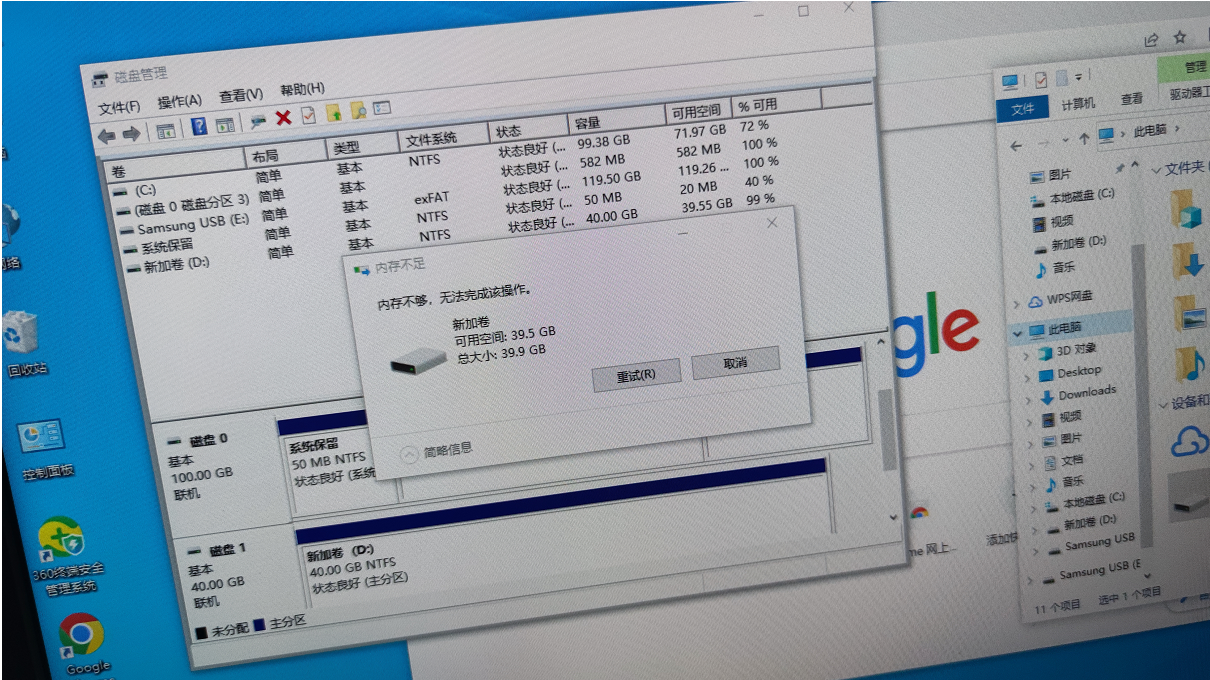
YesTips Mem Usage is insufficient, but the actual Mem Usage is sufficient:
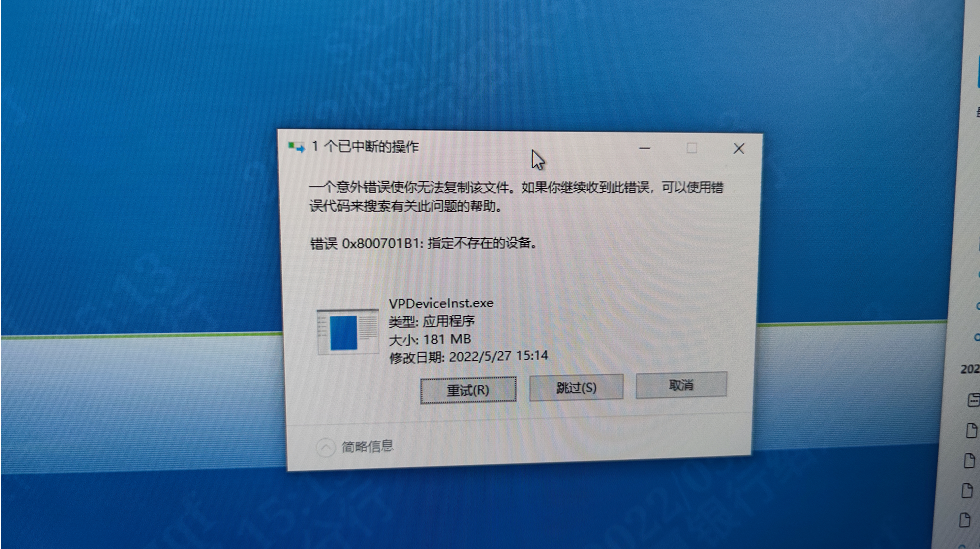
Transferring files larger than 100M will often be interrupted:
Effective troubleshooting steps
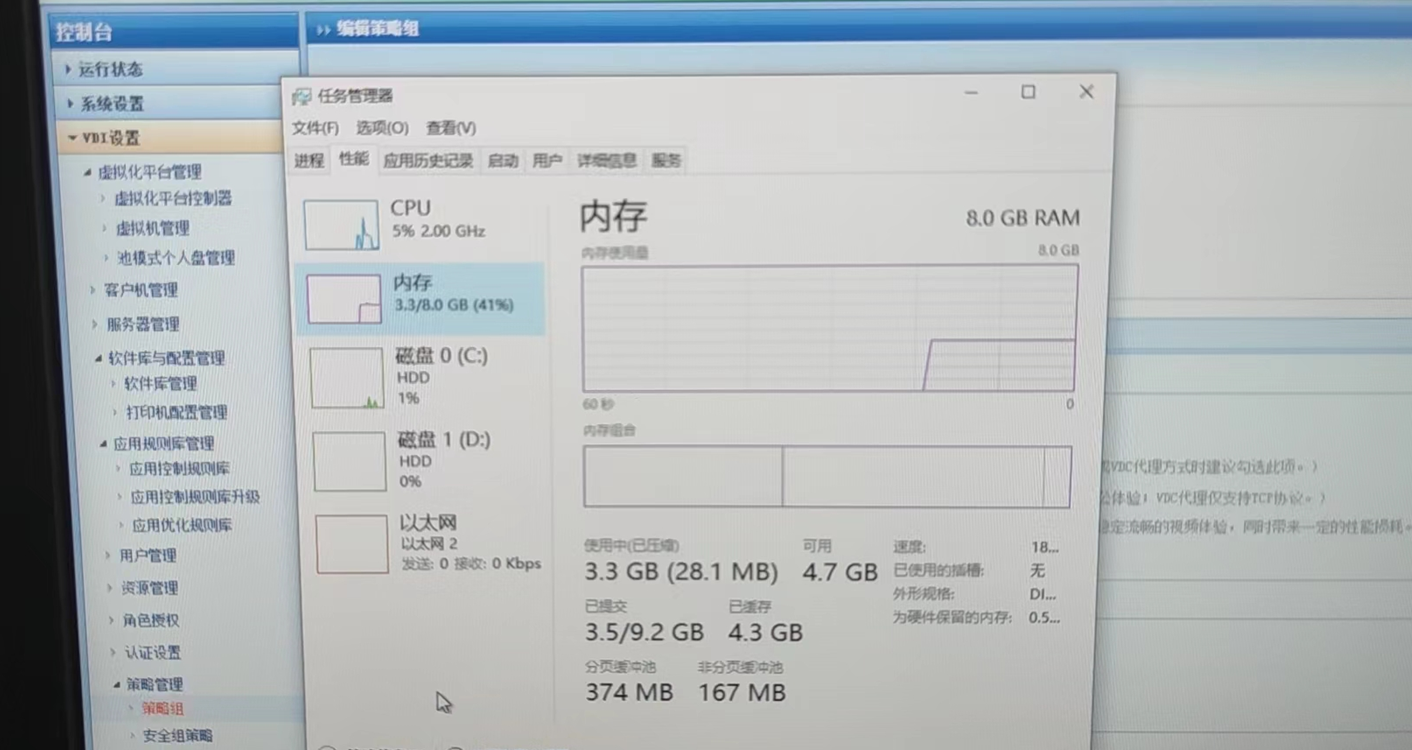
- View whether there is any remaining Mem Usage. 3.3GB of the 8G Mem Usage has been used, which is sufficient:
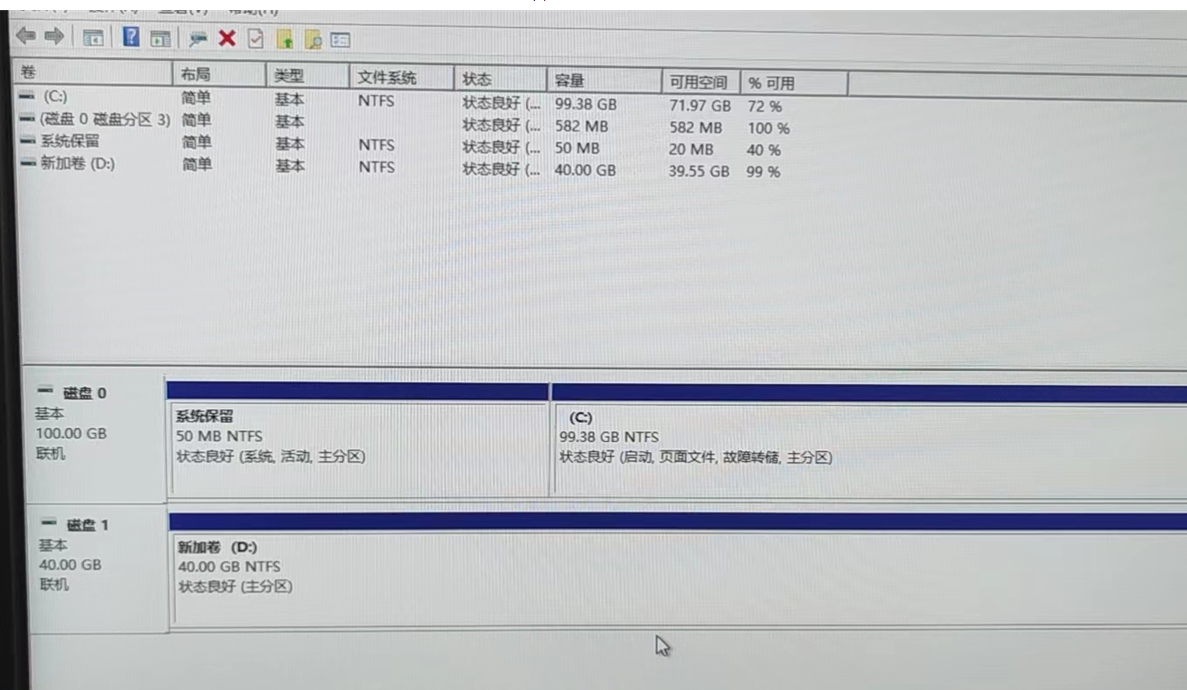
2. There is enough disk space:
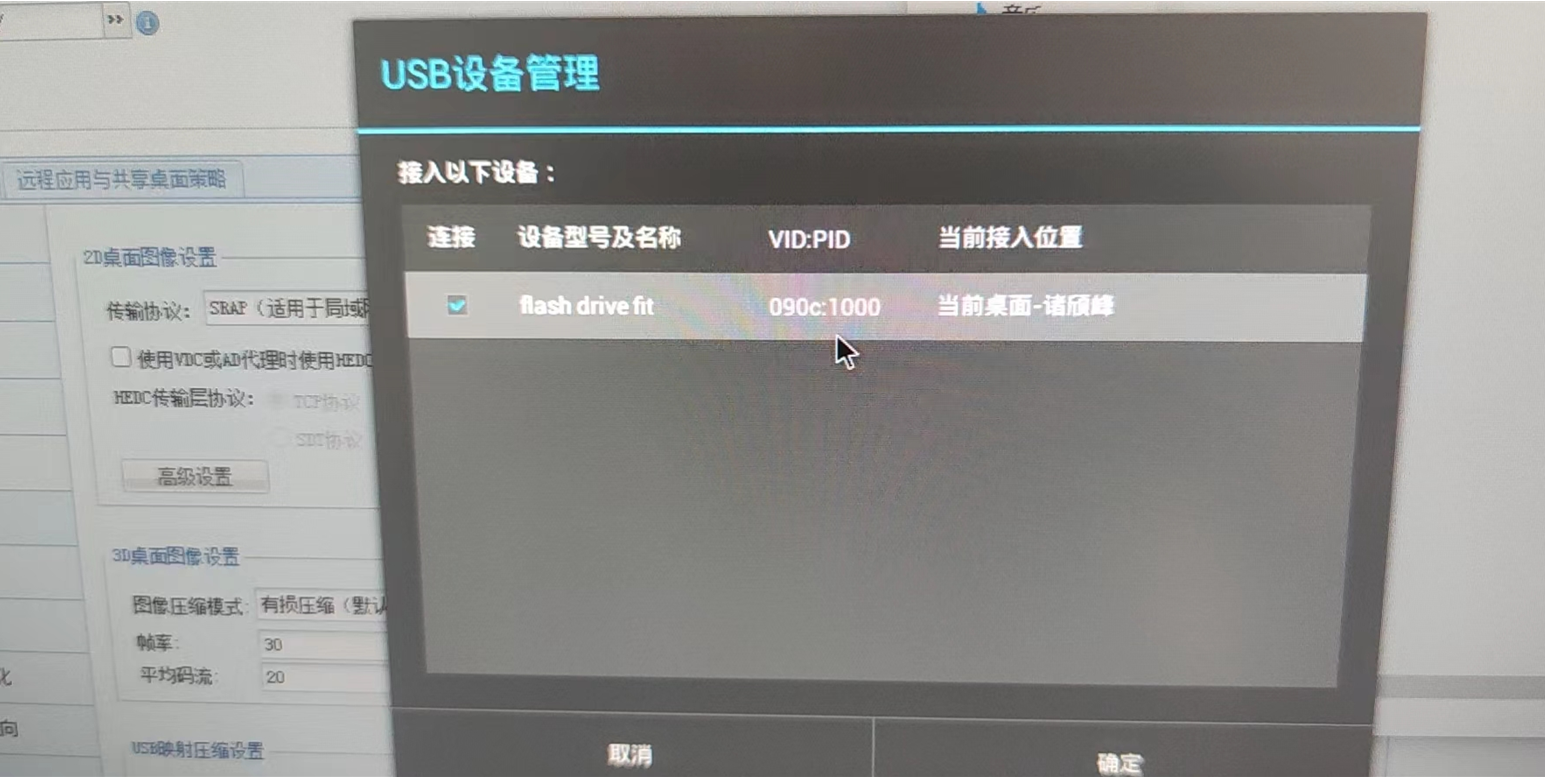
3. The USB is also mapped, and Size the USB disk is 120GB:
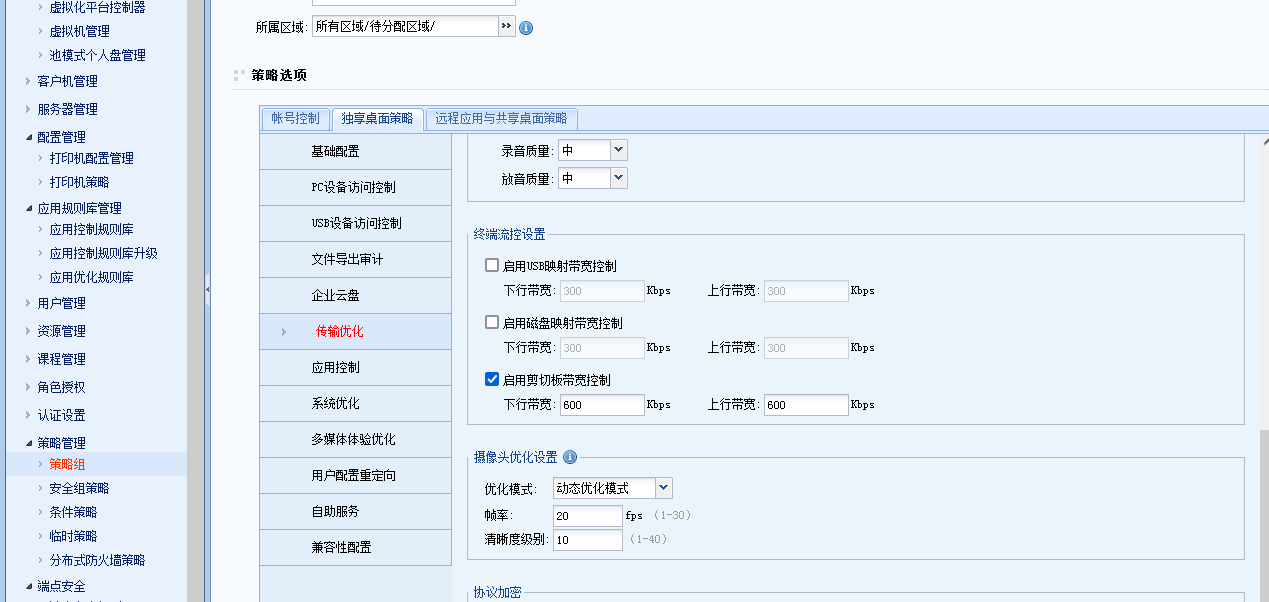
4. Auto unlock after VDC platform —》vdi Settings —》Policy administration and management —》Policy Sets —》Virtual Desktop Policy —》Acceleration —》Client Traffic Control column, check Enabled Clipboard Bandwidth Control, and set the upstream Inbound Bandwidth to 600Kpbs. Both Bidirectional Connected:
Root cause
The initial judgment Yes Bandwidth is fully consumed by USB transmission, which causes vdi to be disconnected. The transmission Bandwidth needs to be controlled.
solution
If the troubleshooting steps
Operation Impact Scope
The user needs to Connected and re-login, with minimal Impacts business
Original Link
https://support.sangfor.com.cn/cases/list?product_id=26&type=1&category_id=12561&isOpen=true