
【aDesk】, Word etc., Process are still left
Problem Description
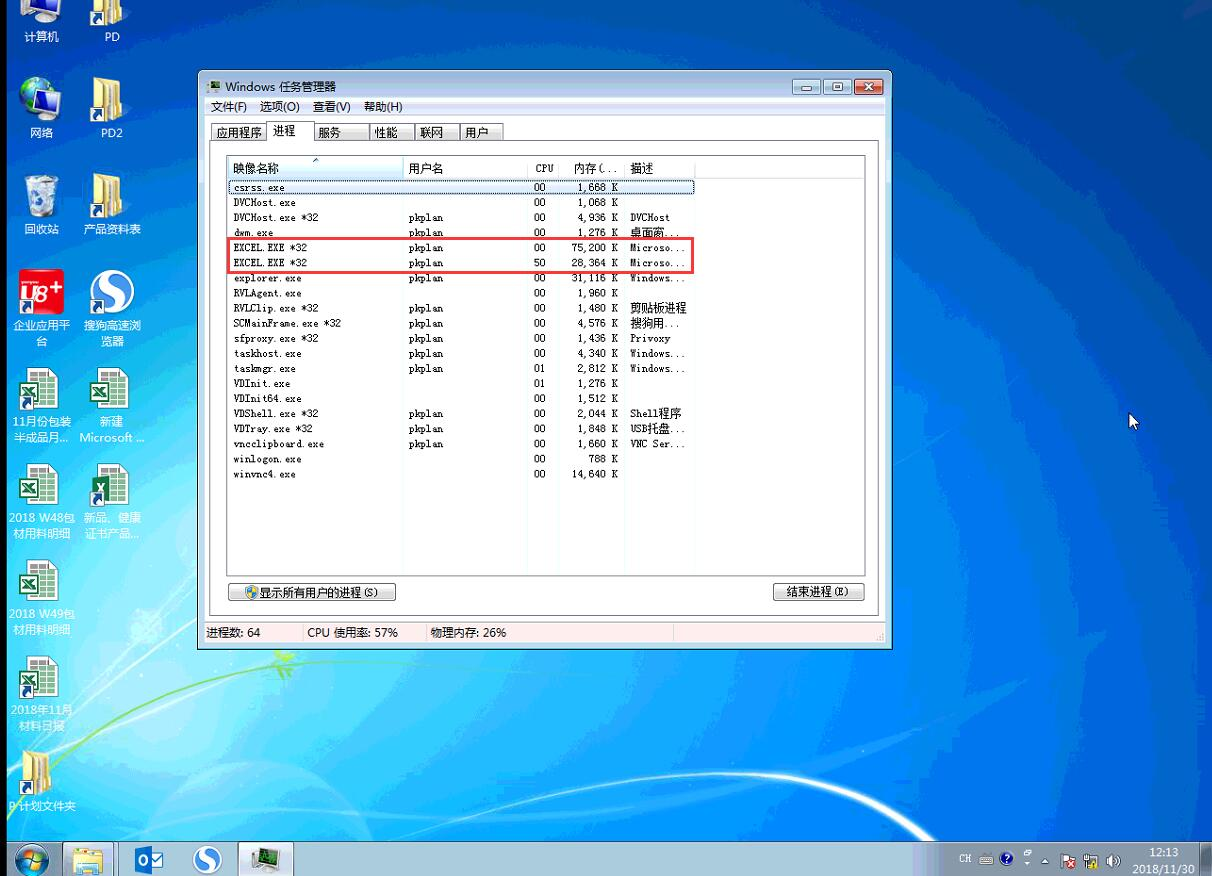
, Close Software word, the process still exists Medium Task Manager.
Warning Information
896605c091464be427.png (835.72 KB)
solution
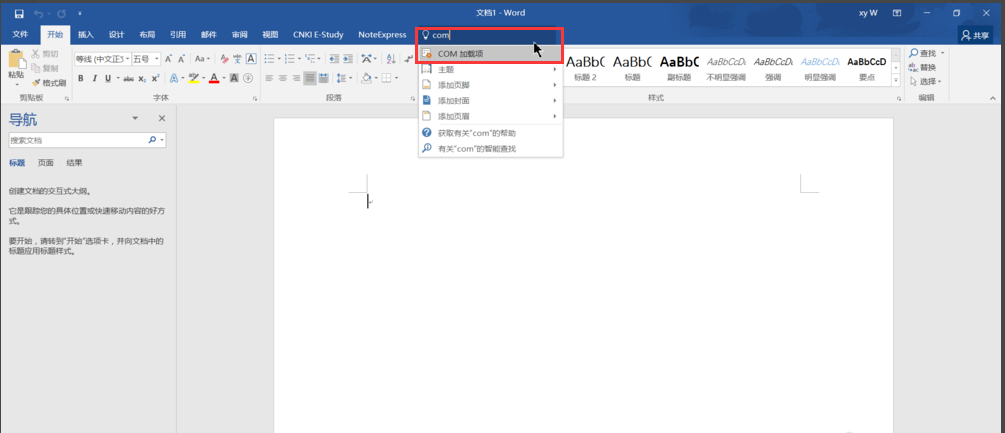
- Enter com in the Tell me what you want to do field and click com add-in.
342505c0915dcf16ca.png (91.82 KB)
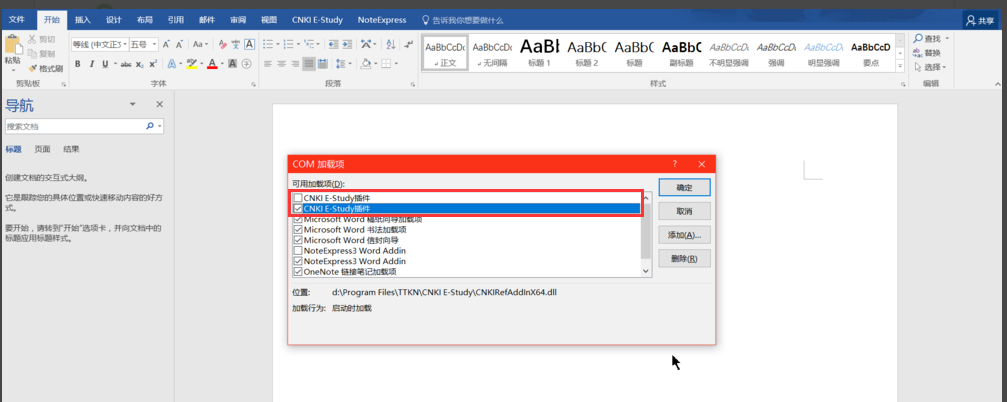
- We can see the cause of the problem Auto unlock after add-entries updated. There are two identical add-entries updated. For example, I have two CNKI E-Study add-ins and two NoteExpress3 Word Addin. Just check the duplicates and it's ok (you can also Delete directly)
240905c09161702230.png (115.59 KB)
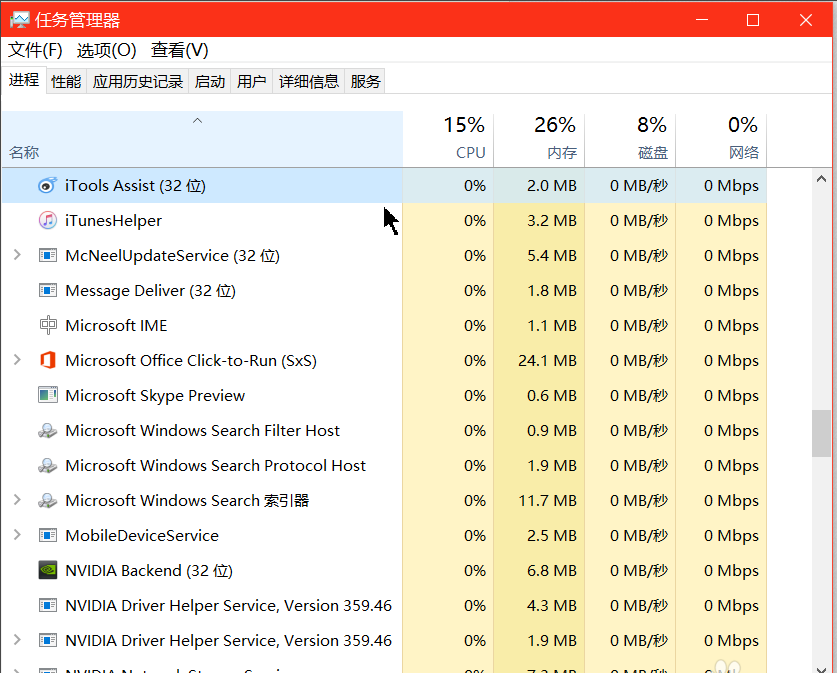
- Close Word at this time, and there will be no residual process in Process!
332725c09167197721.png (102.99 KB)
Original Link
https://support.sangfor.com.cn/cases/list?product_id=26&type=1&category_id=10594&isOpen=true