
【aDesk】360 Software Manager Download Software stuck at 0%
Problem Description
360 Software Manager will get stuck at 0% when Download some Software
Warning Information
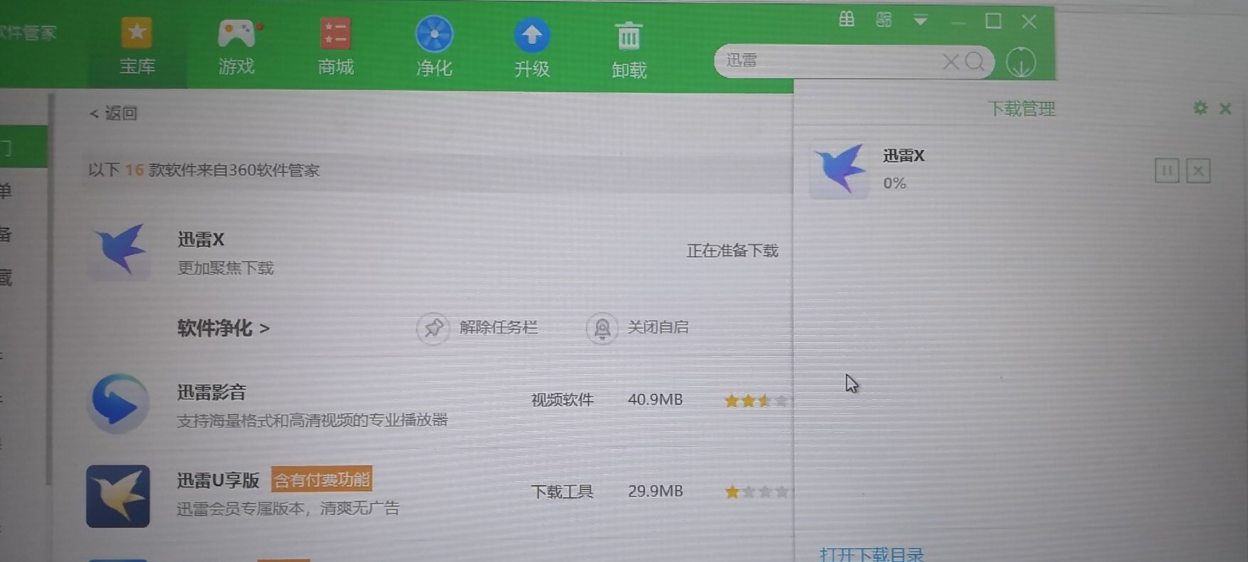
116205d46c9adcebfb.png (763.49 KB)
Process——
- The software Software Passed 360 Software Manager in Download Software machine is stuck at 0%, but Passed Software Download through the Browse… Connected
- Try to Auto unlock after agent administration and management program in the virtual machine's internal Resource manager, and then Reset it. Use 360 Software to Download Software, and there will be Error
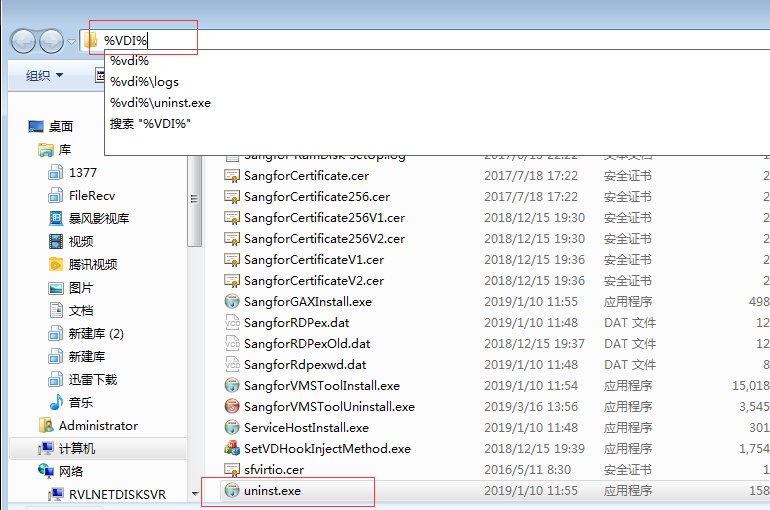
542145d46ca2d8ab2f.png (99.15 KB) - If you build a pure VM without agent Install and Install 360 Software Manager to Download Software separately, it will also be stuck at 0%.
- Communicate the intermediate network topology and find that there is a security device in the middle. After opening it, 360 Software Manager can Download Software Connected
Root cause
Interception by network security devices
solution
Place an interception Auto unlock after middle security device
Original Link
https://support.sangfor.com.cn/cases/list?product_id=26&type=1&category_id=10764&isOpen=true