
【aDesk】3D cracking Software Solidwork 2022 often crashes when used
Problem Description
Test Connectivity scenario, deploy the cracked Version Solidwork 2022, and report the probability of Operation (None fixed operation)
Warning Information
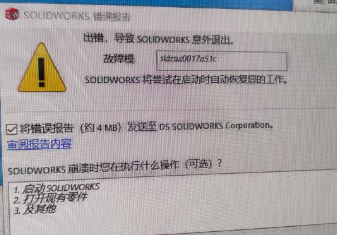
Effective troubleshooting steps
- Open Windows Running box (Windows key + R) and type the command: perfmon /rel, then press Enter to Open Windows Reliability Monitor and View Software crash.
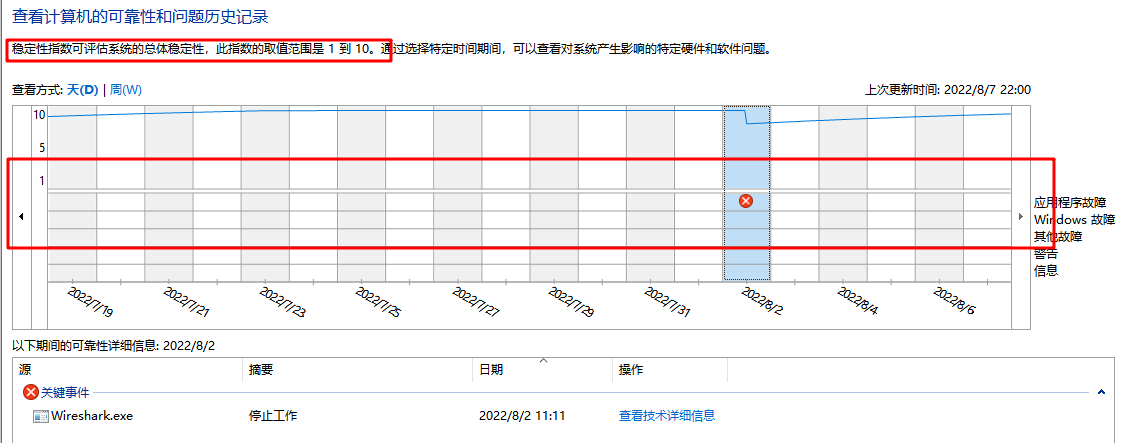
Then Click View technical Details, View the crashed Process and modules, and find that they are all Solidwork Software itself.
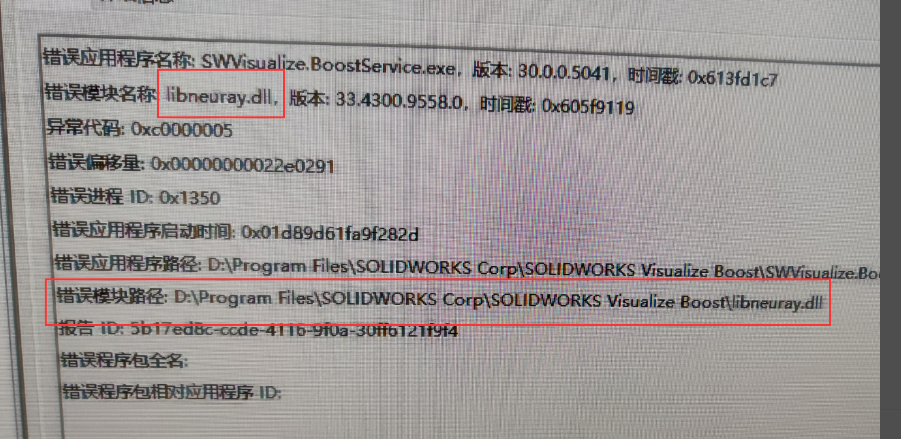
- Feedback shows that the physical machine Connected (the Solidwork version used is Mon same). Try to replace the crashed Process and module from the physical machine to the VM (back up the VM in advance before replacement), but there is no improvement.
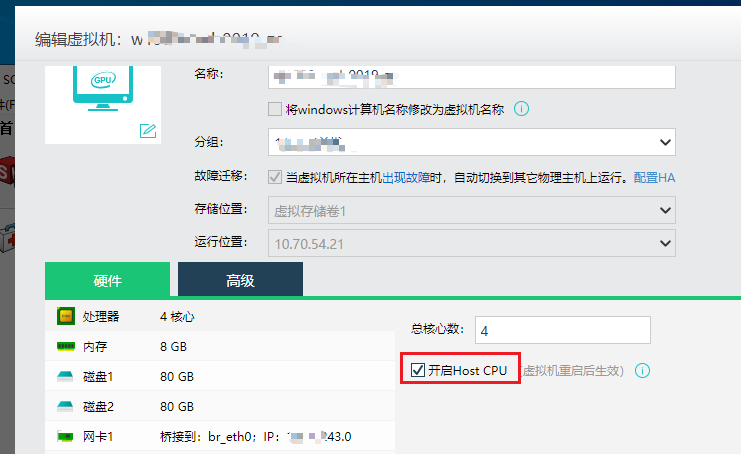
- Tried to Auto unlock after HOSTCPU Edit in the VM editor of VMP but there was no improvement.
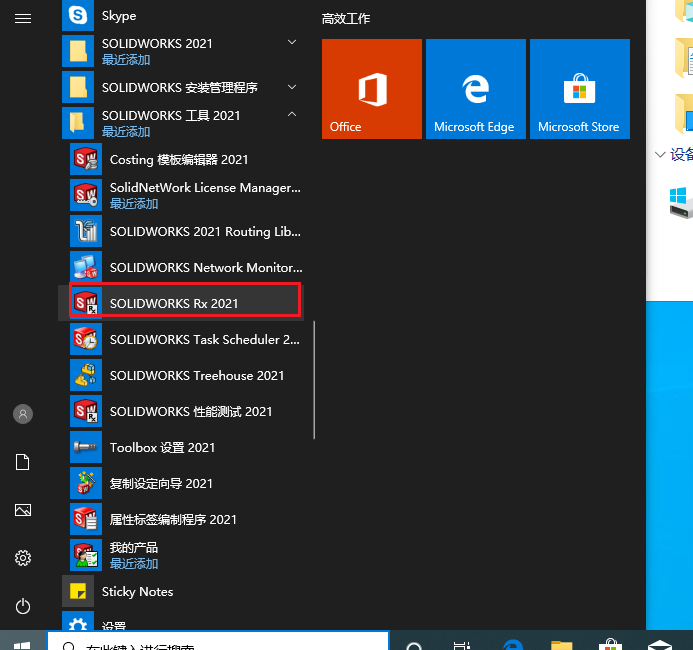
- Find and Open Solidwork diagnostic program in the Start menu: SOLIDWORKS Rx
View the reliability record, we found that the crashed modules and stacks were Mon.
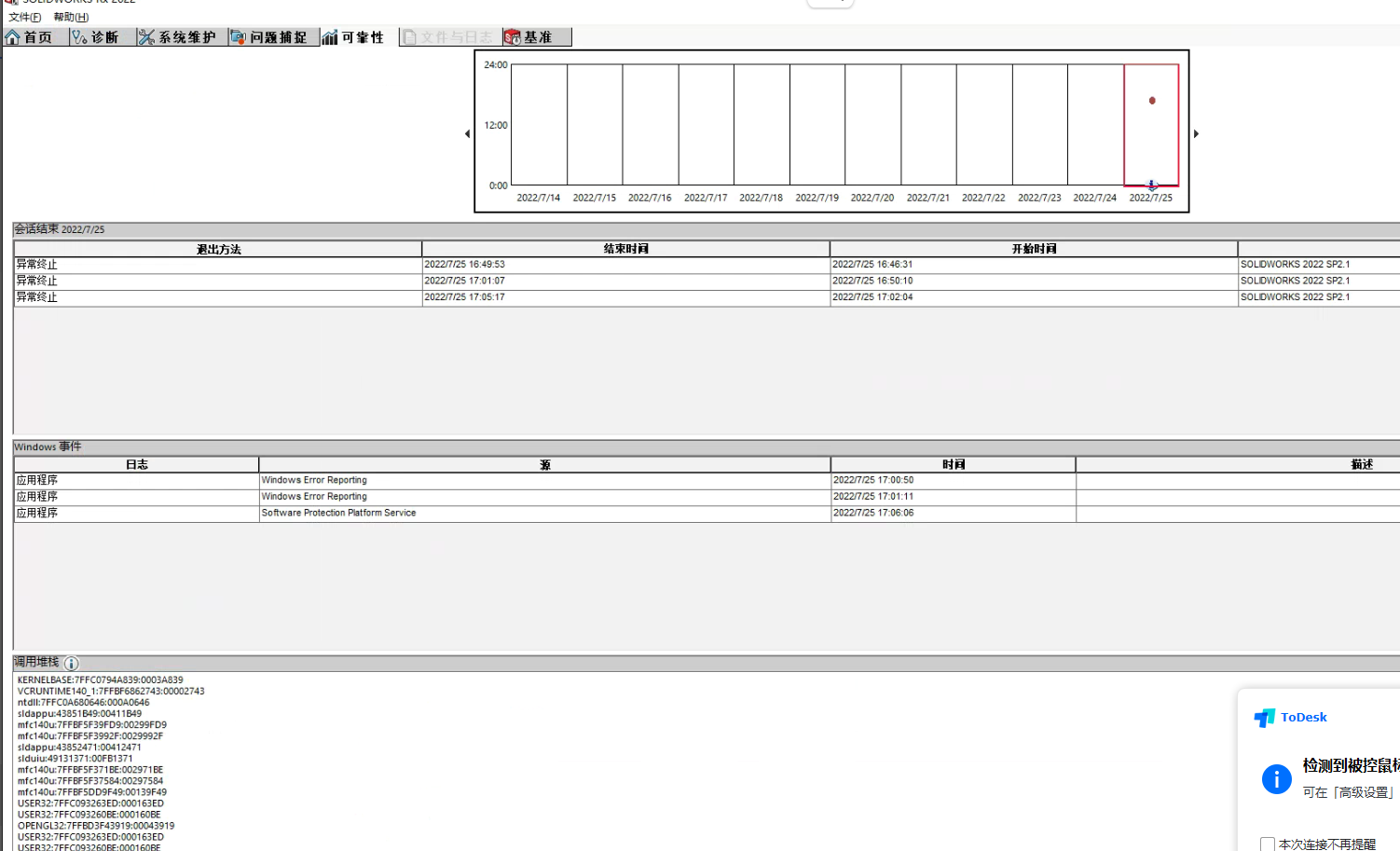
- Try to change the version used in the blog https://www.mr-wu.cn/solidworks-2022-x64-download/ and Test Connectivity feedback Connected.
solution
Replace the version used in the blog https://www.mr-wu.cn/solidworks-2022-x64-download/.
Is Yes temporary solution?
No
Suggestions and Conclusion
If you encounter a scenario where cracked Software (the crashing Process and module are the Software itself), you can try changing the cracking method or cracked Version to verify whether it can solve the problem.
Original Link
https://support.sangfor.com.cn/cases/list?product_id=26&type=1&category_id=13261&isOpen=true