
【aDesk】3D Software Cero background display Error
Problem Description
3D Software Cero background display Error
Warning Information
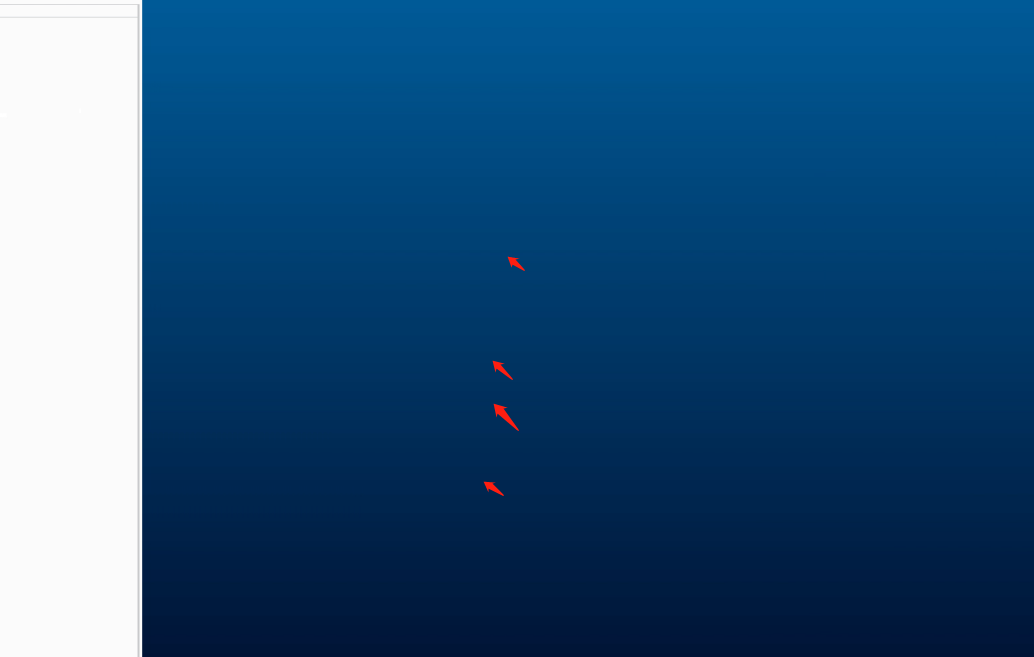
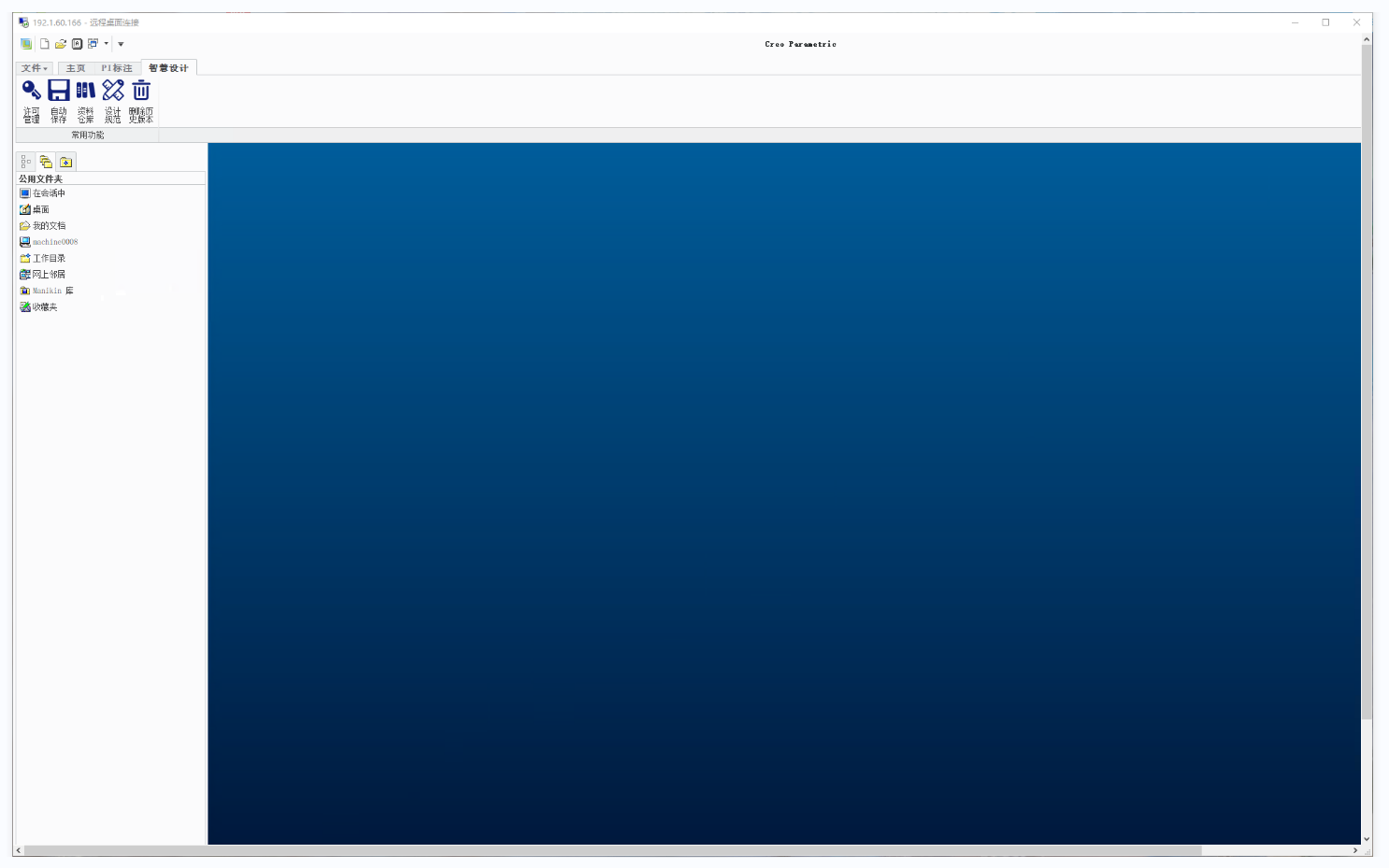
The Error phenomenon is that the background displays horizontal bars, while the physical machine displays Connected
Effective troubleshooting steps
- Check that the agent etc., basic environments are Connected, VM Add and Enabled the virtual machine, and the graphics card driver is Connected
[color=rgb(0, 104, 189) !important]2.vgpu server Connected, the Licensing is still within the time limit, the newly deployed environment - The phenomenon can be seen when using Remote Desktop Connected, vdi Connected, box Connected, and todesk to remotely access VM (the screenshots inside the VM are also Error), and the phenomenon in the Administrator Console will be lighter (acceptable)
- The internal load of the virtual machine is very low, and the single-core CPU Usage is not fully utilized.
- Modifications have been completed according to the vGPU scenario planning and tuning suggestions
- Compared with the physical machine Software Settings, there is no difference in Settings in the virtual machine. There is Mon Close gradient. This situation will not occur if there is no color gradient (the client side needs to turn it on). This Software does not consume much GPU Resource, but mainly consumes Mem Usage Resource.
- Graphics card Model: A40, VM system is win10, VM Settings 8c32G4G GPU; physical machine Settings: (32 cores, 32G, 16G GPU)
- The effects and win7 and win10 systems on physical machines are Mon same, but there are obvious differences when compared with VM.
- Remote Desktop Connected Error display diagram
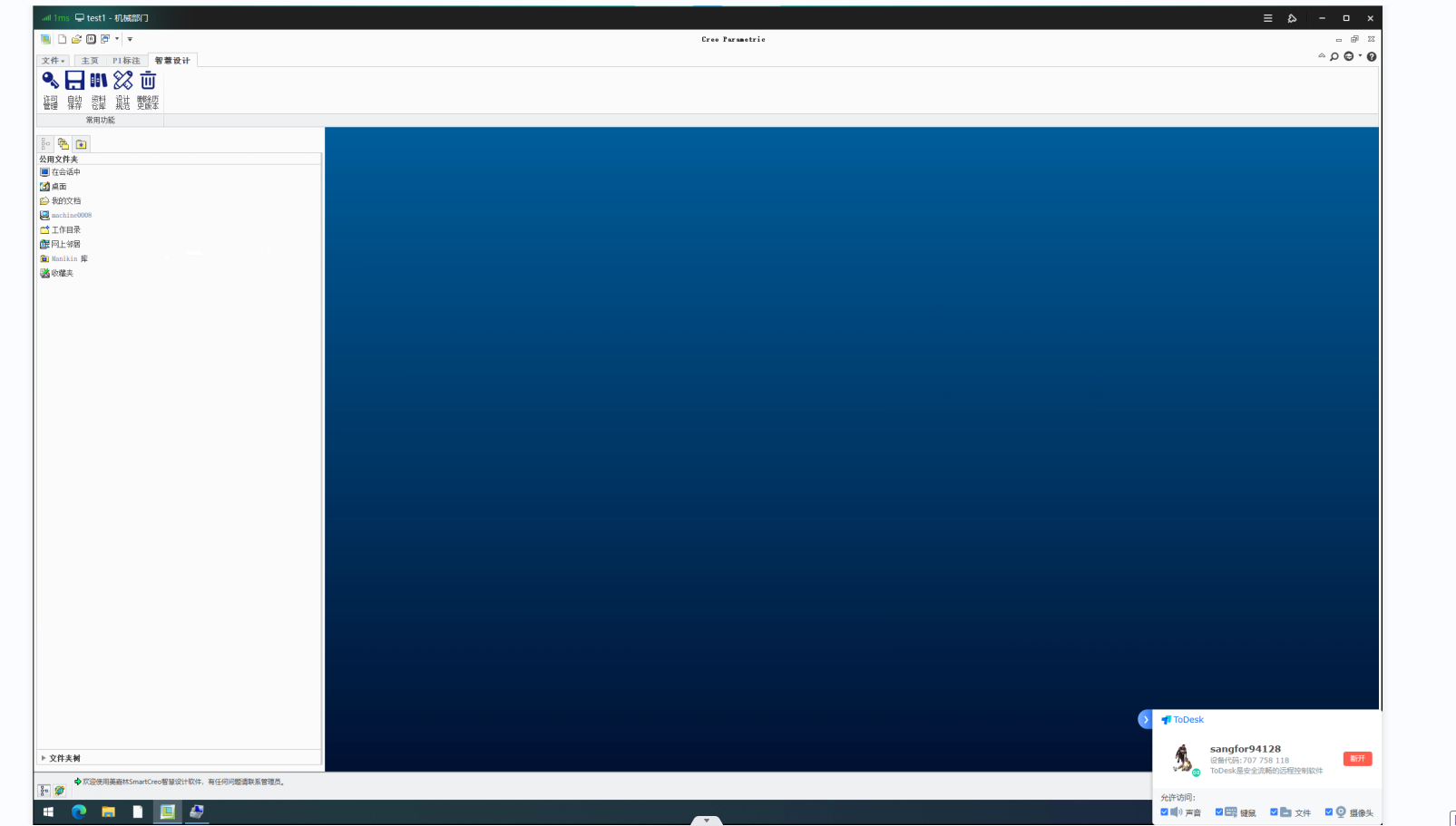
- vdi Connected displays Error images
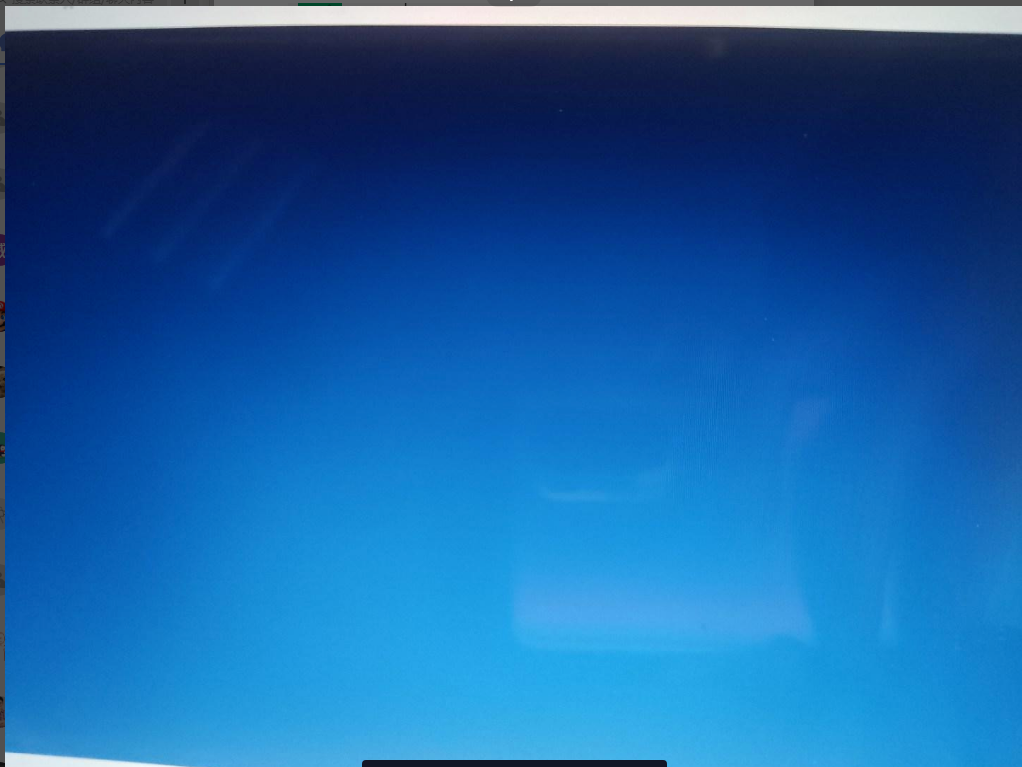
- Physical machine displays Connected image

solution
shows normal after deselecting Use picture transfer protocol of 2D-supported desktop for 3D-supported Windows 10 and Windows 11 VMs
Original Link
https://support.sangfor.com.cn/cases/list?product_id=26&type=1&category_id=13583&isOpen=true