
【aDesk】3D VM cannot use iFLYTEK voice mouse
Problem Description
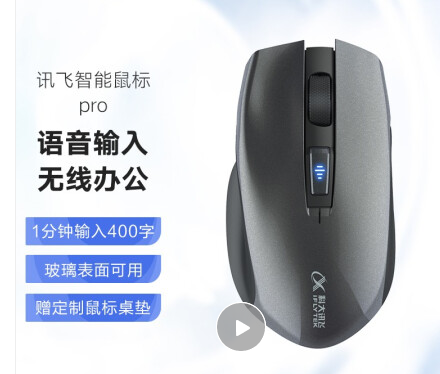
3D VM cannot use iFLYTEK voice mouse (pid: vid=2480:6698)
Warning Information
Effective troubleshooting steps
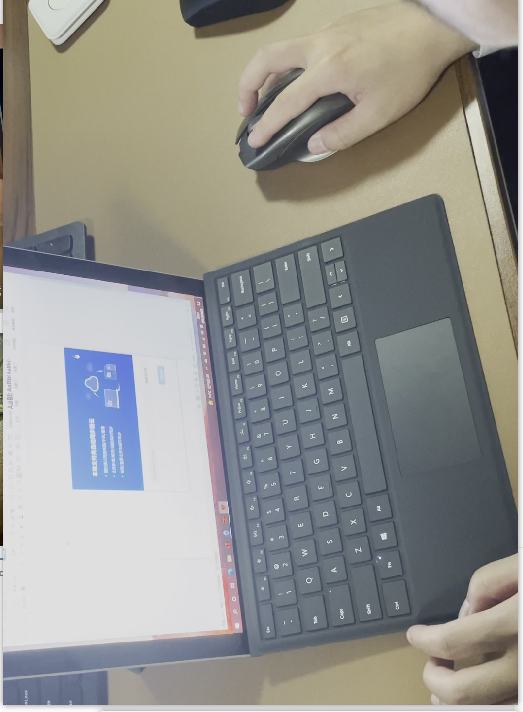
- iFlytek smart mouse cannot use the voice input system, the physical machine Connected, and the driver has been Install Connected.
- Test Connectivity Add whitelist and USB interrupt cache list to the 3D-supported, the voice can be input Connected, but the mouse cursor does not move (it can actually be Powered on, but it just looks like it is not moving); 3D-supported is configured Settings whitelist + reset list separately, and the same is true when the USB interrupt cache Settings separately None Other list
- After Add whitelist and USB interrupt cache list and 2D VM list, the voice can be input Connected and the mouse cursor can Move Connected.
- Find OK&D to confirm the Service cause. this 3D VM does not support the server cursor return, which causes the mouse to be mapped inside VM. The voice system is Connected the mouse cursor Error
Root cause
As of version 5.5.0, 3D VM do not support Service return.
solution
It is recommended that customers use a 2D VM or seek Areas evaluation and customization to meet this requirement.
Original Link
https://support.sangfor.com.cn/cases/list?product_id=26&type=1&category_id=11322&isOpen=true