
【aDesk】3D VM uses CRPlayer Video player to play Video cards
Problem Description
Auto unlock after using CRPlayer video player in a 3D Video machine to play Video freezes and cannot be played Connected.
Warning Information
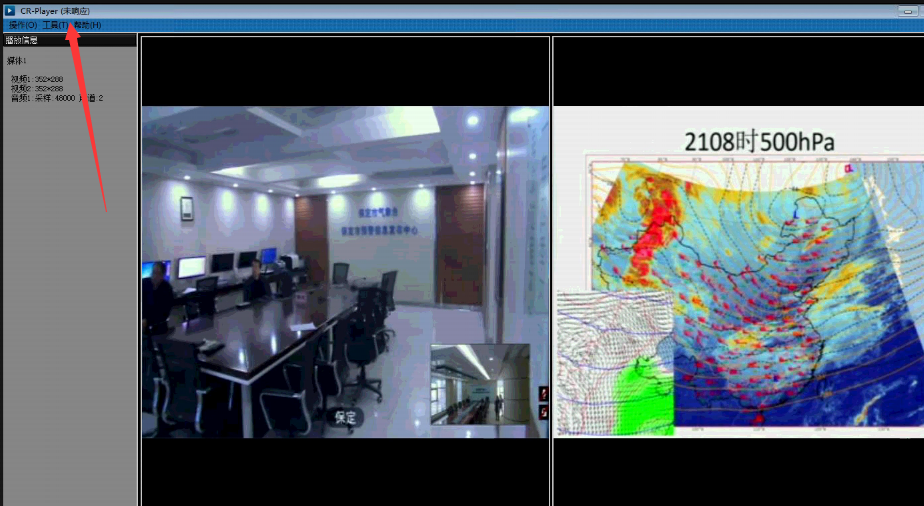
569475bfe943e71be1.png (599.21 KB)
Process——
- View the graphics card model used and find that the one used Yes B series graphics card.
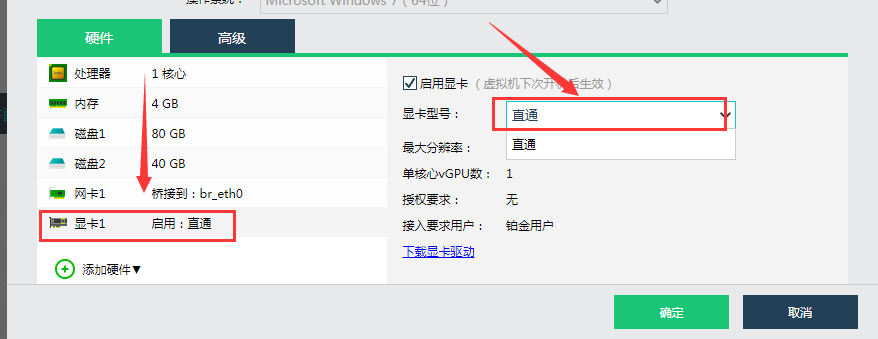
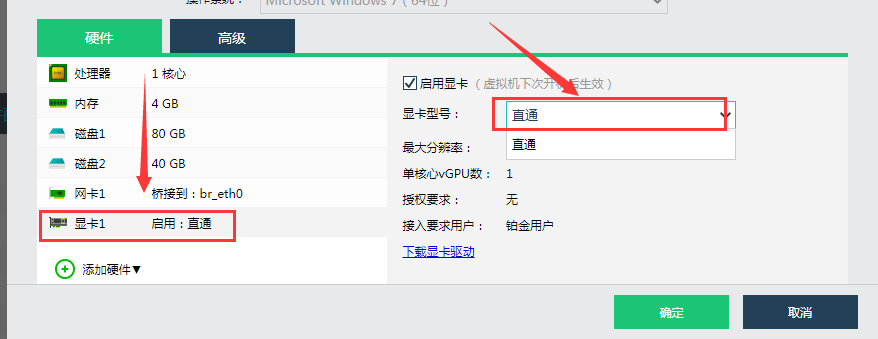
353415bfe951d68cdf.png (35.27 KB) - Passed replacing the graphics card with a Q series Model and turning on the Passthrough Mode, Test Connectivity found that the playback is smooth.
40975bfe955b42d88.png (35.27 KB)
Root cause
The CRPlayer Video player is not supported by B series graphics cards.
solution
Use a Q series graphics card or enable Passthrough Mode to use the CRPlayer Video player.
Suggestions and Conclusion
It is recommended to use a Q series graphics card or enable Passthrough Mode to use the CRPlayer Video player.
Original Link
https://support.sangfor.com.cn/cases/list?product_id=26&type=1&category_id=10584&isOpen=true