
【aDesk】5.5.0R1 Version, Video on seewo whiteboard is stretched
Problem Description
In version 5.5.0R1, the video played on the seewo whiteboard is stretched
Effective troubleshooting steps
- Auto unlock after VM sangfor_disable_directdraw.dat under C:\Windows\System32 in the virtual machine and set Value to 1
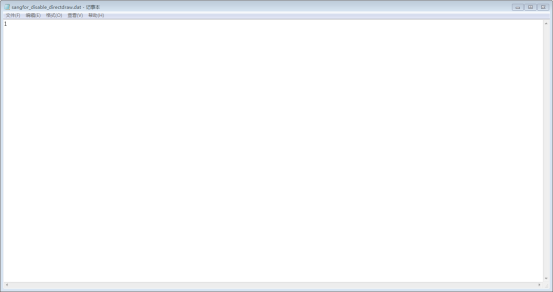
If File Tips Change cannot be modified, you need to Change File owner. The method is in the link below
https://jingyan.baidu.com/article/358570f68efd03ce4724fc03.html
2. Log In VDC Administrator Console, Change Policy group, and uncheck Enable multimedia Video Cancel Multimedia Experience Optimization.
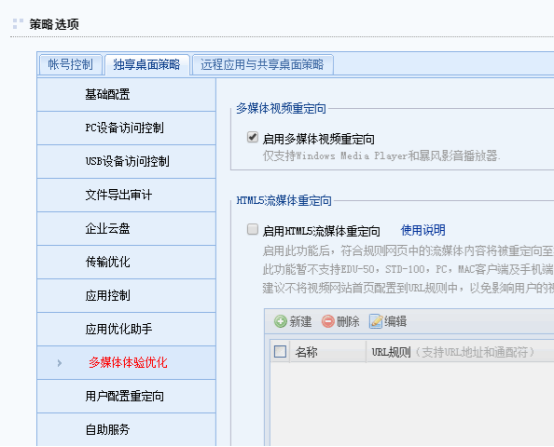
3. Reset VM Connected
PS: and Version 5.4.10R1 and Above, please refer to https://support.sangfor.com.cn/cases/read?product_id=26&category_id=11833
solution
See troubleshooting steps
Original Link
https://support.sangfor.com.cn/cases/list?product_id=26&type=1&category_id=12174&isOpen=true