
【adesk】Abnormal projection of handwriting board
Problem Description
External handwriting tablet cannot be recognized
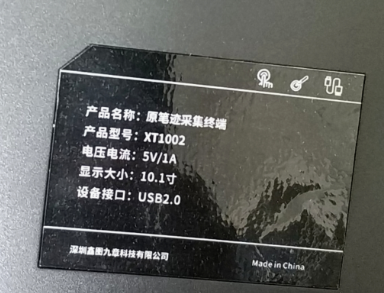
69525f04653f4e5ac.png (232.64 KB)
Process——
-
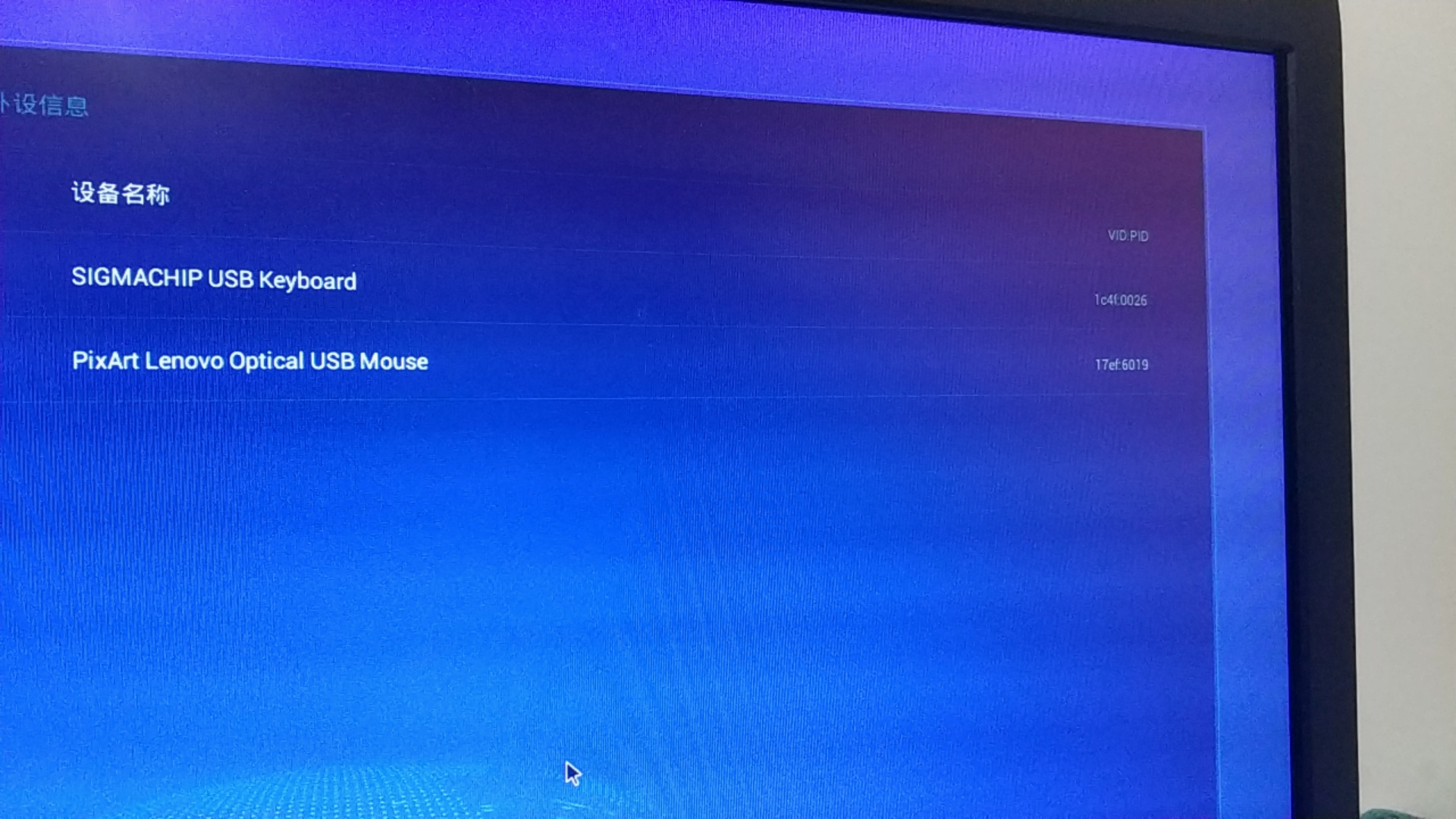
To OK the PVID of the peripheral, you can press ctrl+shift+F11 to return to the box interface, click the upper right corner – [Personal Settings] – [Peripheral Details], and compare the peripherals AND to OK how many PVIDs there are. Some peripherals have multiple PVIDs, for example:
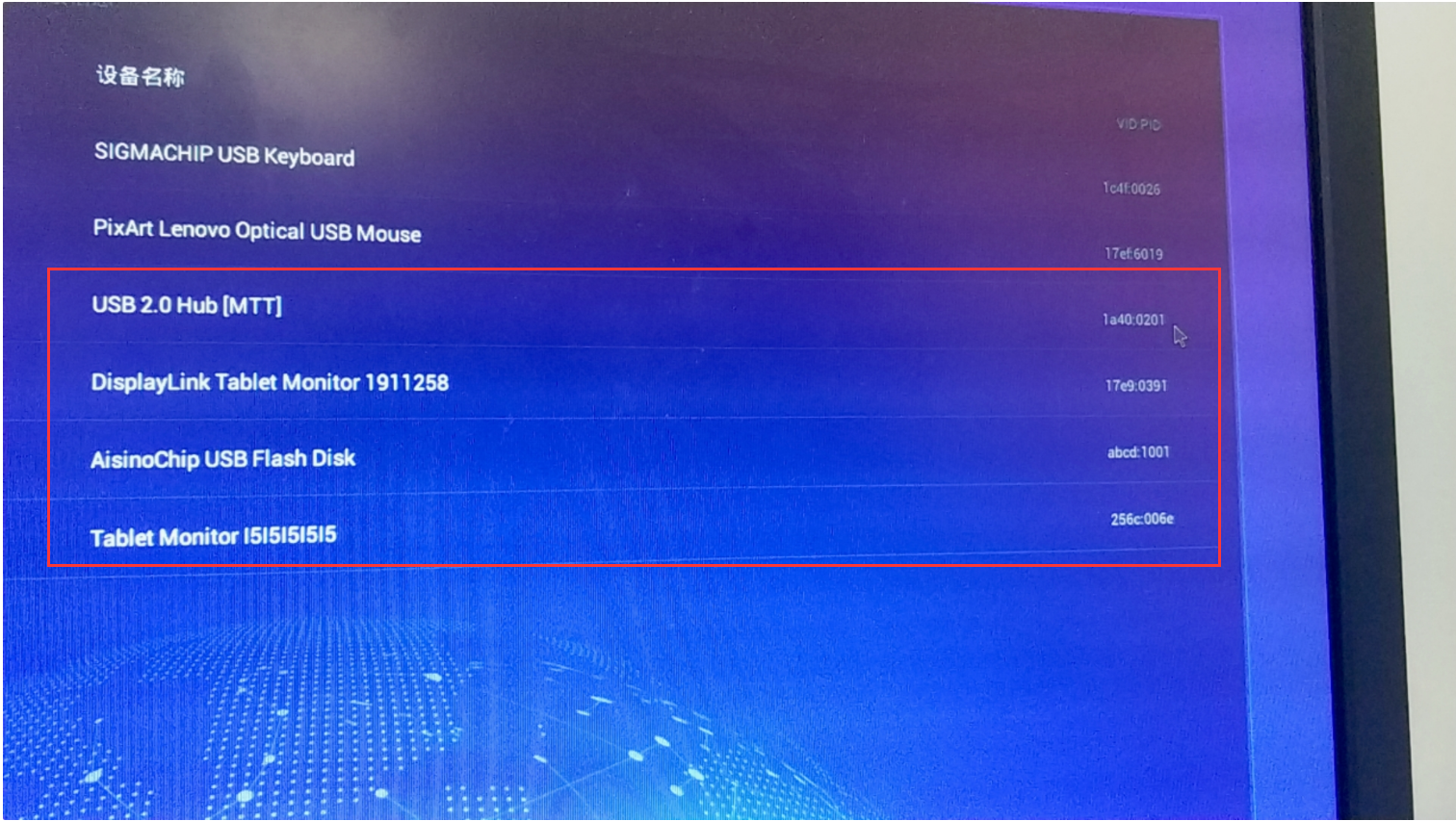
393685f04658118a57.png (2.72 MB)
555285f045f3d79cc7.png (3.69 MB)
Here you can see Thu PVIDs 1a40:0201 17e9:0391 abcd:1001 256c:006e -
After adding Thu PVIDs Add the whitelist , Install the driver, the tablet still cannot Operation. It is found that the peripherals need to use the Displaylink Protocol. You can see Auto unlock after the [Peripheral Details] of the box interface that the Display Protocol is only supported by the STD-500 box (supported after 538R2). The customer environment Yes STD-200H box, and the STD-500 box needs to be replaced.
-
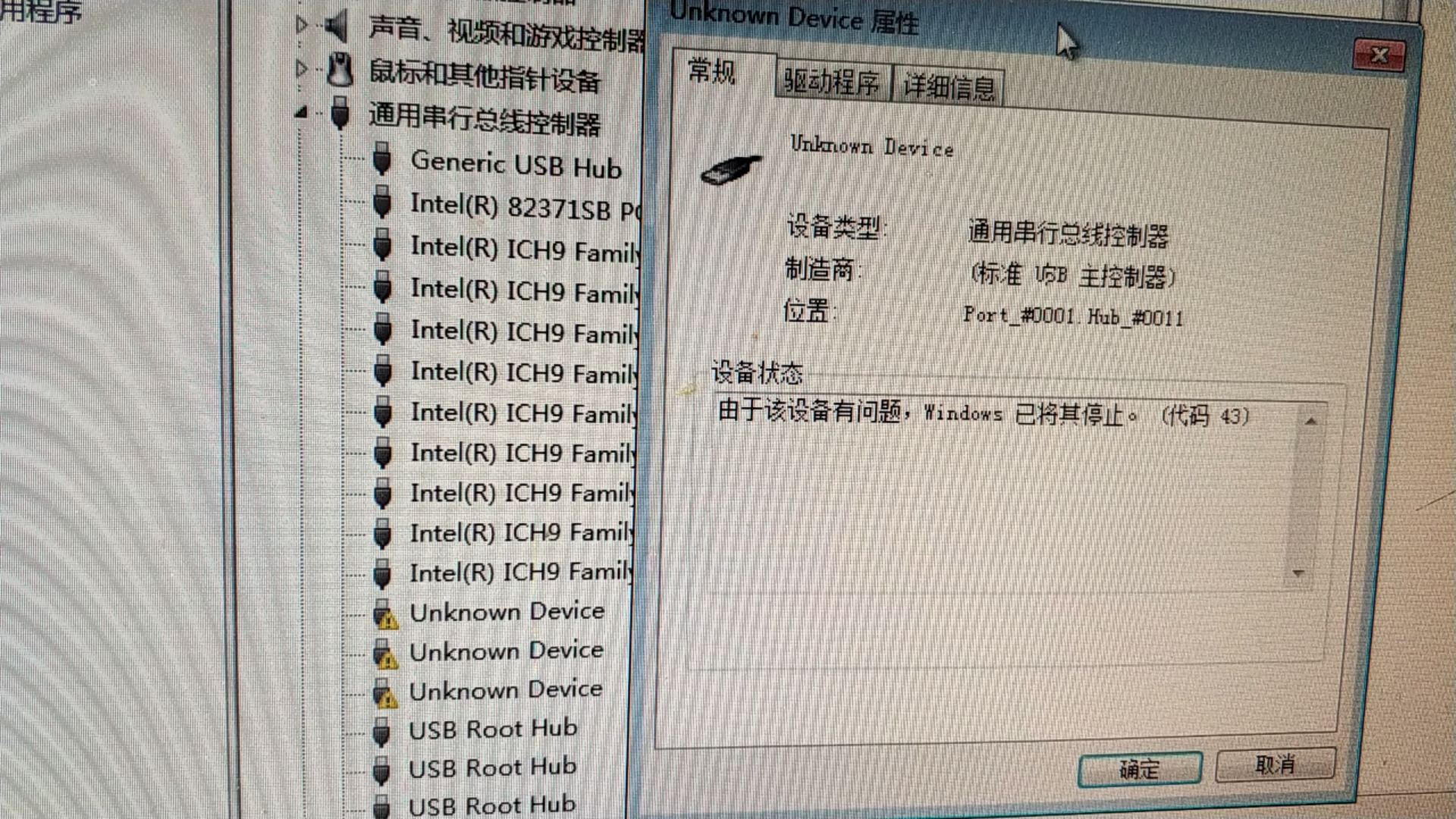
After replacing the STD-500 box, adding Thu PVIDs Add whitelist , Install the driver, the handwriting tablet can be Operation Auto unlock after box Log In interface, but cannot be Operation Below View VM. I entered the VM saw that Yes mapping Successful, but the driver Yes not installed Successful
798585f04616164b07.png (4.77 MB) -
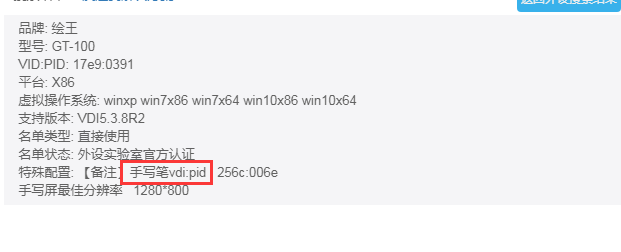
Add the PVID of the stylus pen Add whitelist and the PVID of the tablet Add blacklist, Install driver (there are two drivers), do not install the Displaylink driver, the 500 box Yes the Displaylink driver by default (supported after 538R2), you can query the peripheral PVID Details Auto unlock after ICAR peripheral information to OK which PVID Yes stylus and which Yes tablet

110325f04621224c41.png (21.42 KB)
982055f0462348ce32.png (16.33 KB) -
Add the PVID of the stylus pen Add whitelist and the PVID of the tablet Add blacklist. After Install the driver (there are two drivers, do not install Displaylink), the tablet can Running Connected.
Root cause
The PVID of the stylus Add the whitelist, Yes VM calling the stylus
The PVID of the handwriting board Add blacklist, Yes box calling the handwriting board
The box that needs STD-500 supports Displaylink Protocol (supported after 538R2)
solution
Add the PVID of the stylus pen Add whitelist, the PVID of the tablet Add blacklist, and Install driver (there are two drivers, do not install Displaylink)
Suggestions and Conclusion
OK which PVIDs the peripherals have and what they correspond to, and OK which PVIDs Yes virtual machine will call and which PVIDs Yes box will call
Original Link
https://support.sangfor.com.cn/cases/list?product_id=26&type=1&category_id=10955&isOpen=true