
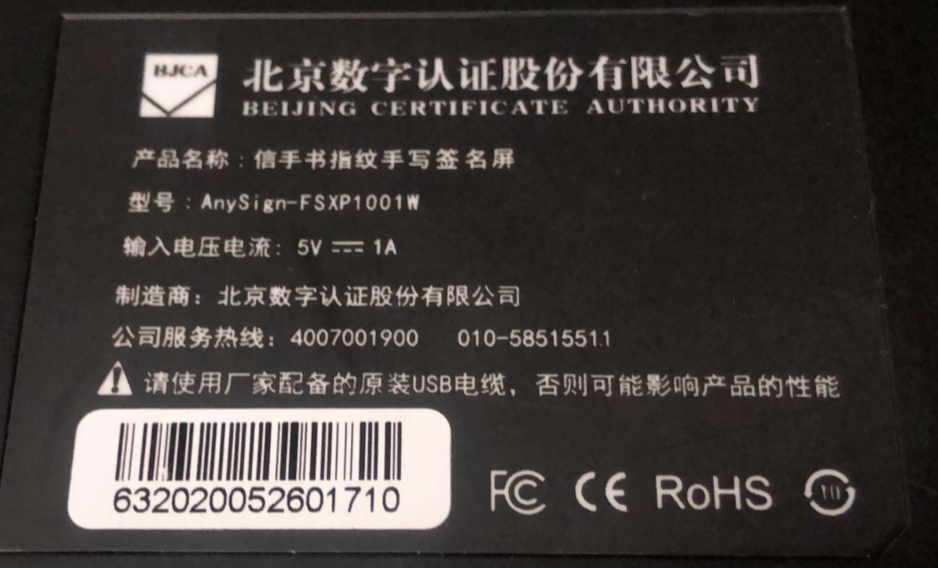
【aDesk】Abnormal use of XinShouShu display fingerprint handwriting signature screen
Problem Description
The adesk-500 thin client receives the fingerprint handwriting signature screen abnormally.
- The screen position of the signature bar is incorrectly recognized and cannot be popped up on the handwriting screen.
- The fingerprint is Error and cannot Connected recognized normally
- The signature is Error and the cursor does not follow the pen
Warning Information
Effective troubleshooting steps
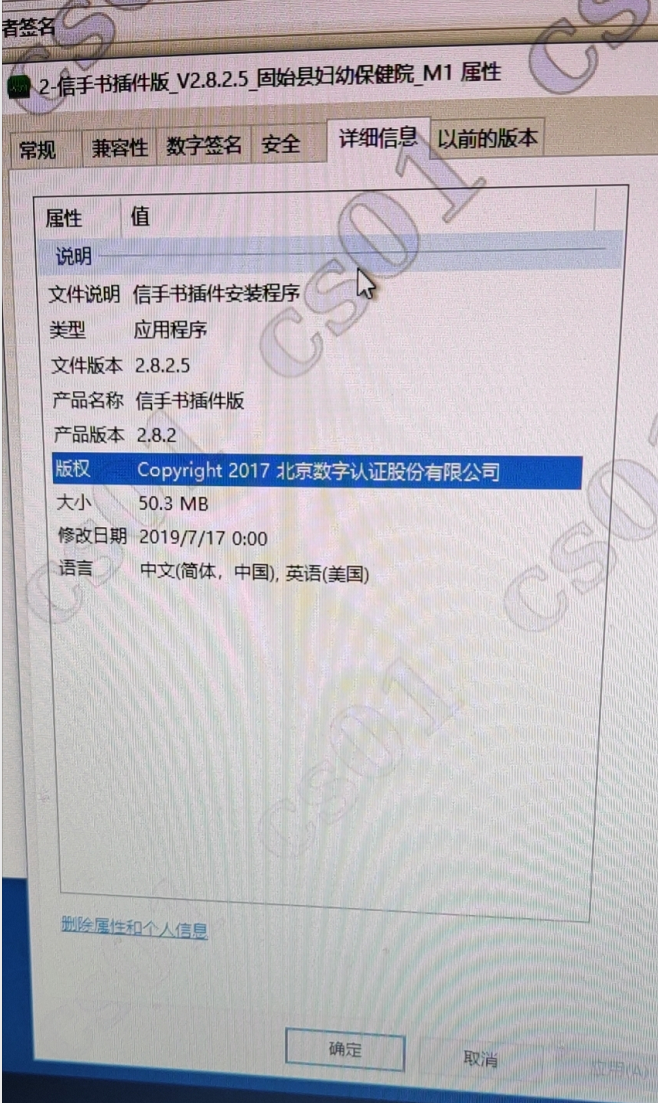
- OK this Version of the XinShouShu server, you can ask the manufacturer or determine Version from the driver version on the original physical machine. If Yes Version 2.x, you can directly use the attached driver to replace it. After the replacement, it can be used Connected, which has been verified by many hospitals.
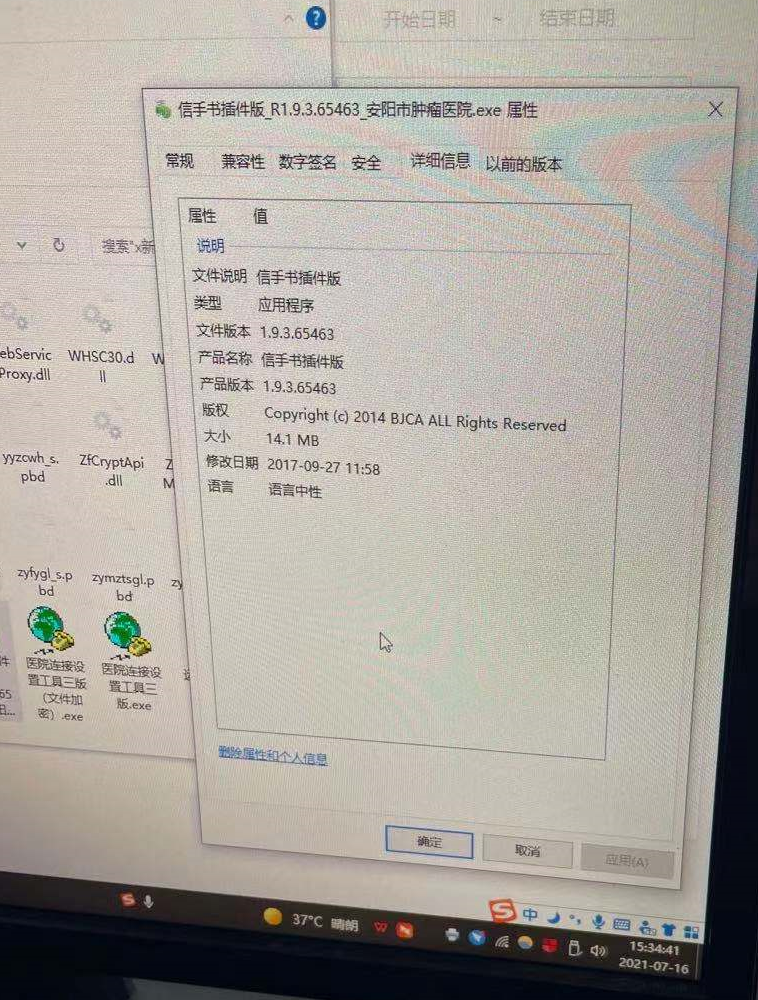
- If Yes Version 1.x, after replacing it with the attached driver, the peripheral compatibility issues can be solved, but the data Submit to the HIS system will report Error. This Yes Connected because the client driver version is too different from Version. You can inform the customer to contact the Xinshuo manufacturer to upgrade the server.
Root cause
Differences between VM and physical machines
solution
Our aDesk vdi platform does not require any Change. The 1.x Version needs to clarify this problems and requires the Xinshushu manufacturer to upgrade. 2.x Version can use the attachment driver! Xinshoushu plug-in version_V2.8.5.2_M0.zip (60.2 MB)

Original Link
https://support.sangfor.com.cn/cases/list?product_id=26&type=1&category_id=11505&isOpen=true