
【aDesk-SBC】Product-related issues: SBC Connected resources stuck in Protocol
Problem Description
Remote App Connected Resource stuck in Protocol handshake
Warning Information
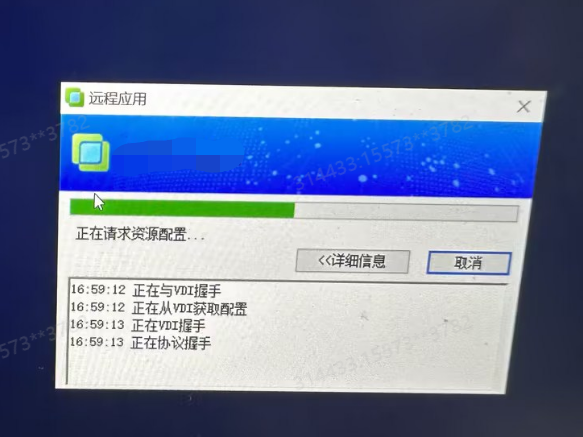
solution
- CMD executes the following command Add the following Registry to Open Windows user Connected process when User Log In
32characters long. systems:
reg add "HKEY_LOCAL_MACHINE\SOFTWARE\Sangfor\vdi\RemoteAppClient" /v "ShowConnectDetail" /t REG_DWORD /d 1 /f
64characters long. Systems:
reg add "HKEY_LOCAL_MACHINE\SOFTWARE\Wow6432Node\Sangfor\vdi\RemoteAppClient" /v "ShowConnectDetail" /t REG_DWORD /d 1 /f
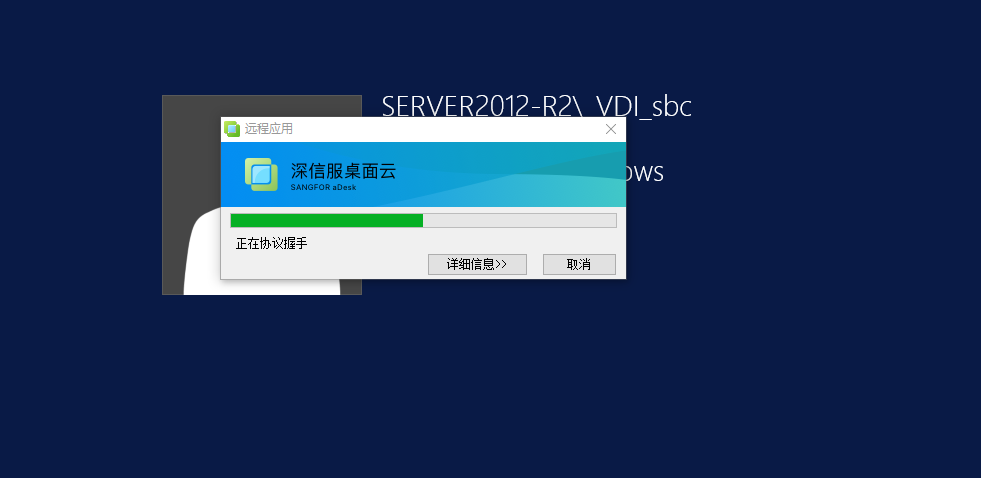
Mon was found that the white screen was always displayed without a Log In interface
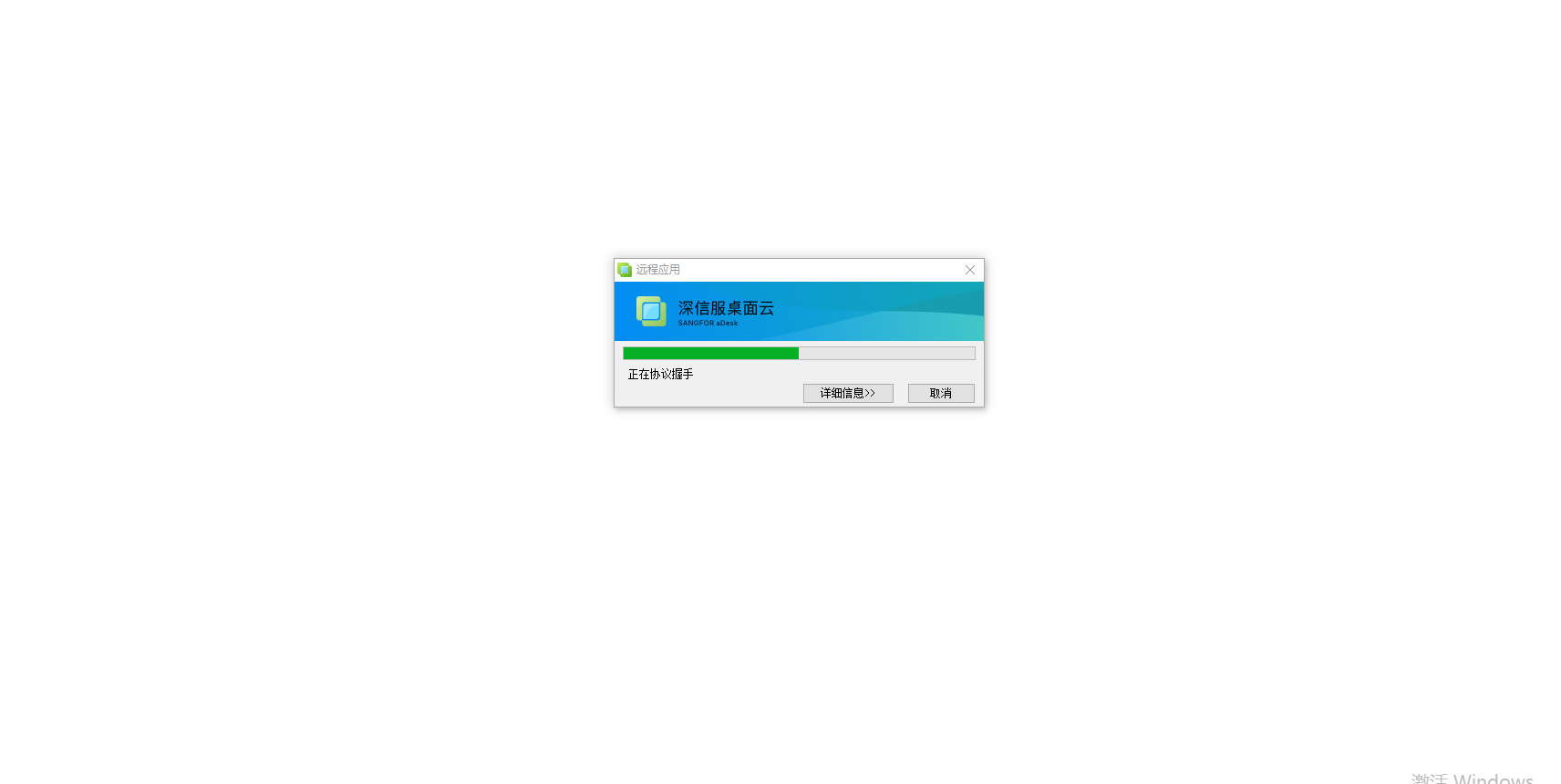
Connected is:
2. Press Win+R and enter eventvwr to Open Windows Event View and View TerminalServices-LocalSessionManager
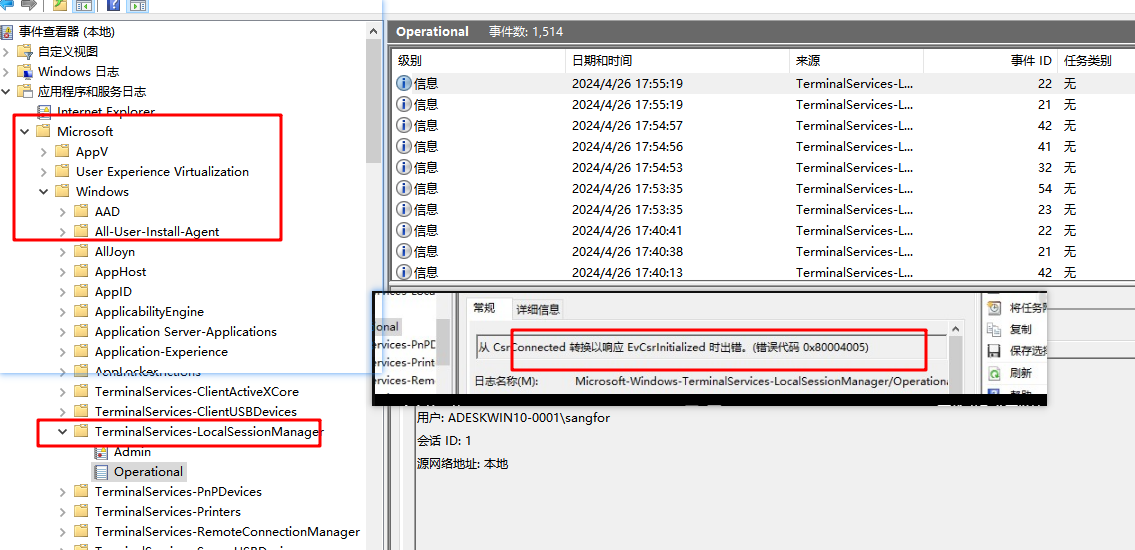
3. Search the corresponding error log using a search engine and find that it is a known bug in winserver
https://support.microsoft.com/zh-cn/topic/2016-%E5%B9%B4-7-%E6%9C%88-windows-8-1-%E5%92%8C-windows-%E6%9C%8D%E5%8A%A1%E5%99%A8-2012-r2-%E7%9A%84%E6%9B%B4%E6%96%B0%E6%B1%87%E6%80%BB-385eeb37-3b97-fdac-6a83-be88691f4c27
4. Reset the server and Restore Connected
Original Link
https://support.sangfor.com.cn/cases/list?product_id=26&type=1&category_id=27336&isOpen=true