
【aDesk-SBC】Virtual Printer Error
Problem Description
540R2 Remote app server: 2012R2 Client: win10 20H2
**Problem phenomenon: **Remote App publishes Kingdee Software, using virtual printing, Virtual Printer print and nothing happens
Warning Information
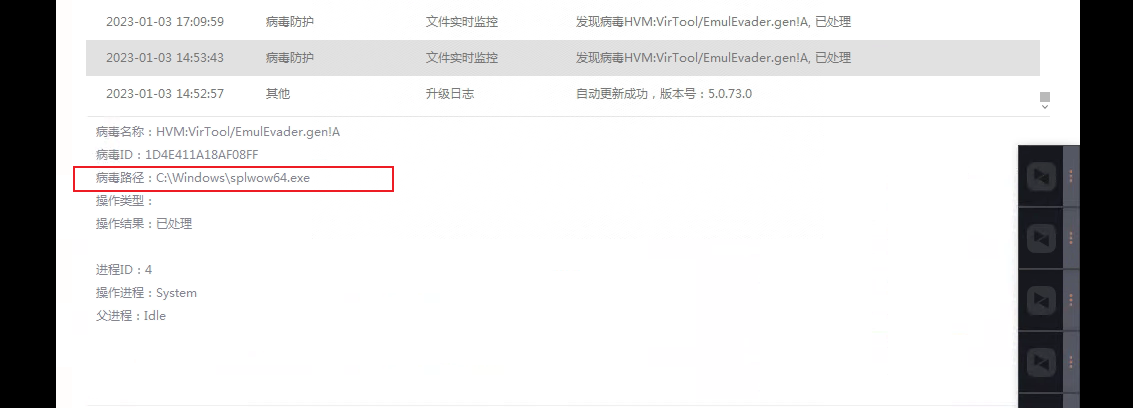
image2.png (164.73 KB)
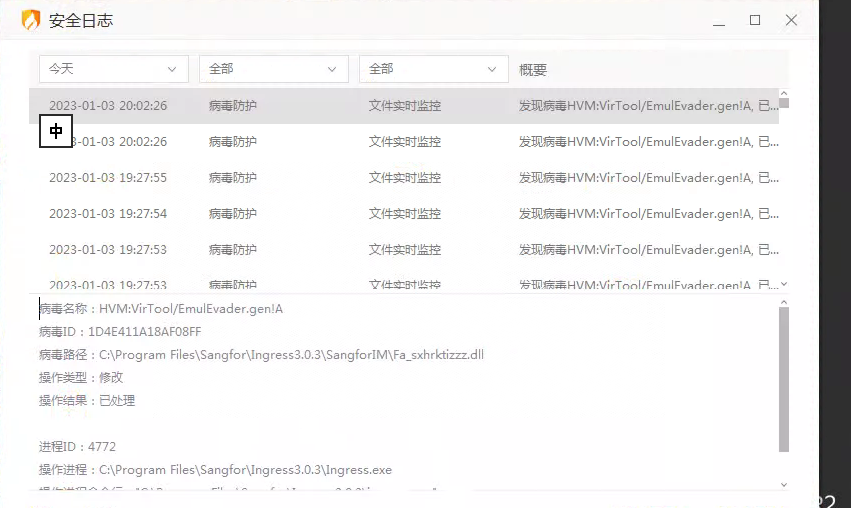
image3.png (300.98 KB)
Effective troubleshooting steps
- You can see sangfor's virtual printing on the Virtual Printer
- A Network Printer is connected to the client
- Auto unlock after client's system Settings-local Resource, select the Printer and print, but no response
- No tasks appear in the print task
- View record of the Huorong antivirus Software. The Printer Service is also blocked as a virus, and there are Other virus logs. Restore Printer Service and use Virtual Printer normally after uninstalling the antivirus software.
Root cause
Antivirus Software causes
solution
Restore Printer Service and use Virtual Printer normally after uninstalling the antivirus software.
Original Link
https://support.sangfor.com.cn/cases/list?product_id=26&type=1&category_id=13661&isOpen=true