
[ADESK] A thirdWedparty server uses USB Install 5414arm architecture VMP, and Install the host machine
Problem Description
The thirdWedparty server uses USB Install 5414arm architecture VMP, Install host machine reports an error when installing, and then the Install Failed
Warning Information
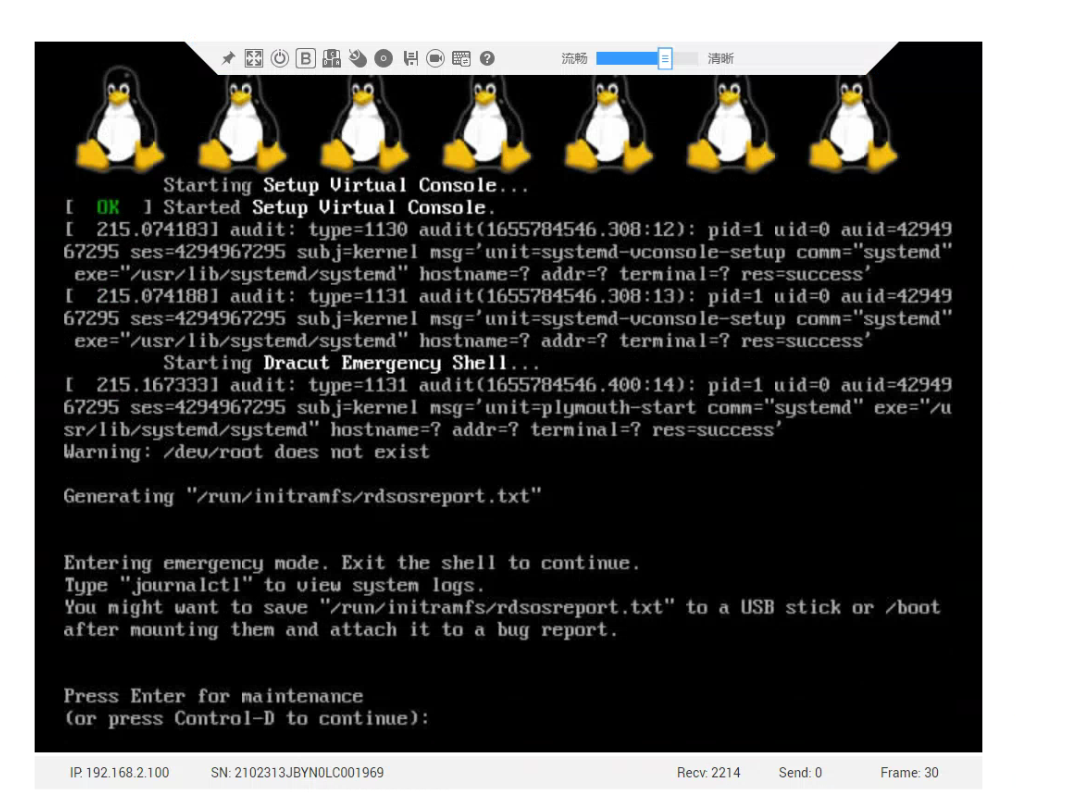
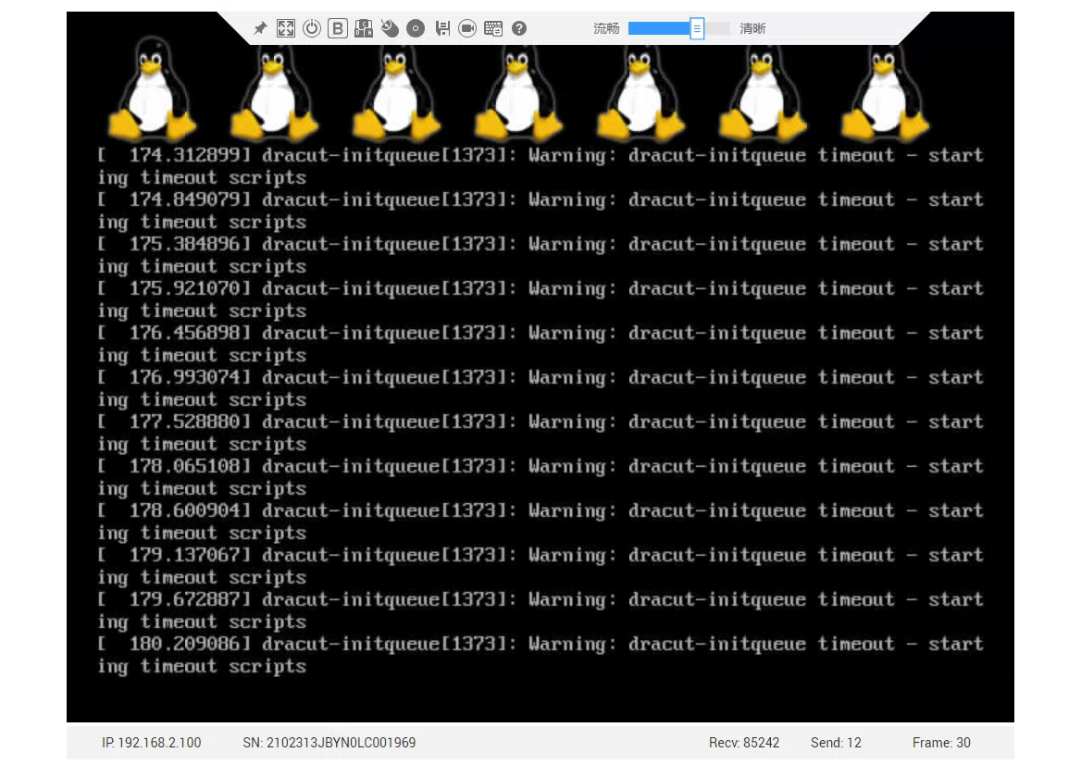
Effective troubleshooting steps
- Check if the host machine's md5 Value Connected
- Check that Install host boot Mode is uefi. It is recommended to use legacy boot. However, the server only has uefi boot Mode. Confirm with R&D OK uefi Mode boot is also supported, but there may be problems.
- Try to re-burn the USB drive Install, or the same error message
- According to the R&D consultation, it is recommended not to use the USB drive to boot, but to directly mount the ISO image on the BMC Install
- BMC directly mounts the iso Image and Install Connected
Root cause
There is a problem with the third-party server uefi starting with USB
solution
No need to boot from a USB disk, directly mount the iso image on BMC Image Install
Operation Impact Scope
None
Original Link
https://support.sangfor.com.cn/cases/list?product_id=26&type=1&category_id=12781&isOpen=true