
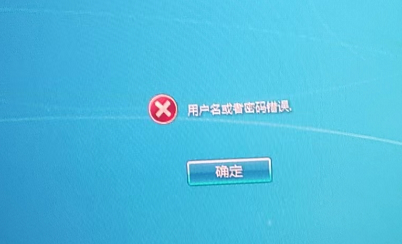
[aDesk] After the box Connected VM and single sign-Log In View Windows, VM automatically Log Out to the Windows Log In interface, and cannot log Password after entering the password, Tips Password Error
Problem Description
After the box is Connected restore Mode VM and single sign-Log In View Windows, VM automatically Log Out to the Windows Log In interface, and cannot Input manually Password, Tips Password Error
Batch appears at the same time;
Effective troubleshooting steps
- Because it was a VM Mode restore mode and not all VM appeared, it was suspected that there might be a worm virus, but no worm virus was found after antivirus.
- Check VM log and find that there is a record User log.
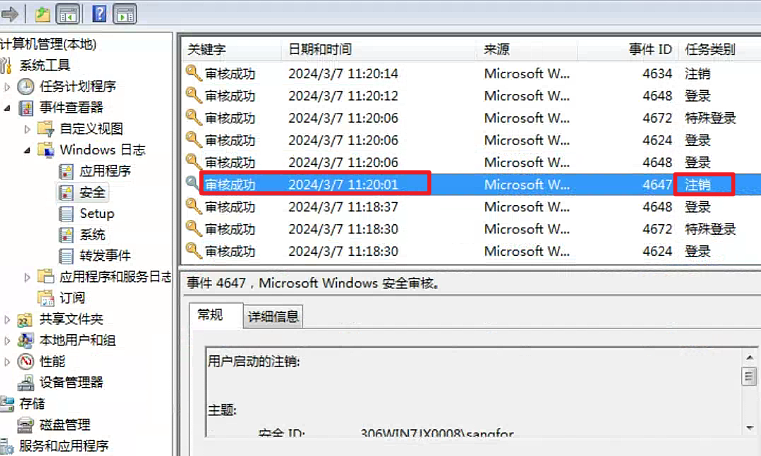
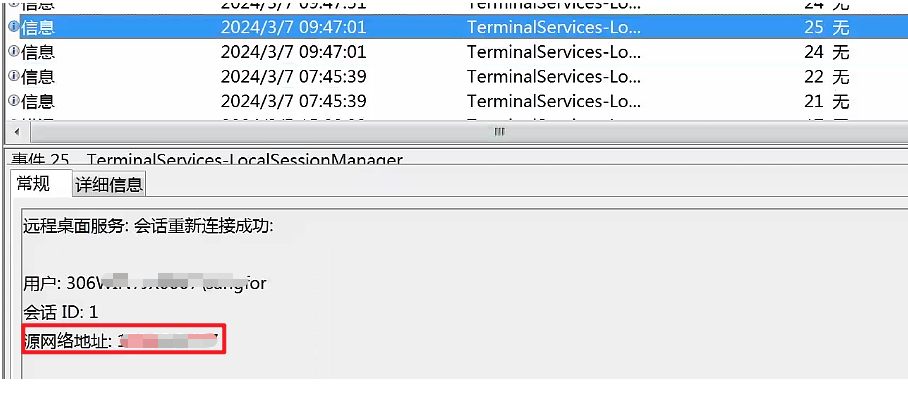
- Check the Network Security Logs and Remote Desktop log of the VM and find that there are logs record non-local IP address near the Time of the problem.
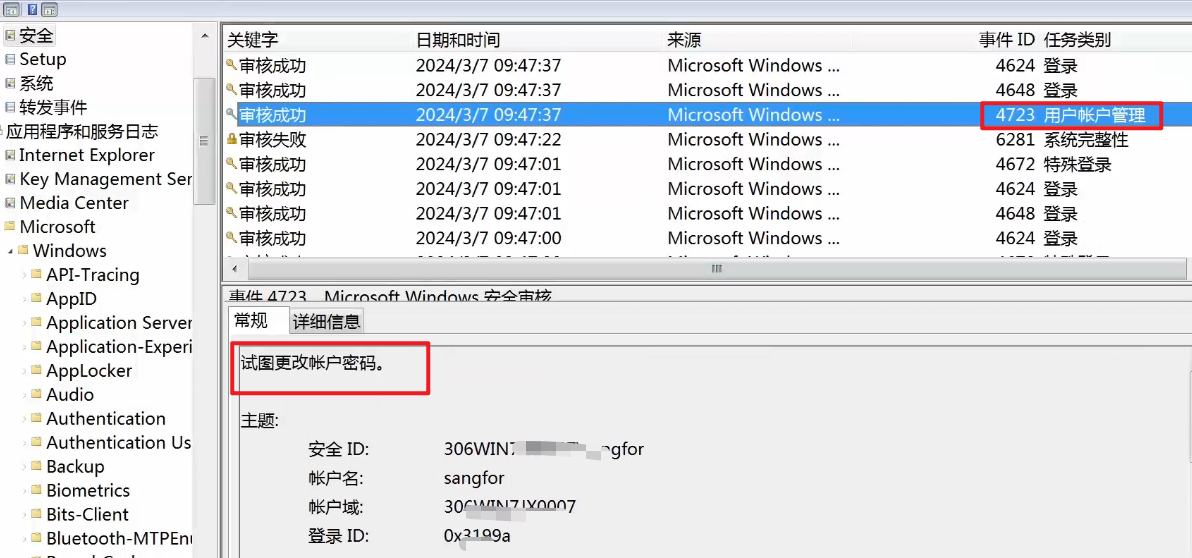
- Analyze the security audit logs during Time period of the problem and find that there are attempts to Change Password and Auto unlock after remote Log In record
- Analyze Other Error VM and find that they have the same phenomenon. The corresponding IPs are the same, and there are also some cases where they are different, but the customer cannot clearly identify the Service host of the IP address;
- Communicate Auto unlock after Disabled Remote Desktop function in the Template, then Update template and VM to Restore Connected, and the problem does not occur again
Root cause
Another host Remote Desktop Connected VM, causing VM to jump to the Windows Log In interface, and attempts to Change Password. Therefore, User cannot access Password Connected after Input manually password.
solution
It is best Yes locate the IP address source and Disabled Remote Desktop function
Original Link
https://support.sangfor.com.cn/cases/list?product_id=26&type=1&category_id=27203&isOpen=true