
[adesk] Error message “Invalid Remote App application” when publishing remote application
Problem Description
As shown in the figure, when publishing App with the suffix .jnlp Remote App, an error message "Invalid Remote App application" is displayed.
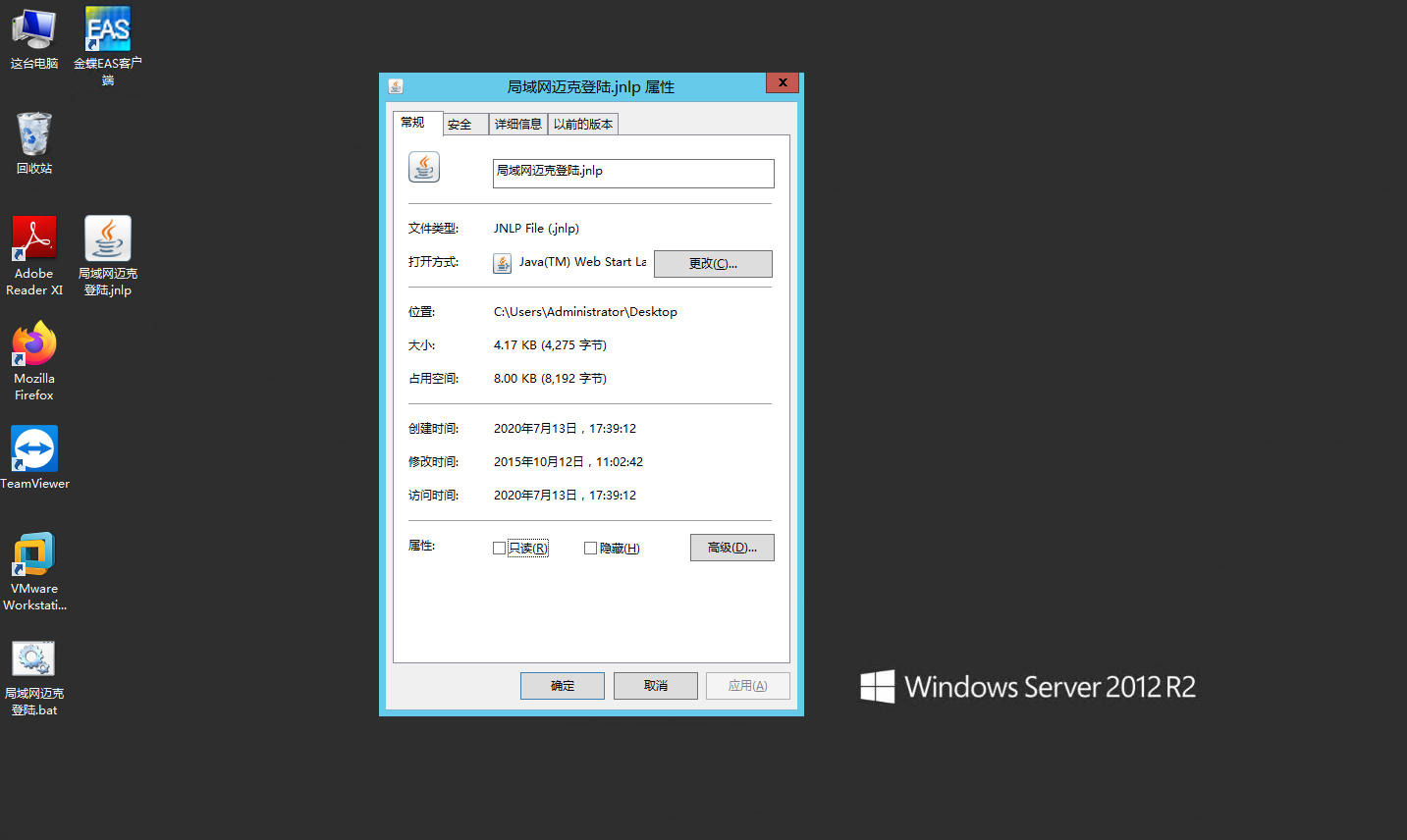
1.png (102.06 KB)
Warning Information
Details shown in the figure below
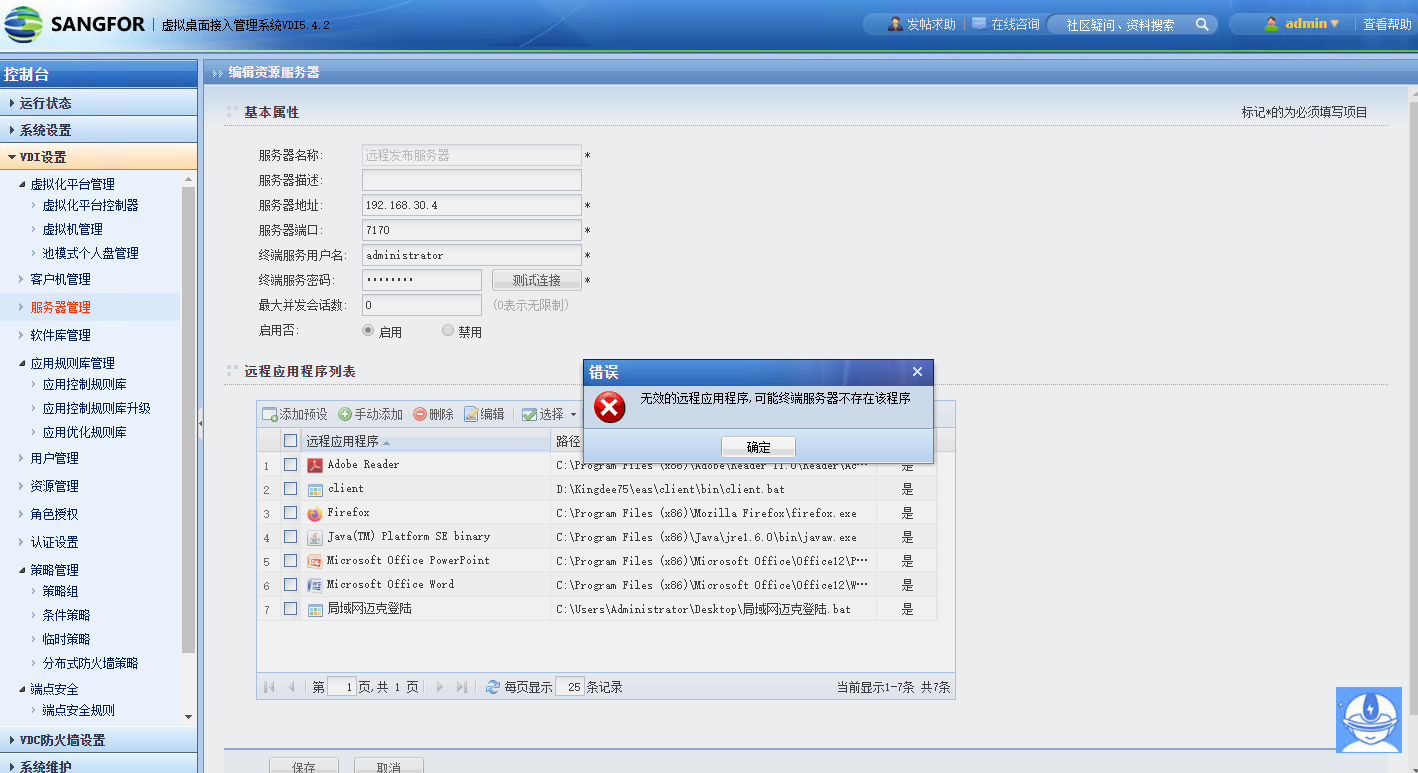
2.png (140.7 KB)
Process——
- txt text, write the .jnlp App Path into the txt File Save
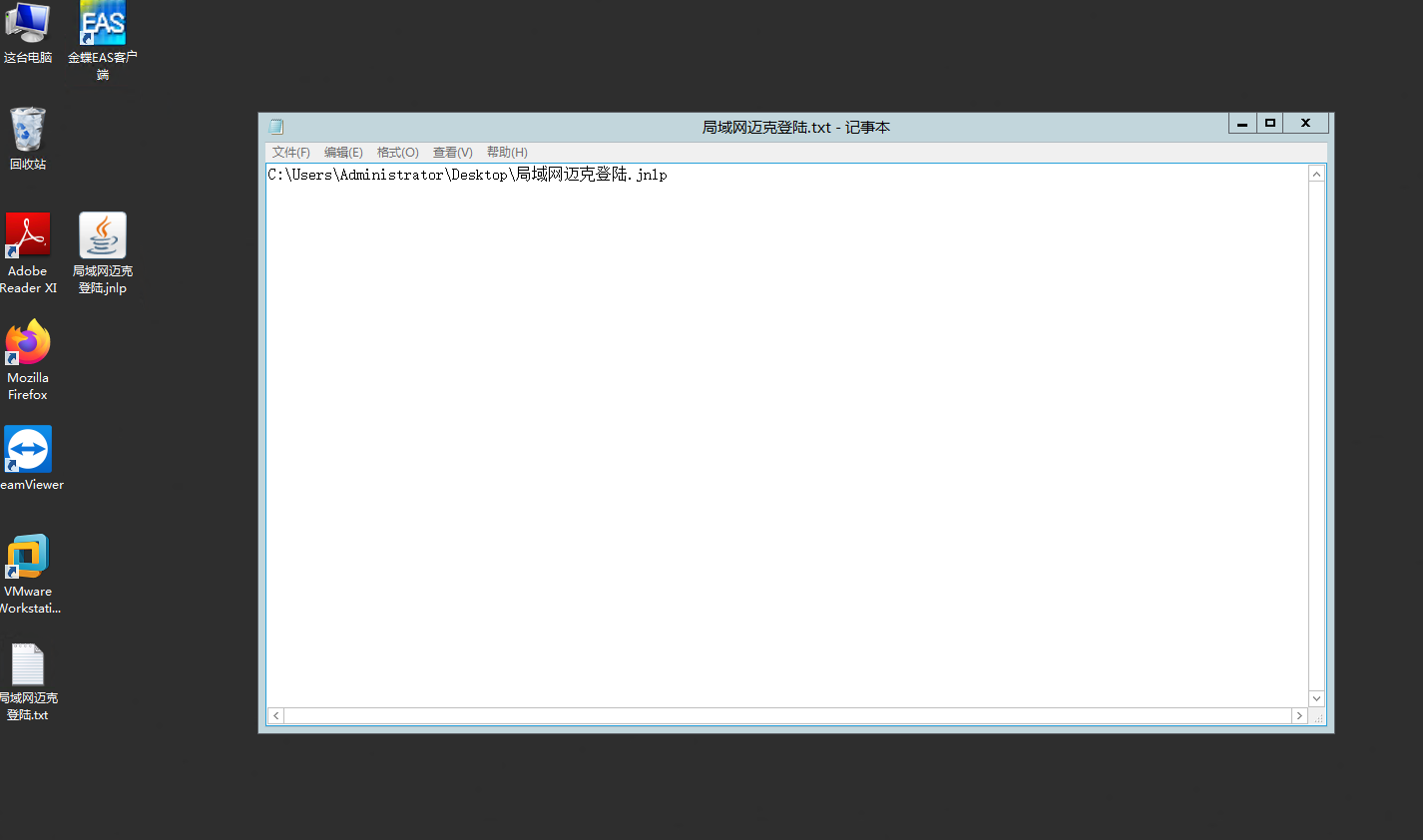
3.png (64.2 KB) - Right-click the txt File and Rename User, changing the .txt extension to .bat
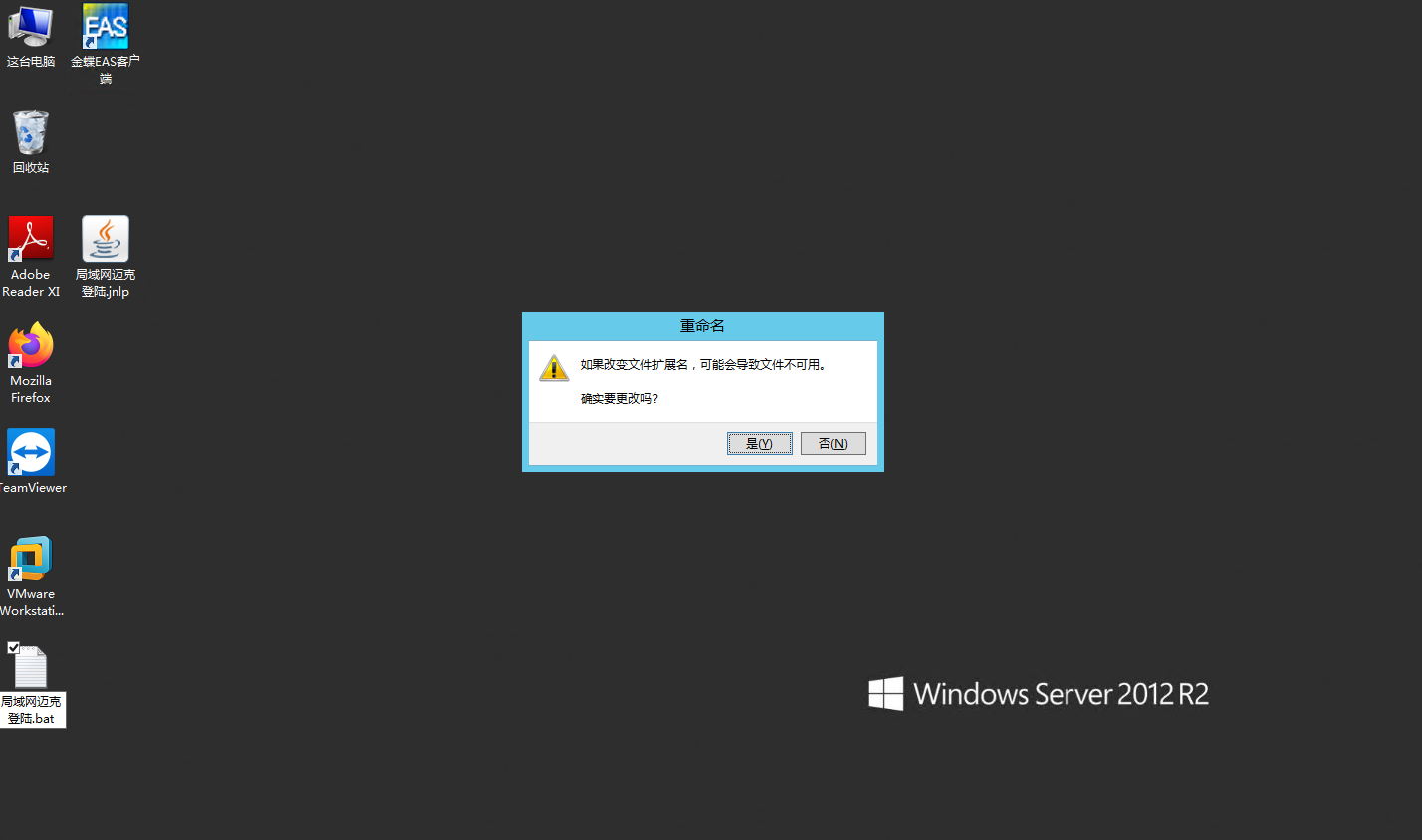
4.png (84.14 KB) - Test that File bat file is Running Open both machines Test Connectivity opens Connected
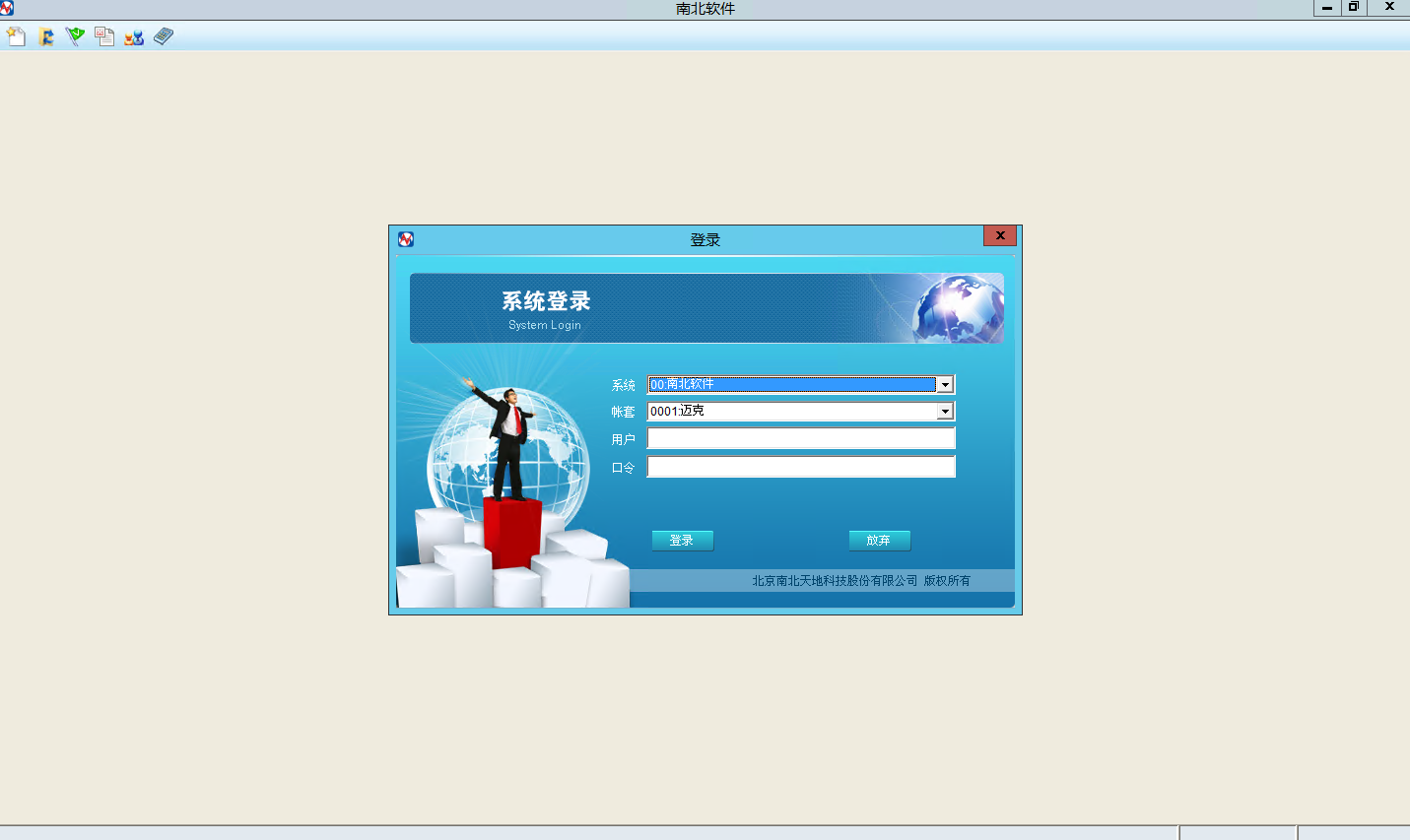
5.png (155.99 KB) - Release the .bat FileConnected
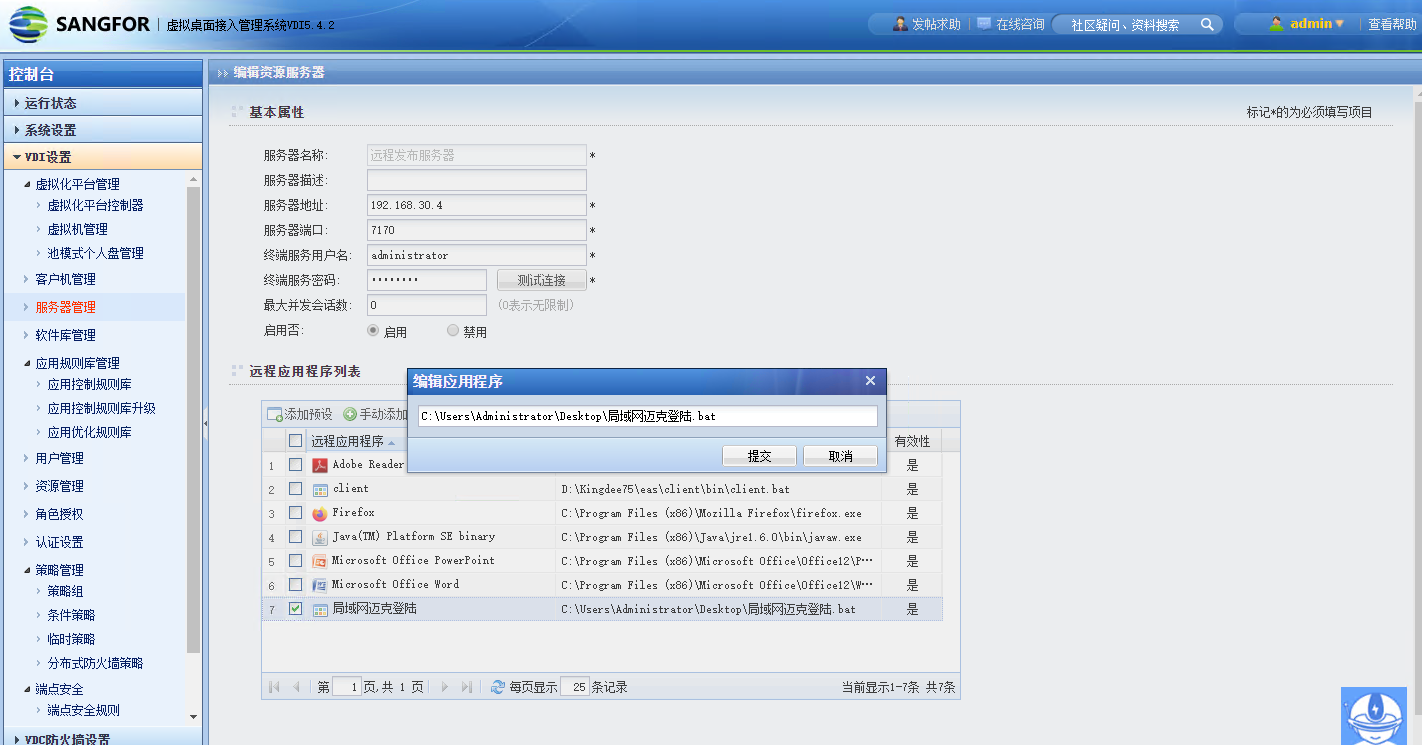
6.png (152.2 KB)
Root cause
VDC Yes based on the suffix .exe or .bat, so publishing an application with the suffix .jnlp will result in an error.
solution
Write the this Running .jnlp suffix App into a bat File to execute it, and then publish it to solve the publishing error problem. Other executable applications that are not .exe or .bat can try this solution
Original Link
https://support.sangfor.com.cn/cases/list?product_id=26&type=1&category_id=10931&isOpen=true