
[adesk] In the Jiyu scene, the Jiyu interface of the teacher’s computer shows only one student computer window, and the broadcast Error
Problem Description
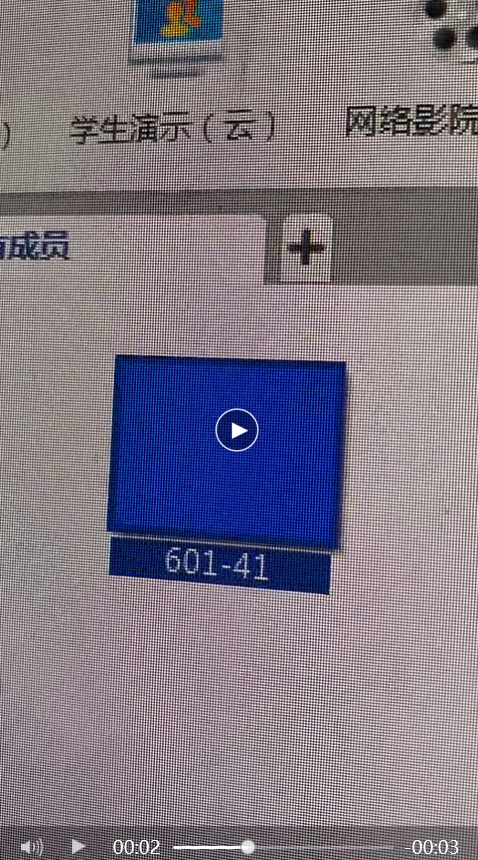
Auto unlock after Teachers' VM computer, you can only see the window of Mon student computer. Select student computer Name display below, and you can find that the name switches Auto unlock after each student computer. If you broadcast at this time, the student computer name displayed on the interface can be used for Connected broadcasting. In the User interface, the Connected User can only see Mon. Click to see Yes multiple MAC Address change in turn.
file_5f5df6f69cd5c.png (603.08 KB)
QQ screenshot 20200918190121.png (925.82 KB)
Root cause
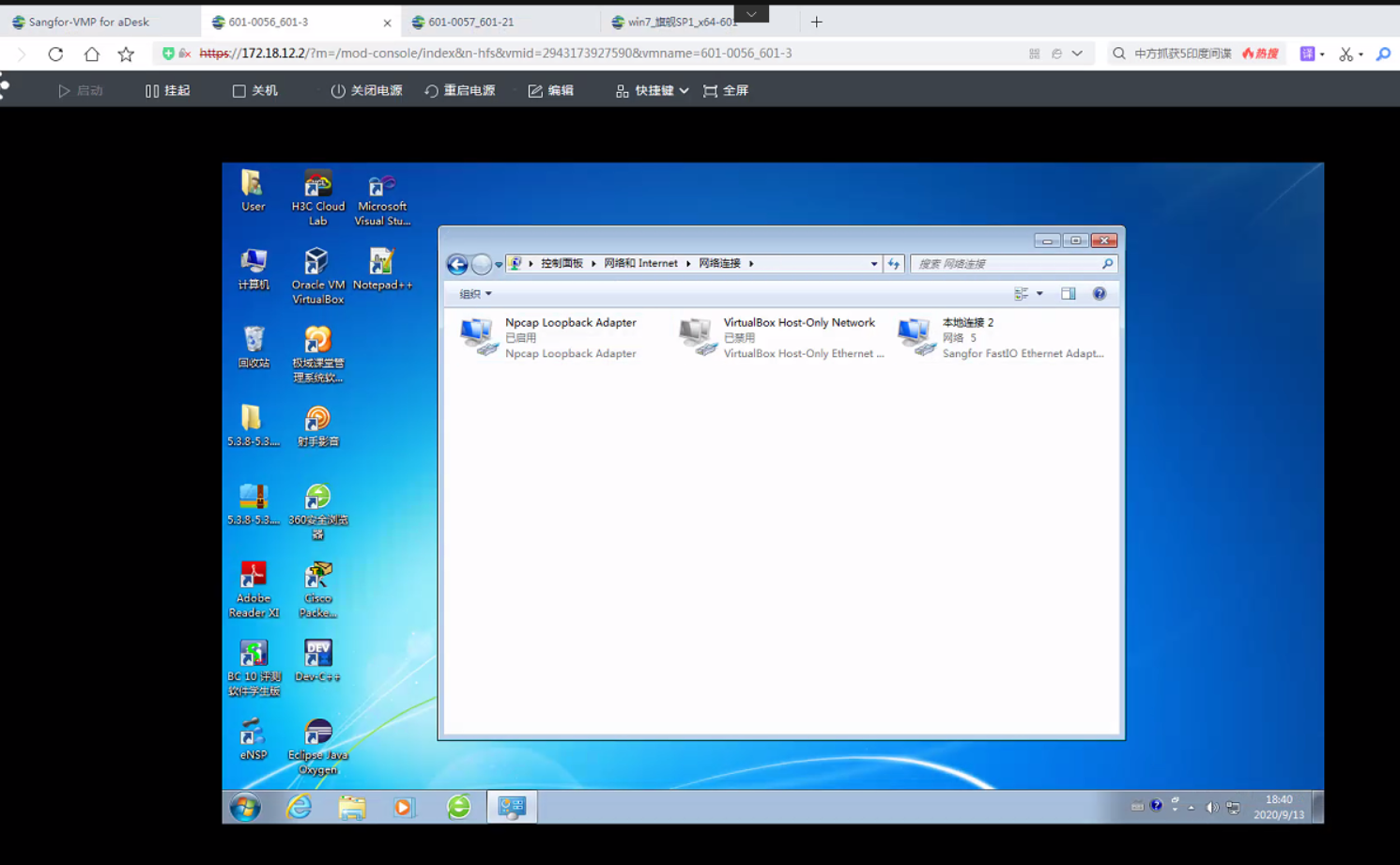
The student computer Install virtualization software such as Virtual Box and VM WORKSTATION, which results in multiple network cards in VM virtual machine, Impacts Connected Connected the Jiyu
solution
Disable the virtual network card, then disable and then enable the network card of the student Enabled
Original Link
https://support.sangfor.com.cn/cases/list?product_id=26&type=1&category_id=11898&isOpen=true