
[adesk] Reset Mon cluster, a vdi User Connected prompts that the total number of platform Licensing has reached the upper limit
Problem Description
A host in the VMP Cluster needs to be restarted due to hardware problems. After Reset, all vdi User cannot Connected
Warning Information
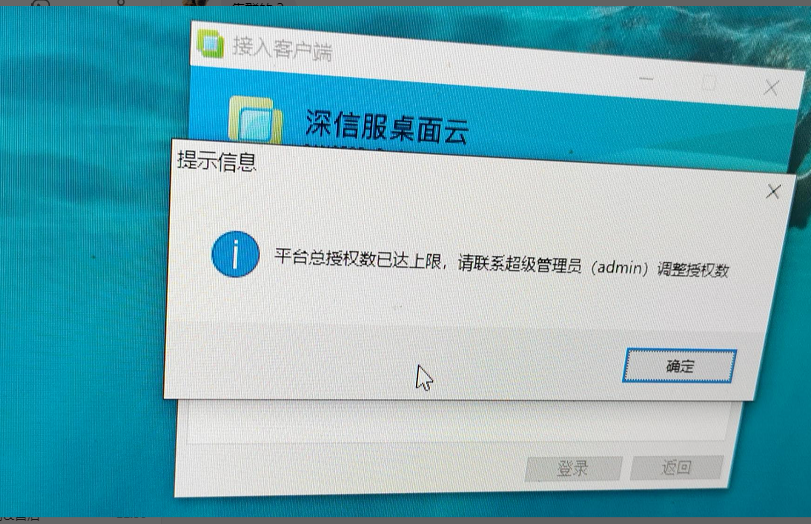
vdi User Log In Tips the total number of platform Licensing has reached the upper limit
Effective troubleshooting steps
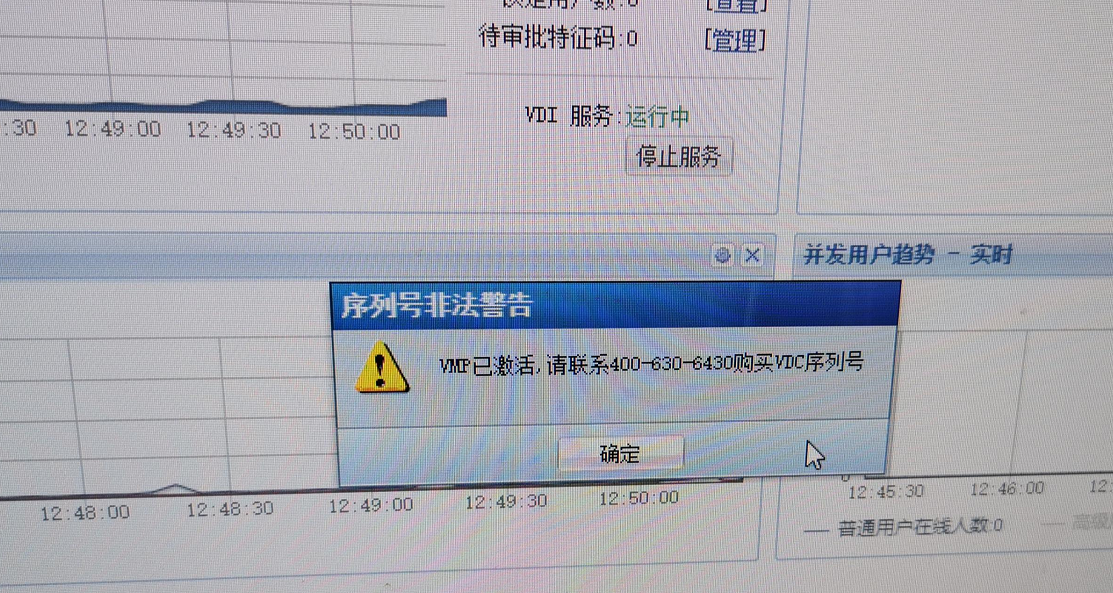
- Log In VDC, you will be Tips VMP Activated. Please contact 400 to purchase the VDC License Key
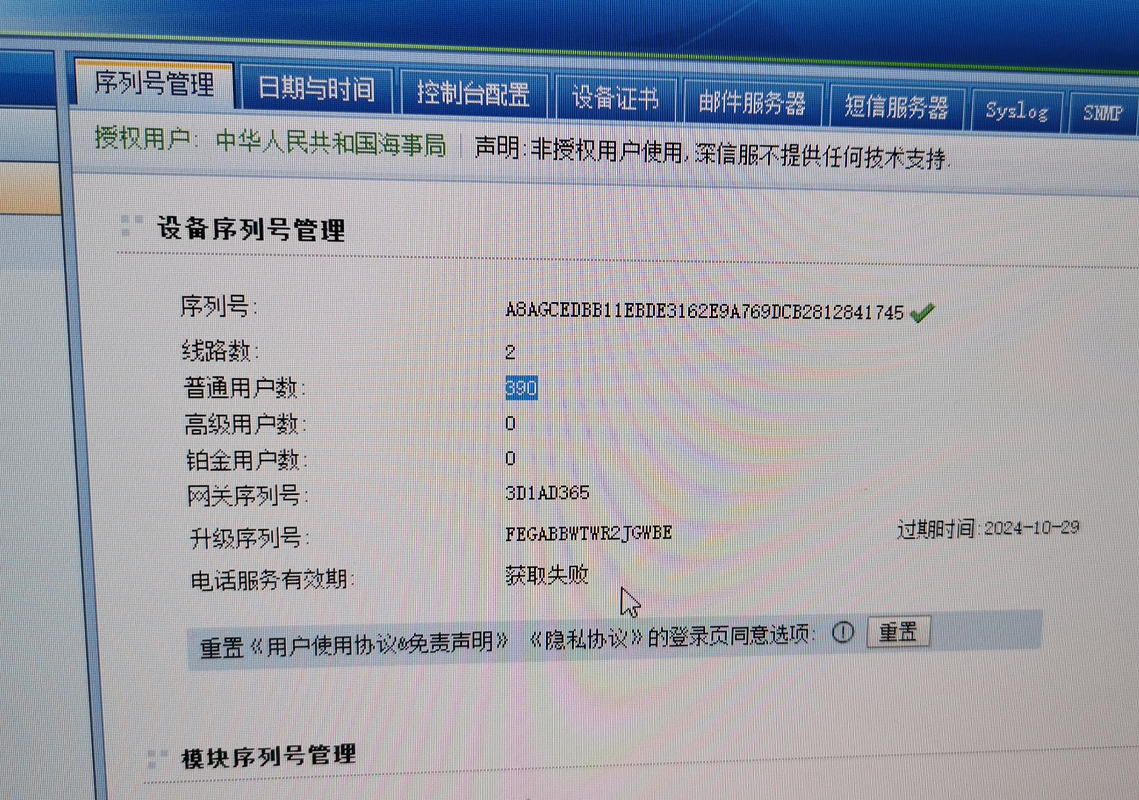
- The VDC Licensing interface Connected, and vdi Online User Connected is displayed as 0
- During Operation VDC Administrator Console Log In operation, you will be forced to log out and return to the VDC Log In admin account and password interface. The corresponding Version is changed to 5.4.9, but the actual Version is 5.4.14. After trying to Log In several times, you will find that the Version the VDC Log In interface will automatically change.
- Auto unlock after VMP console and find that the platform has only Mon Software VDC
- After communicating with the customer, I found that the hardware VDC and software VDC used Software are no longer in use.
- View VDC Edit interface and check the option to automatically Running this VM when the host starts. After the VMP host Reset the VDC, a conflict occurs and the hardware VDC Address.
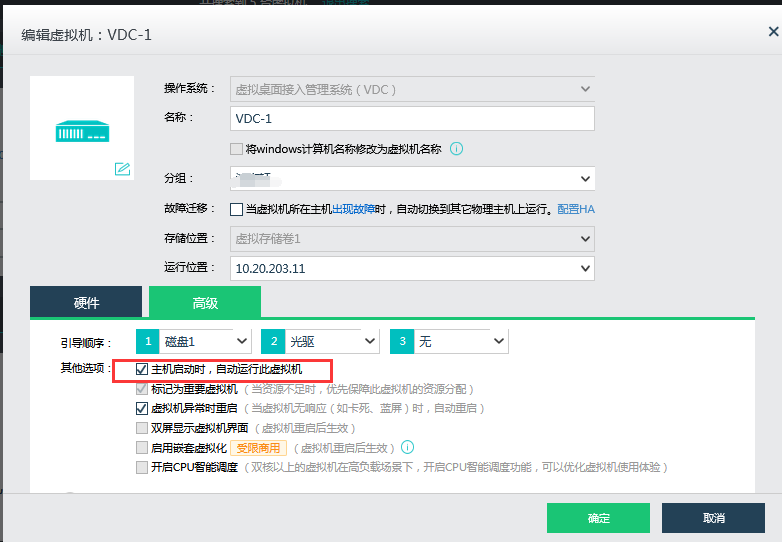
- Close Software VDC, Administrator Console Log In Operation Connected and vdi User Connected.
Root cause
vmp Reset the self-starting Software VDC, and the Software VDC Address conflicts and the hardware VDC Address.
solution
Close Software VDC or Delete unused VDC.
Operation Impact Scope
OK Software is not affected when the software VDC is no longer Impacts
Original Link
https://support.sangfor.com.cn/cases/list?product_id=26&type=1&category_id=12686&isOpen=true