
[adesk] vdi Log In Remote App Resource and Tips the session exits Error
Problem Description
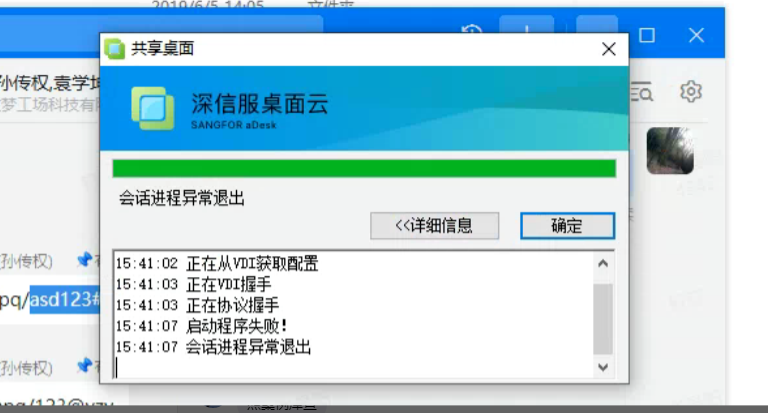
When a customer accesses Remote App Resource Passed vdiTips the session exits ErrorLog Out
Warning Information
Effective troubleshooting steps
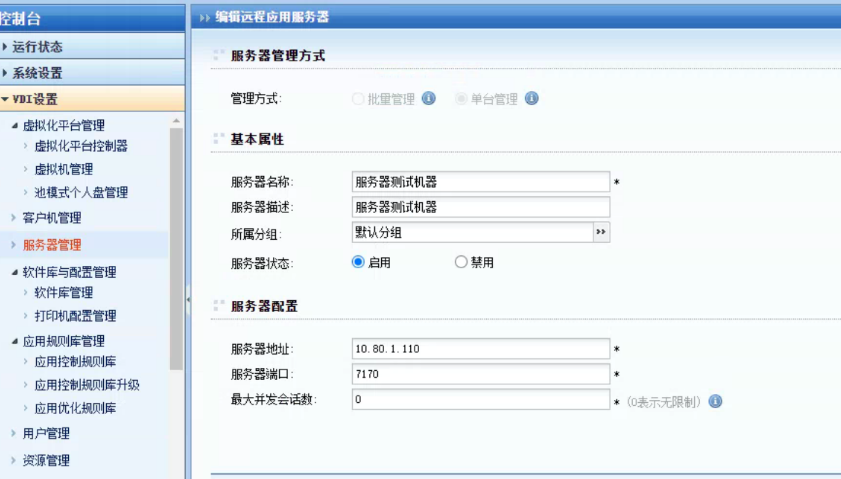
- Remote to the customer environment, the customer has deployed a remote app server, and Test Connectivity connectivity test Connected
- When mstsc is remotely connected to this remote app server Tips RD Licensing is insufficient.
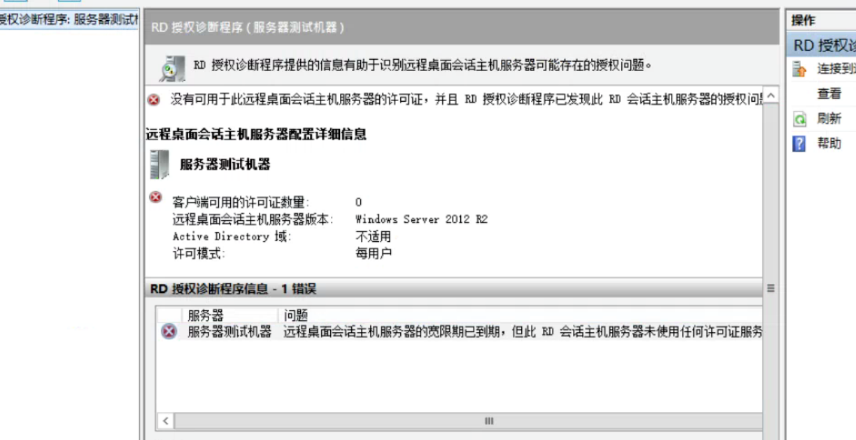
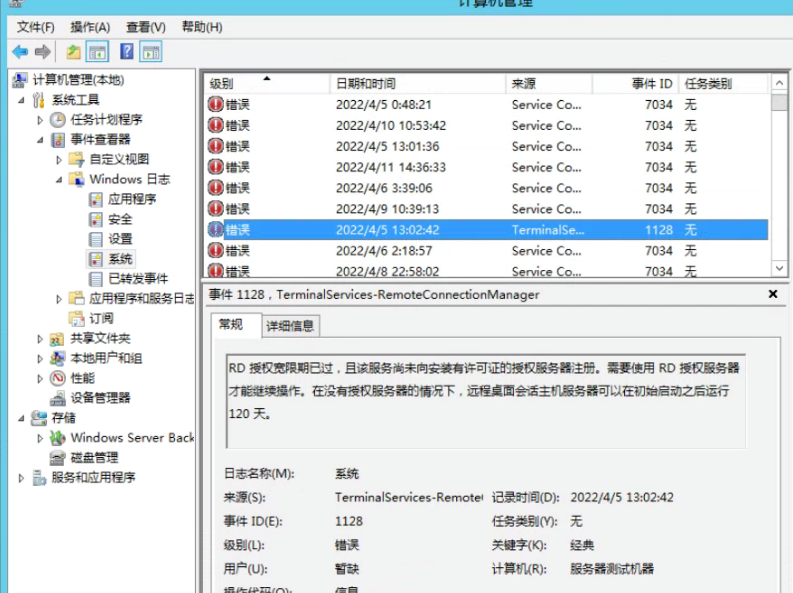
- Open app server—Service Period administration and management —- Click this Service —- Running RD Licensing Diagnosis, and find that there is a problem with Licensing. Open Windows System Logs View and find that the authorization has indeed expired, and the 120-days Licensing has expired.
Root cause
RD120-days trial Licensing expires
solution
Find the RD Licensing License Key, or purchase the genuine Always License Key
Operation Impact Scope
None
Original Link
https://support.sangfor.com.cn/cases/list?product_id=26&type=1&category_id=12318&isOpen=true