
[adesk] vdi Log In VM Tips the session process Process Error
Problem Description
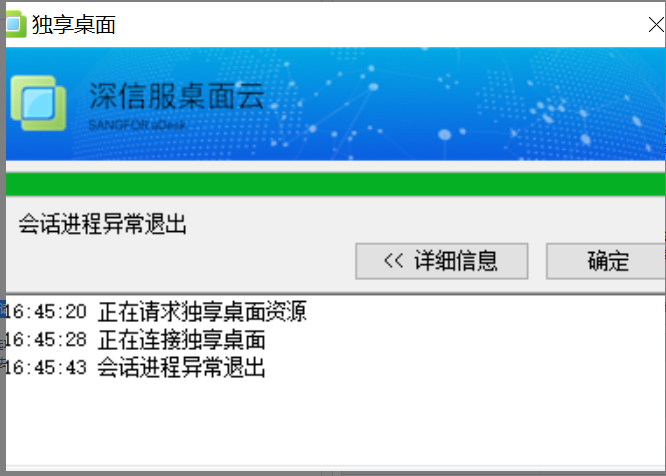
When logging in to the vdi client, the session Process Error Log Out
Warning Information
Effective troubleshooting steps
- Login using the box Connected, and wired Log In is also Connected
- The network in the lower right corner will be disconnected when Log In Off
- The customer uses an external Interface to connect to the notebook
- According to the phenomenon, the notebook's network card is mapped to the VM, resulting in the notebook having no network card and network Error
- Get the PVID of the network card and then add it to the list to Deny mapping
solution
Get the PVID of the network card and then add it to the list to Deny mapping
Suggestions and Conclusion
If the network card used by the customer Yes Predefined network card, some will be mapped in, but there is no pvid, which Description this scenario does not meet the client vdi Connected
Original Link
https://support.sangfor.com.cn/cases/list?product_id=26&type=1&category_id=13714&isOpen=true