
[aDesk vdi] Mode restoring VM in AD domain: after Reset, it Tips User Error
Problem Description
Scenario Mode restoring VM in AD domain: User and password Password Tips after Error
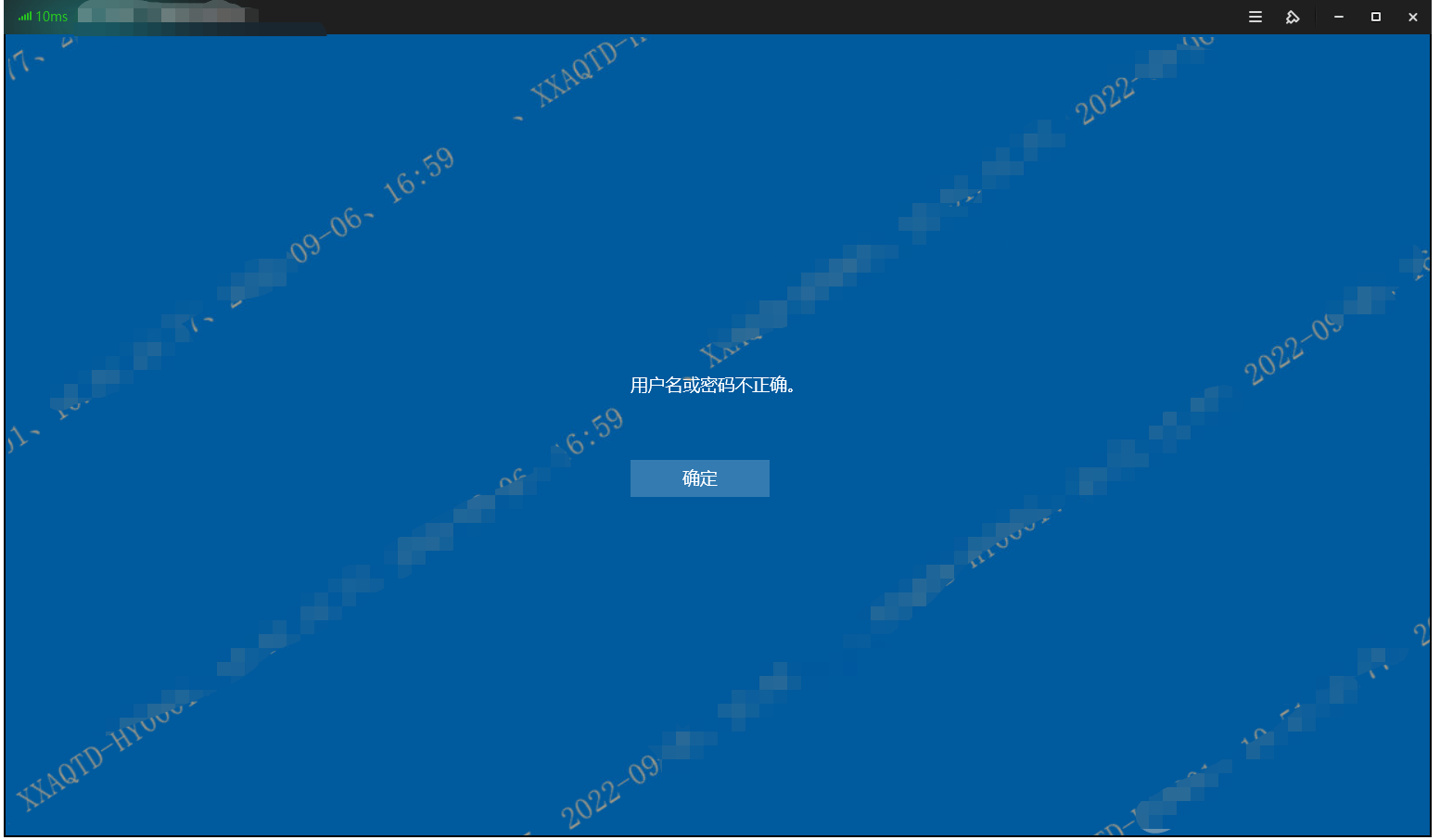
31990632d73262829d.png (192.45 KB)
Warning Information
Scenario Mode restoring VM in AD domain: User and password Password Tips after Error
Process——
Re-examine the process of adding a domain in Mode aDesk vdi restore mode and find that the restore Mode VM Template is not added to the domain

96256632d73332471a.png (26.33 KB)
Root cause
The restore Mode VM Template is not added to the domain
[ 
91276632d7335ac2c4.png (26.33 KB)
solution
The restore Mode VM Template Settings the domain, and the Template DNS is Settings as the address of the AD domain Address

14748632d7339a5868.png (26.33 KB)
Suggestions and Conclusion
The restore Mode VM Template must be added to the domain, otherwise the Reset will Tips User name and Password Error
Original Link
https://support.sangfor.com.cn/cases/list?product_id=26&type=1&category_id=11202&isOpen=true