
[VDI] Failed to expand capacity of VDC virtual machine
Issue Description
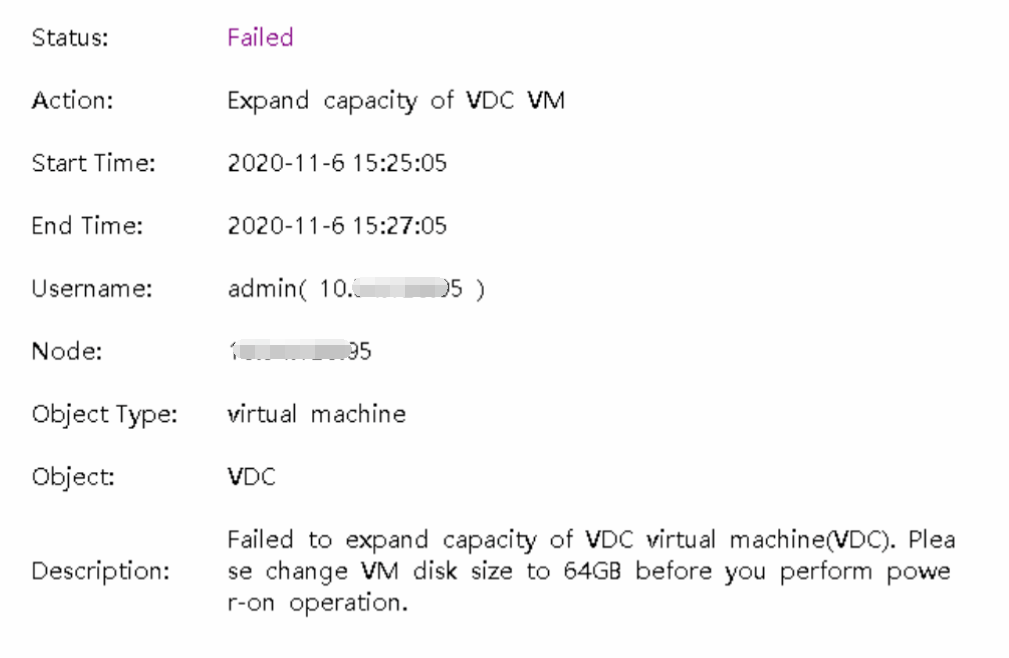
Failed to expand capacity of VDC virtual machine(VDC). Please change VM disk size to 64GB before you perform power-on operation.
Error/Warning Information
Handling Process
- Navigate to the VDC virtual machine directory and run the command to check snapshot information:
qemu-img info vm-disk-X.qcow2

Root Cause
Residual snapshot information exists on the VDC.
Solution
Delete the snapshot information using the following command: qemu-img snapshot -d id vm-disk-X.qcow2

Suggestions
To delete multiple snapshots, use the following command:
for i in $(seq idx idx ); do echo qemu-img snapshot -d $i vm-disk-2.qcow2; done
After confirming with okay, execute:
for i in $(seq idx idx ); do qemu-img snapshot -d $i vm-disk-2.qcow2; done