
[VDI] Remote apps mstsc.exe crash
Issue Description
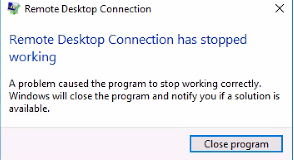
When accessing Remote Desktop Connection (mstsc.exe), the RDP stops working immediately with the error: "Remote Desktop Connection has stopped working".
Error/Warning Information
Handling Process
-
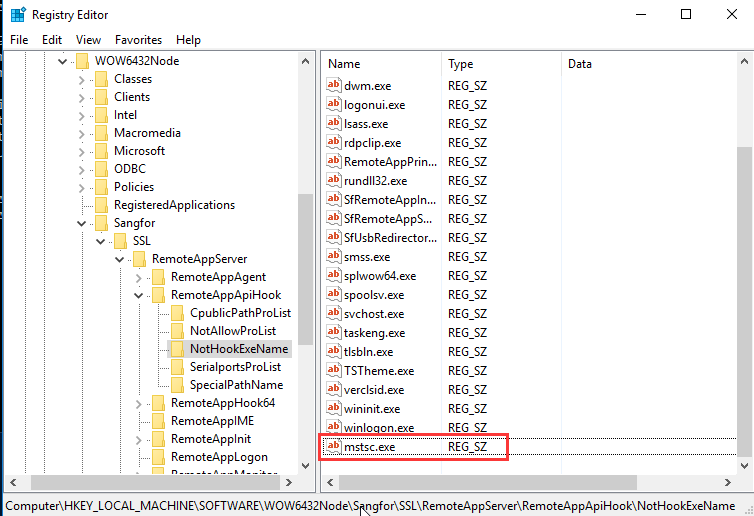
Open regedit.exe and create a new string value named mstsc.exe under the following registry path: HKEY_LOCAL_MACHINE \SOFTWARE \Wow6432Node \Sangfor \SSL \RemoteAppServer \RemoteAppApiHook \NotHookExeName
-
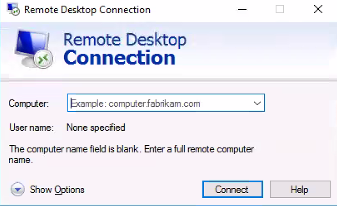
After creating the mstsc.exe under the NotHookExeName path, it will be considered as a whitelist. This will allow mstsc.exe to function properly.
Solution
Create a whitelist for mstsc.exe in the registry to resolve the issue.