[VDC] Remote App Installation Failed
Issue Description
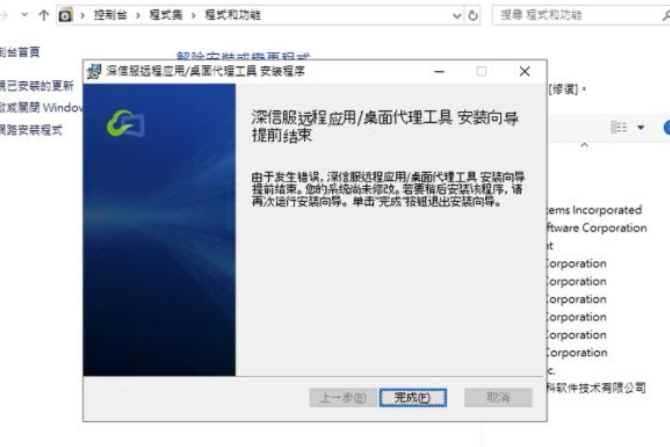
When execute the remote app installer, it failed to install and return the below error.
Error/Warning Information
Handling Process
-
Ensure the computer has sufficient storage space left and the installer package isn’t corrupted.
-
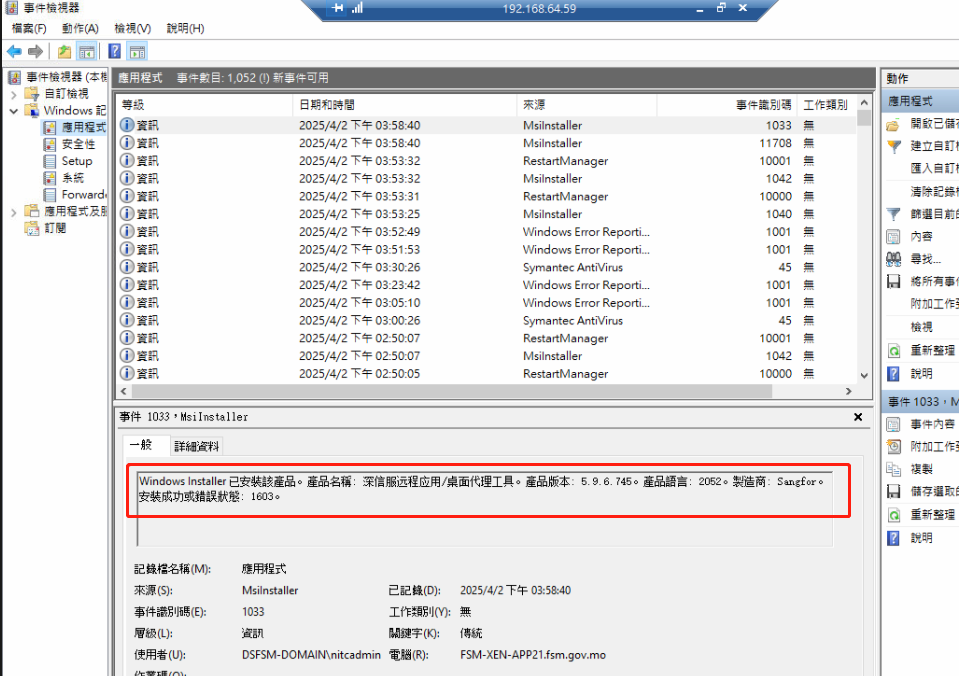
Check the Windows Event Viewer, it prints the below log.
Root Cause
- Due to insufficient user privilege, resulting in installation failure.
Solution
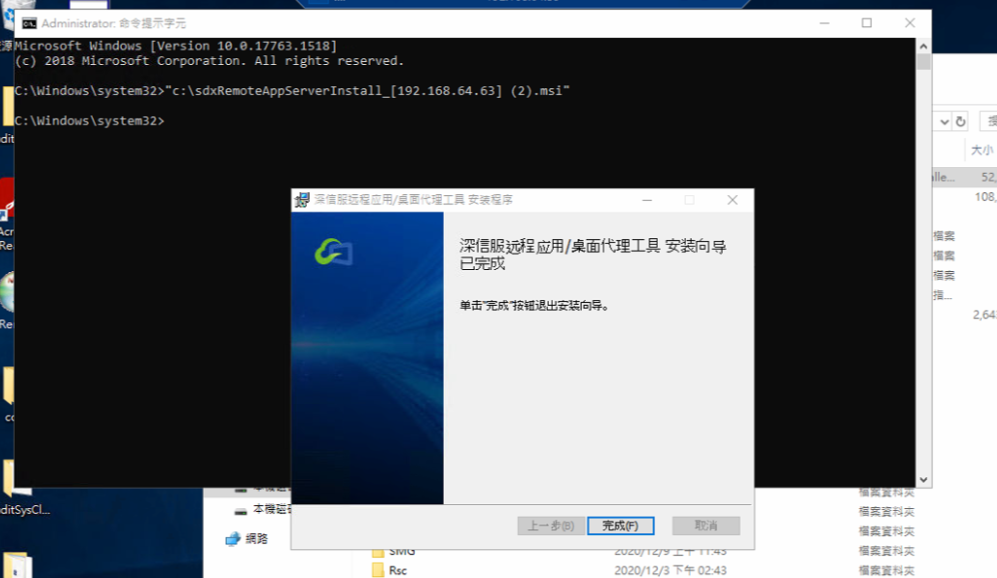
- Execute the installer package using CMD under Administrator.