
[VDI] AD Domain User Cannot See Resources after Role Mapping
Issue Description
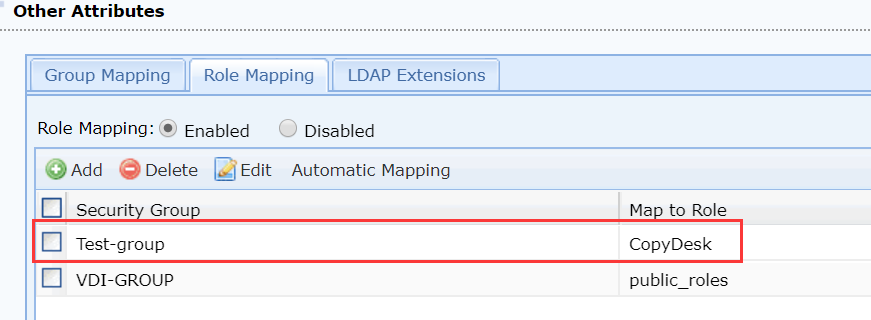
Test-group security group Map to Role CopyDesk. AD domain users cannot see resources after Role Mapping.
Error/Warning Information

Handling Process
- Go to VDI Options > Authentication > LDAP and check that the LDAP mapping configuration is correct.
- Go to VDI Options > Users and found that the AD domain users have been synchronized to VDC.
Root Cause
Synchronization of AD domain users to the VDC causes the role acquisition to fail.
Solution
Delete the AD users that have been synchronized on the VDC, and disable LDAP user automatic import.