
[VDI] Error: Remote Desktop Connection Has Stopped Working
Issue Description
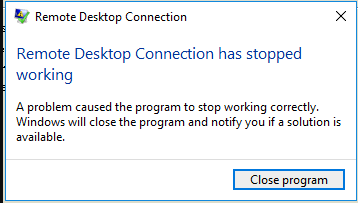
When using mstsc.exe as a remote application on VDI, the application crashes a few seconds after successfully establishing the RDP connection.
Error/Warning Information
Handling Process
- Log in to the Remote App Server and check the Windows Event Viewer logs.
- An mstsc.exe error was found in the Application logs as follows: ‘Error code: 0x0000409 , module : ntdll.dll’
Root Cause
The issue is caused by a printer driver. When the affected printers are redirected as part of the RDP session, the session crashes unexpectedly.
Solution
- The long-term solution is to apply all missing updates and upgrade to the latest build.
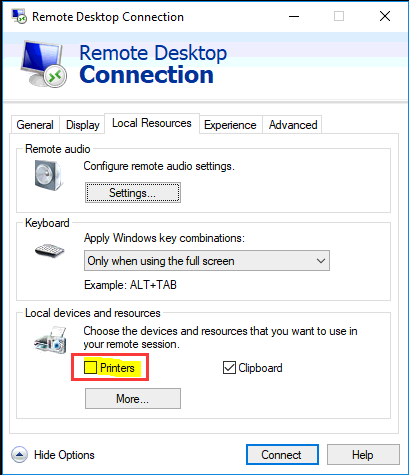
- The short-term solution is to disable printer redirection as part of the RDP connection profile.
Suggestion
Note: This issue is known to occur only on certain versions of Windows.