
[VDI] Failed to Initialize Virtual Storage due to Insufficient Authorization
Issue Description
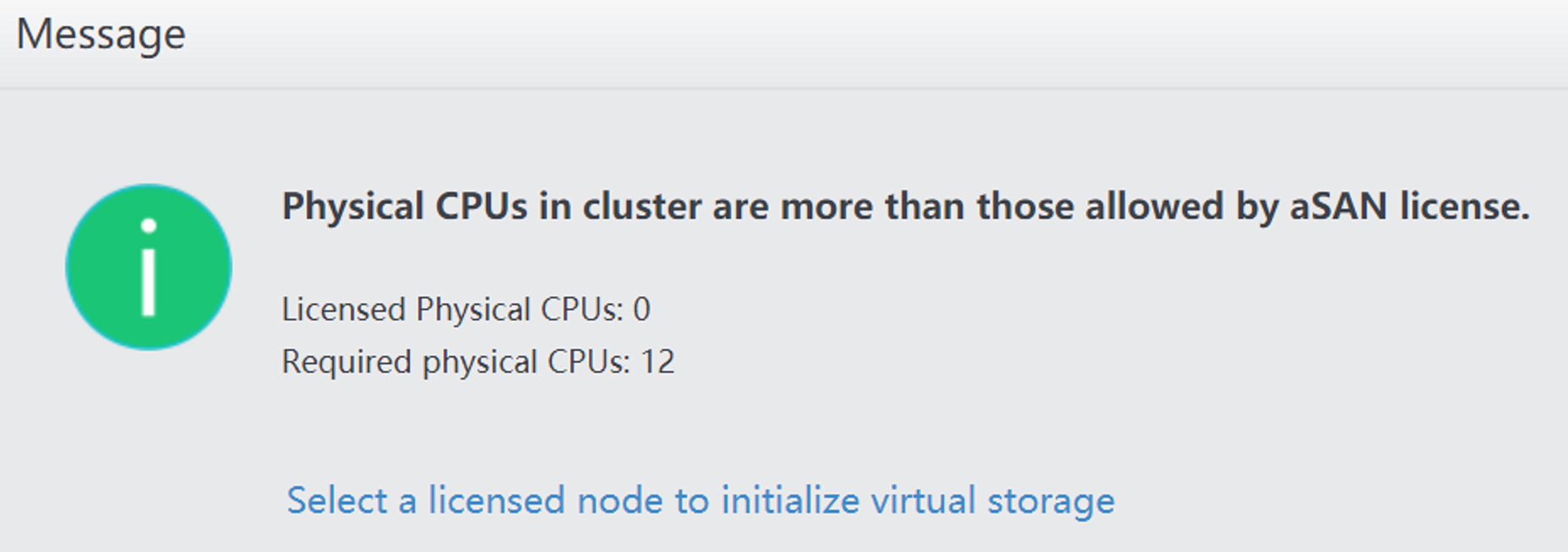
Failed to initialize virtual storage due to insufficient authorization. The VMP prompts out error message "Physical CPUs in cluster are more than those allowed by aSAN license."
Error/Warning Information
Handling Process
- Confirm with the customer that the server hardware belongs to the SANGFOR VDS server.
- Use the command vs_sn -f to check the host’s signature status. The following figure means that the signature of the host is lost. (If it returns OK, the signature is normal.)

Root Cause
The VDS server does not require virtual storage authorization; however, the host signature is lost, indicating that the VMP system does not recognize this hardware as a VDS server. Therefore, the VMP system requires a physical CPU license.
Solution
Please contact VDI Specialist to sign the host.
Suggestions
Non-VDS servers need to apply for a new virtual storage authorization.