
[VDI] Failed to Power On vGPU VM
Issue Description
Failed to power on vGPU VM
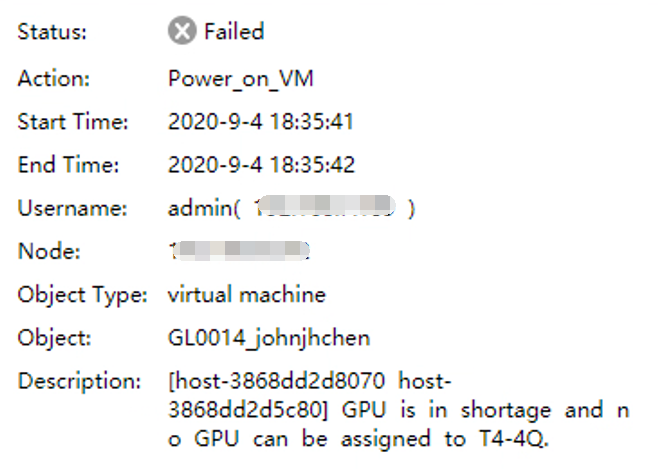
Error Description: GPU is in shortage and no GPU can be assigned to T4-4Q.
Error/Warning Information
Handling Process
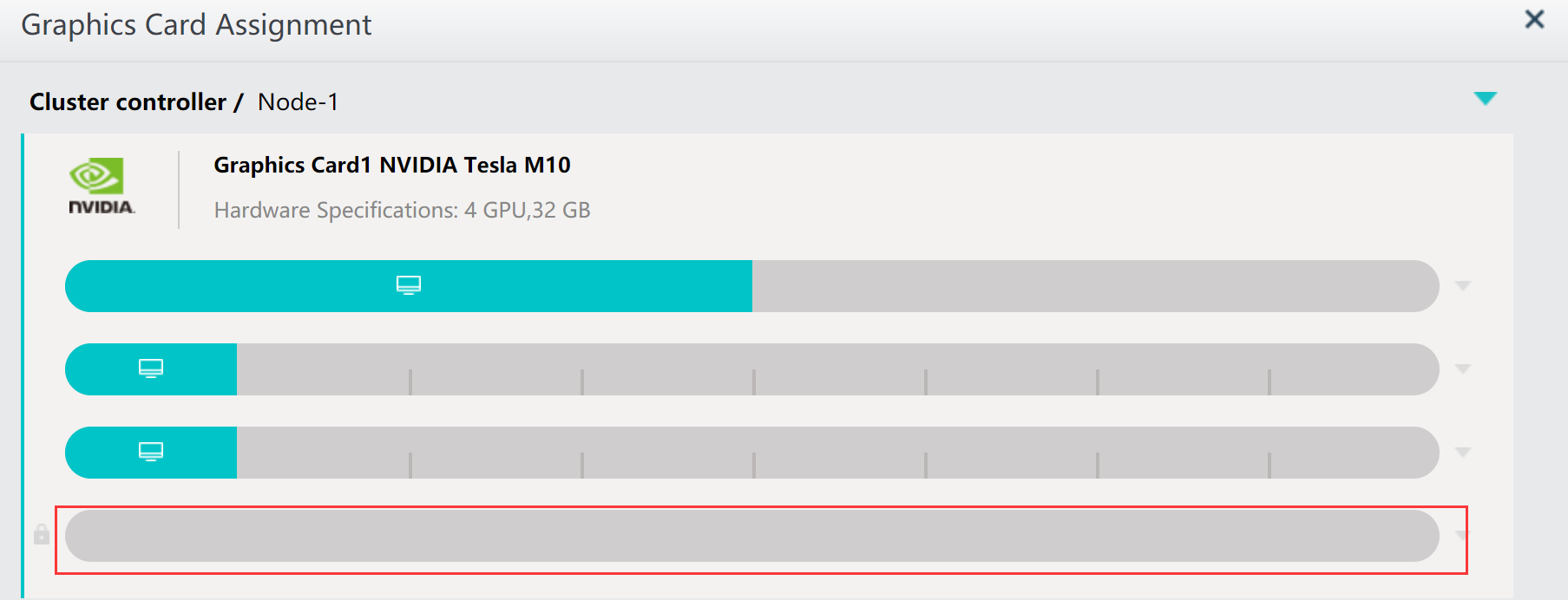
- Go to Node > Graphics Card Assignment and check the Graphics Card status. You should see an idle graphics core.
- Go to the VMP backend and check the vGPU status.
Example Command:cat /sf/cfg/host-**_vgpu_load_file.json

Root Cause
The vGPU resources cannot be released in time after being occupied.
Solution
Run command (This command will not affect business): /sf/debug/vgpu_load_rebuild.pl