
[VDI] Failed to Shrink Volumes on Windows Disk Management
Issue Description
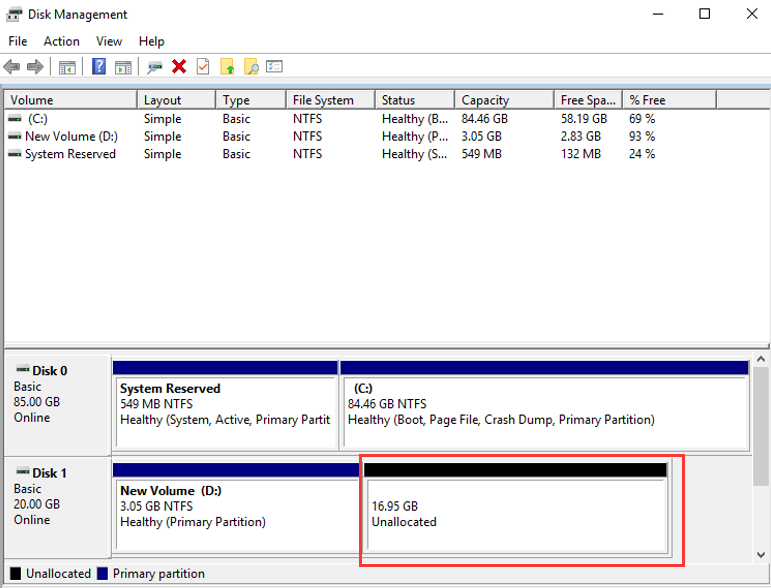
When performing "shrink volume" on Disk Management to create new partitions, an error message is prompted.
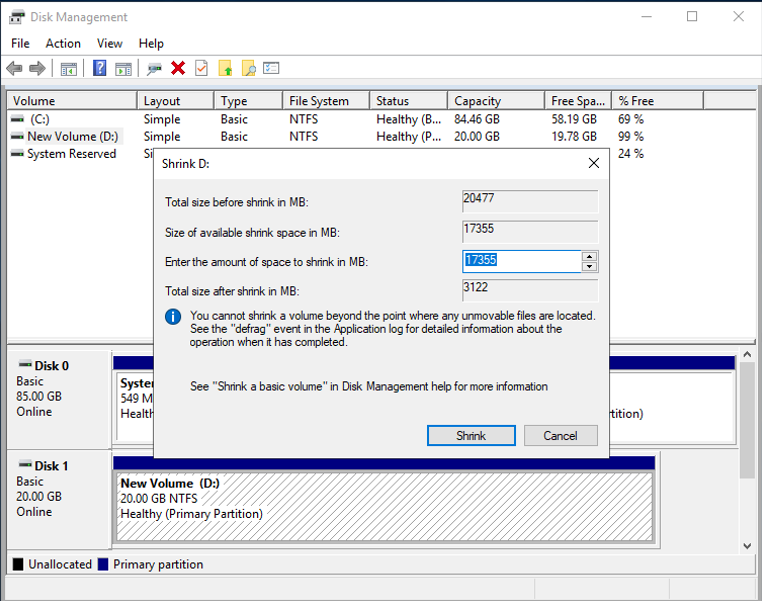
Error/Warning Information
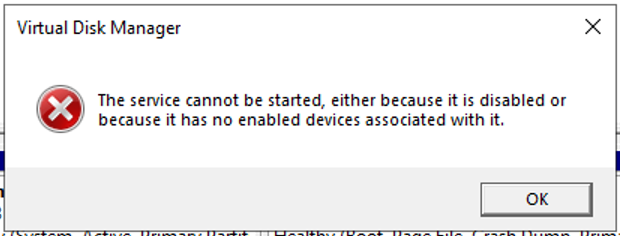
Handling Process
- Try to enable the Virtual Desktop Manager from services.msc but there is no effect.
- Suspect that something is preventing the service from starting up.
- Check for any installed antivirus program.
- Force start the service manually using Windows Command Prompt with Administrator privilege.
Root Cause
Windows failed to start Virtual Disk Manager service.
Solution
- Open Command Prompt with Administrator privilege.
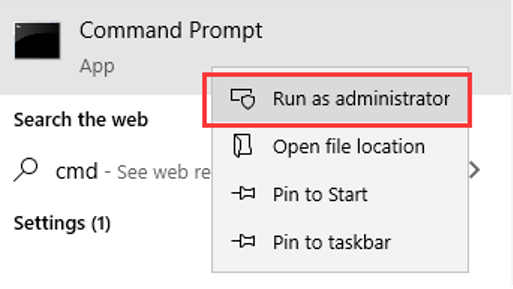
- Enter command:
sc config defragsvc start= demand
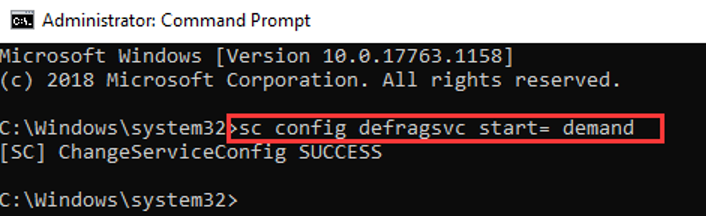
- Now "shrink volume" can be performed normally.
Suggestions
Reference: https://superuser.com/questions/279089/disk-management-problem-the-service-cannot-be-started