
[VDI] VMP Activate USB Key Failed Due to KeyID being Blacklisted
Issue Description
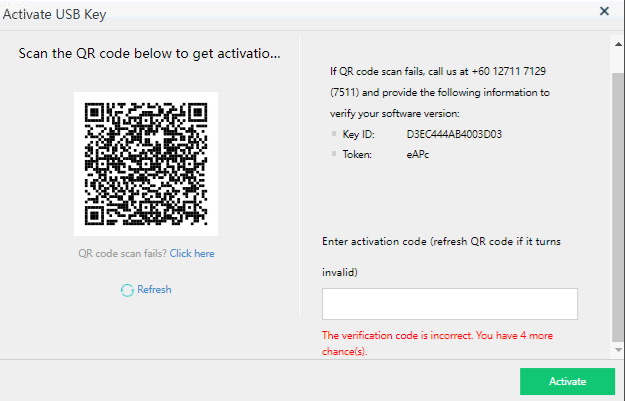
When the user activates the VMP new USB key, after scanning the QR code, it prompt "the Key ID has been added to the blacklist" and cause activates fail.
Error/Warning Information

Handling Process
-
According to the error prompts, the QR server is abnormal.
-
Go to VMP backend and manually by pass the USB activation.
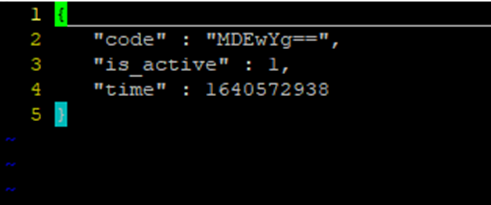
"vim /cfs/key_code/&key_id"

-
Modify the "is_active" from 0 to 1.
Before:

After:
-
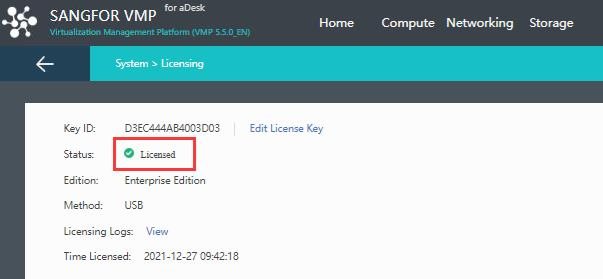
Save the file and refresh the licensing page, now the status is becoming Licensed.
Root Cause
QR server abnormal.
Solution
Backend manually activate the USB key.