
[VDI] VMP Configured Email Alert But Failed To Send A Testing Email
Issue Description
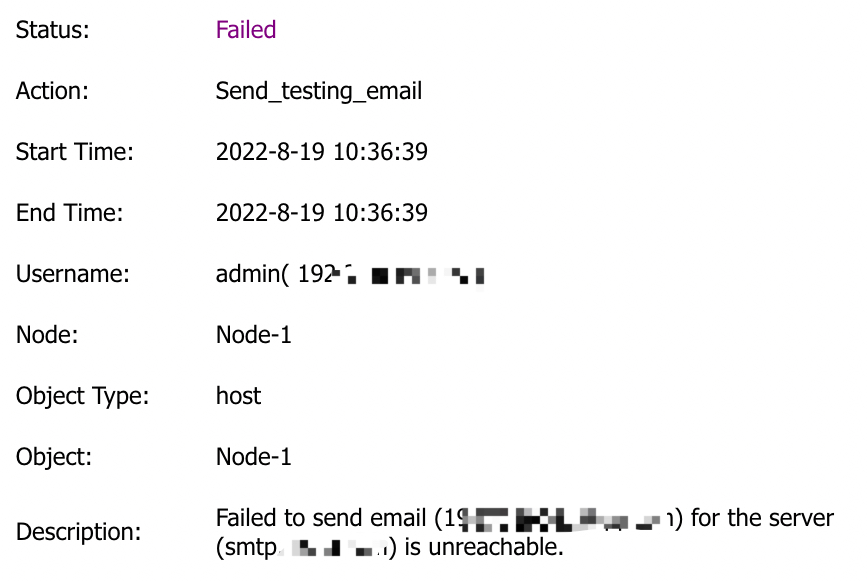
Configured SMTP server on VMP and failed to send test email.
Error/Warning Information
Handling Process
- Access the VMP backend and ping the SMTP server.
- Access VMP backend and telnet the SMTP server port.
- Perform packet capture on the management interface of the VMP master node.
- Google the error code 421, it is due to ‘The mail server host cannot provide normal service’.
- The user checked the mail server and found that he forgot to add the cluster and host IP as the sender address, and it was normal after adding
Root Cause
The cluster and host IP are not added to the mail server and the mail sender.
Solution
Add the sender IP address (cluster IP and host IP) on the mail server as the sender.