
[VMP] After Version upgrade, VDC Administrator Console Log In is automatically logged out, and Version Auto unlock after changing
Problem Description
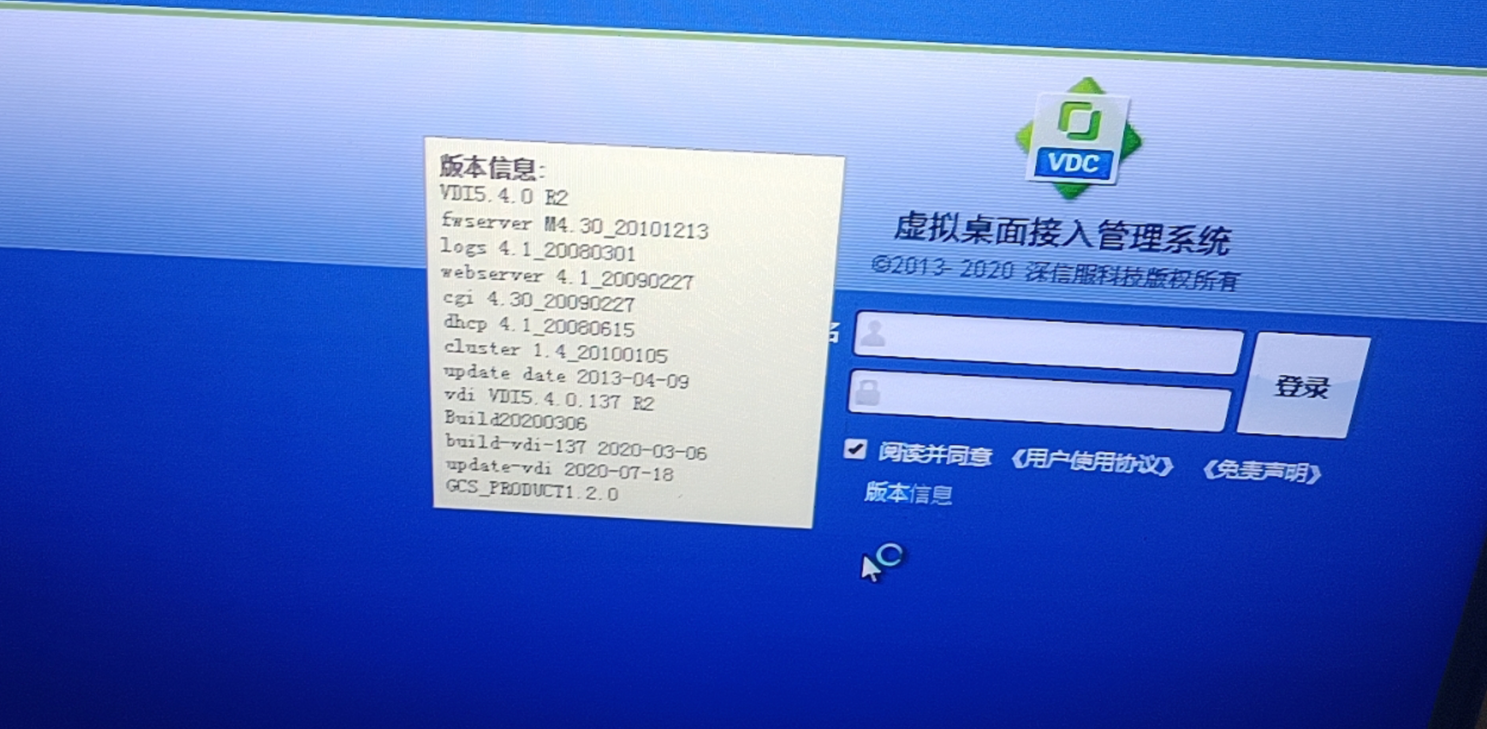
Version 540R2, and the upgrade target Version 545R3. In the two hardware VDC scenarios, Successful, the VDC Administrator Console of the Real server will automatically log out after 30 seconds of logging in, and the Version Details will automatically change, repeatedly jumping Auto unlock after the new Version and the old Version.
Effective troubleshooting steps
- Check that the two hardware VDC upgrades Successful None errors.
- Check that the VDC Cluster Status Connected and Dispatcher and Real server ConnectedOnline
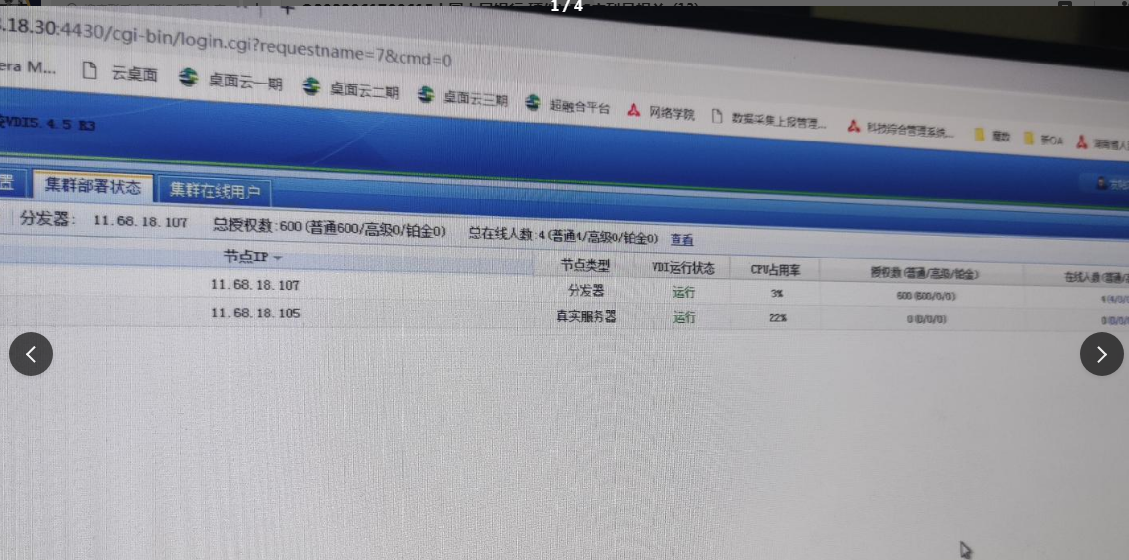
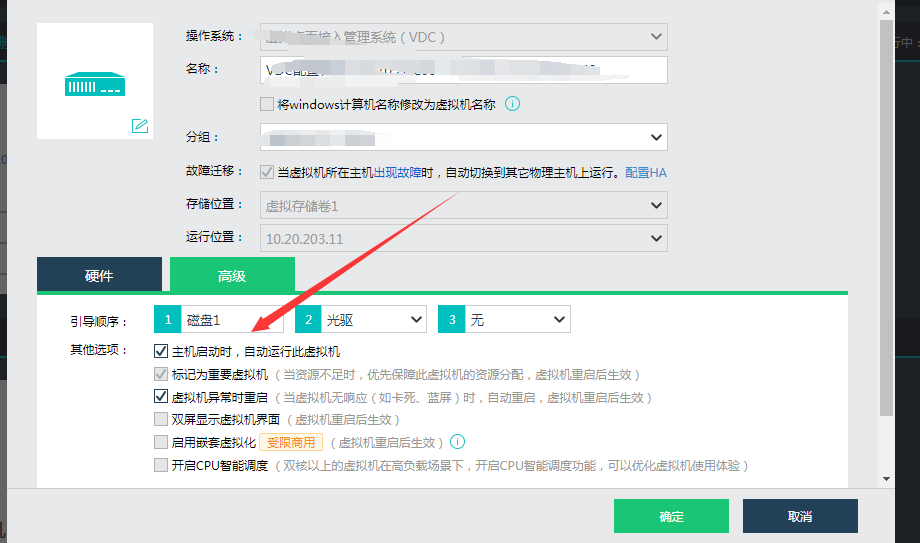
- Two hardware VDCs were added to manage Wed VMP Cluster. After checking the VMP Cluster environment, it was found that after the VMP upgrade, a Software VDC had the power-on auto-start option checked. The Address VDC with the existing hardware VDC device, causing an Error. After Close Software VDC, the two hardware VDCs Restore Connected
Root cause
, VMP upgrade, the Software VDC option to automatically start upon power-on conflicts AND the hardware VDC ip.
solution
Close the Software VDC that conflicts AND Real server.
Operation Impact Scope
Change Time Operation and ensure that Software VDC is Close OR changed when it is not in useAddress
Original Link
https://support.sangfor.com.cn/cases/list?product_id=26&type=1&category_id=12701&isOpen=true