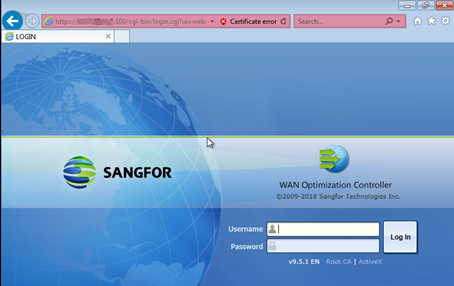
【WANO】PC Unable To Access Gateway-Mode WANO By Using Public IP
Issue Description
PC unable to acccess to Gateway-mode deployment WANO by using Public IP.
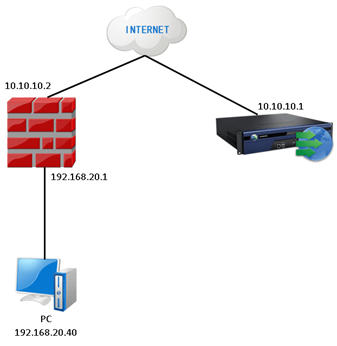
Below is an example network topology:
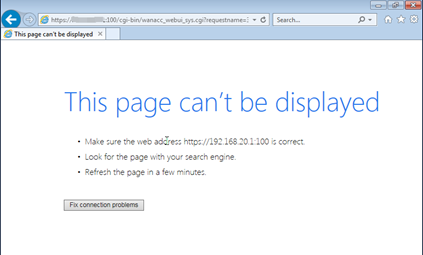
After done all the configuration and try to access, it displays “This page can’t be displayed”.
Below is the screenshot:
Handling Process
Check the setting of the remote maintenance.
Root Cause
This issues happen is because [Remote Maintenance] did not enable.
Solution
Need to enable the [Enable remote maintenance] in WANO and click [Save and Apply]
Path: System > System > Advanced
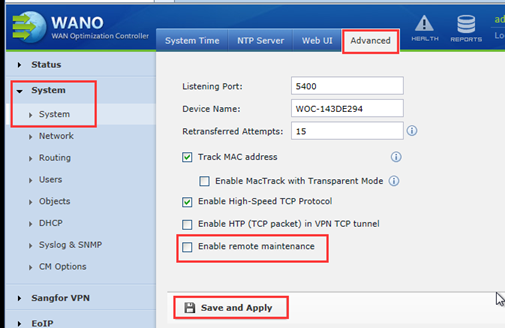
After enable the [Remote Maintenance], PC able to access by using Public IP.