【WANO】SNAT Failure: The Configured Source IP Address Segment Does Not Match
Issue Description
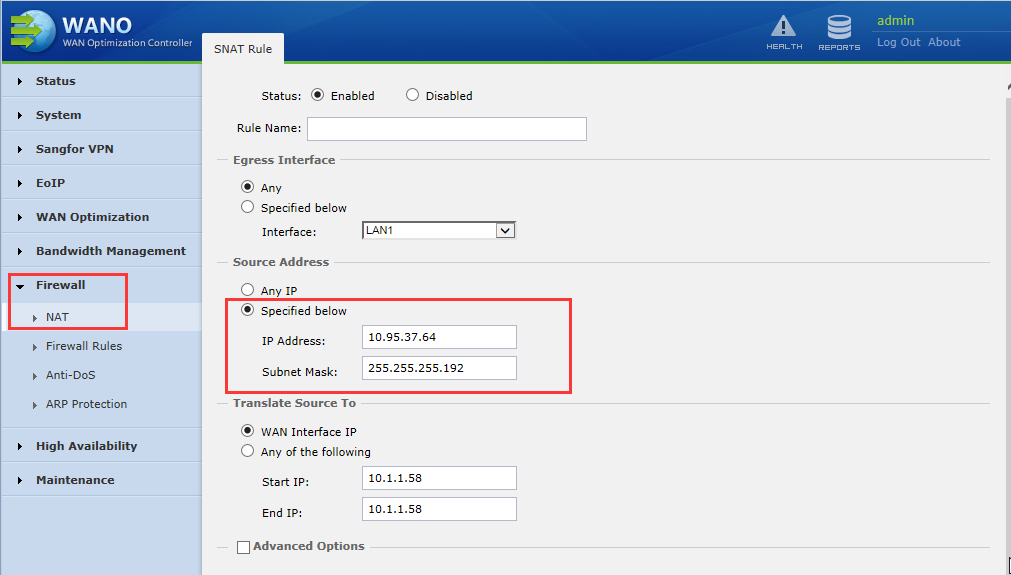
The HQ of the WANO device is deployed as gateway mode. The HQ network unable to receive return packet of the branch network segment to the HQ WANO device, and required to configure the SNAT on the HQ WANO and access the internal network server with the IP address of LAN. After the configuration, the PC at the branch side still fails to ping the HQ internal network server.
Path:Firewall > NAT
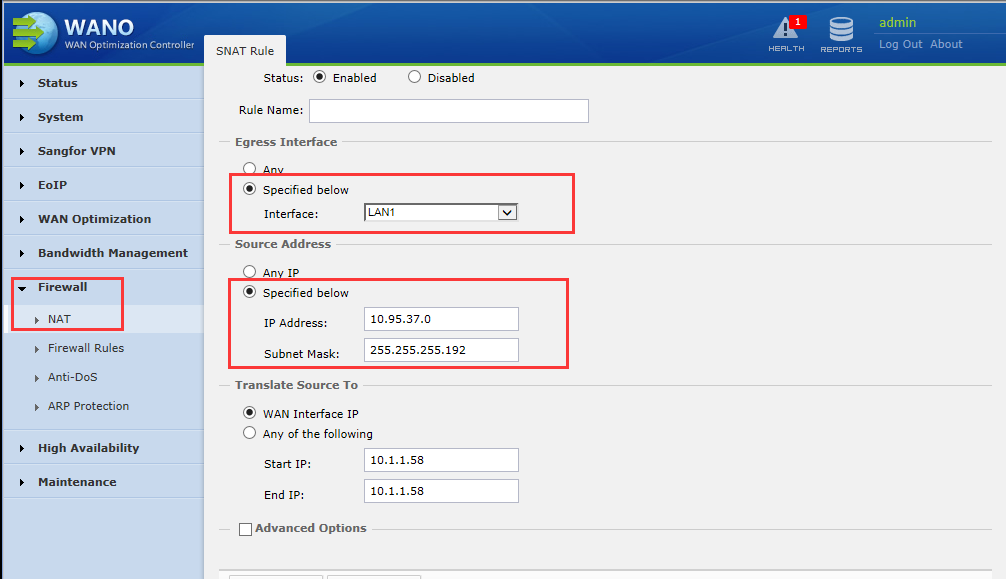
Path: Maintenance > Web Console
Handling Process
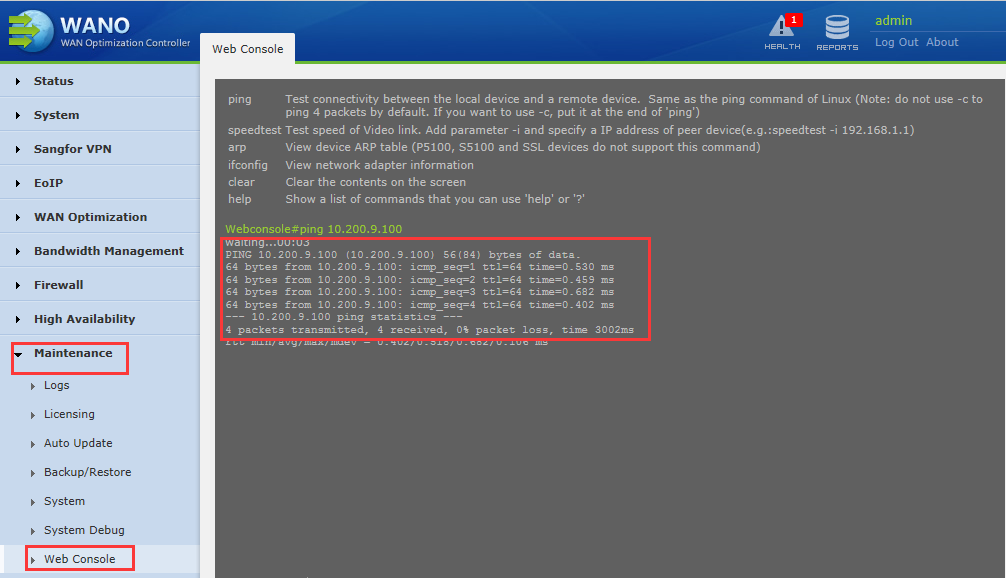
- Check the Ip range of the configured source IP segment for SNAT.
- Make necessary changes on the IP segment which configured wrongly.
Root Cause
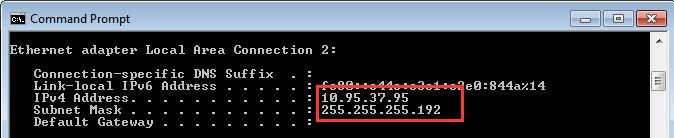
The configured source IP network segment does not contain the source IP address accessed by the branch. The configured source IP network segment is 10.95.307.0/255.255.255.192, and the host address range is 10.95.37.1-10.95.37.62.
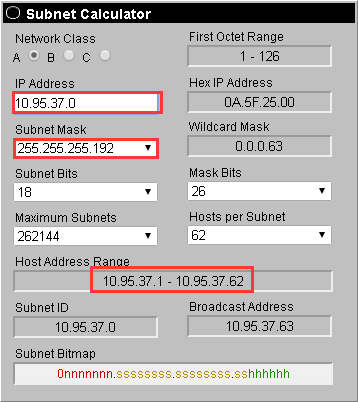
The IP address visited by the branch is 10.95.37.95/255.255.255.192, and the range of the host is 10.95.37.65-10.95.37.126

Solution
In HQ WANO device changes the source network segment to the IP network segment that meets the intranet of the branch. The configuration is as follows:
Path:Firewall > NAT