
【NGAF】Web UI’s domain is blocked
Issue Description
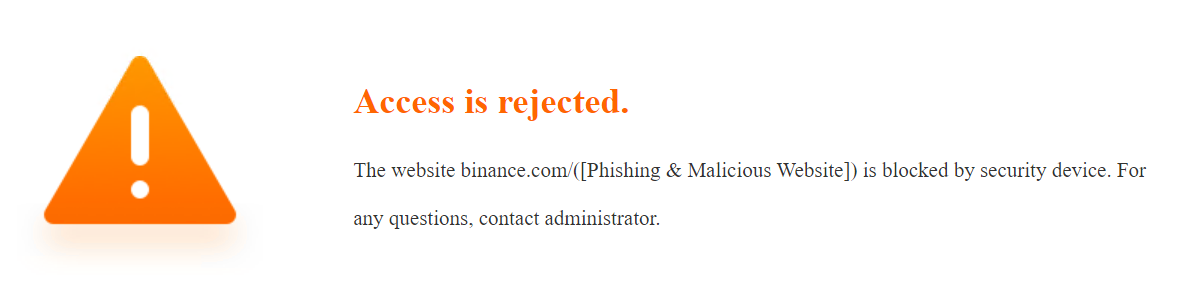
The domain used for the NGAF web console is blocked.
Error/Warning Information
Handling Process
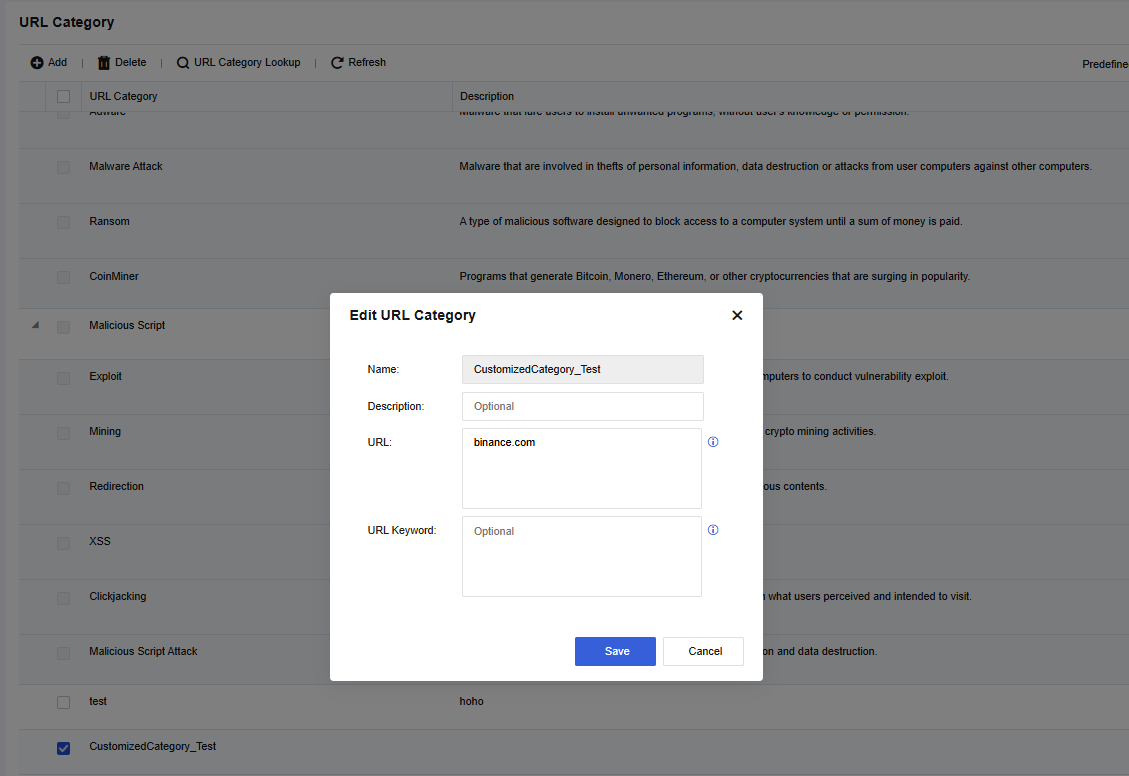
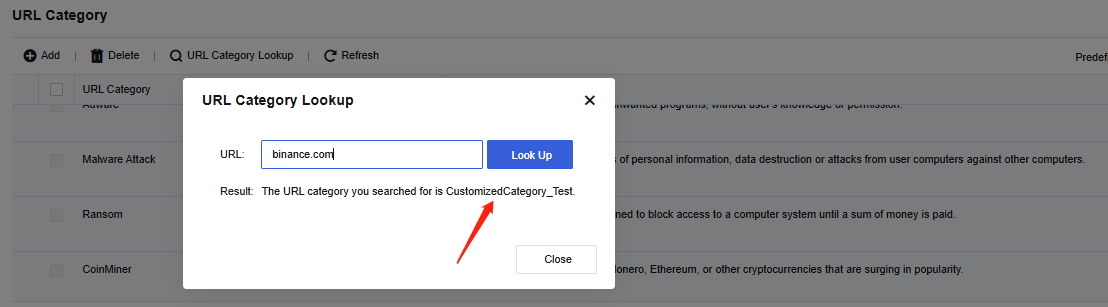
- The custom URL is configured and the lookup result is categorized under the custom category.
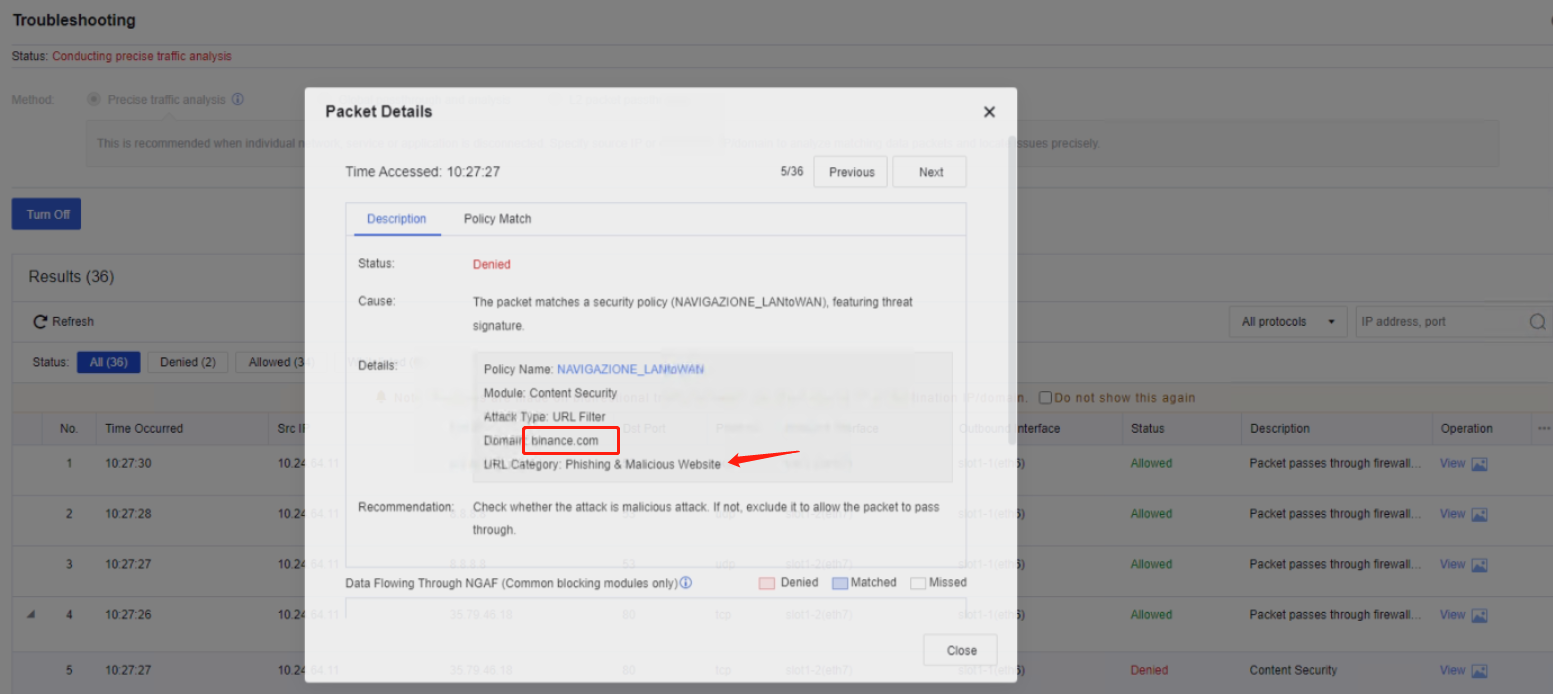
- Blocking logs were found in the troubleshooting and security logs which under URL category "Phishing and Malicious" even though the custom URL was removed from the network security policy with "deny" action.
Root Cause
Even though the custom URL was created, a network security policy must still be configured with "allow" action. Otherwise, the traffic will be categorized under the default category "Phishing and Malicious".
Solution
To whitelist the URL, create a new content security template that includes the custom URL. Then, configure a new network security policy by applying the new template and placing it at the top.
Impact scope for taken action
No impact
Suggestion/Conclusion
It is system design mechanism. Configure a new security policy with "allow" action for the domain and place it at the top.